All-in-one Vegetable
Garden Planner
Organize your space to make planting easier
For Windows 11, 10, 8, 7


How to Design a Garden Layout with GardenBox 3D?
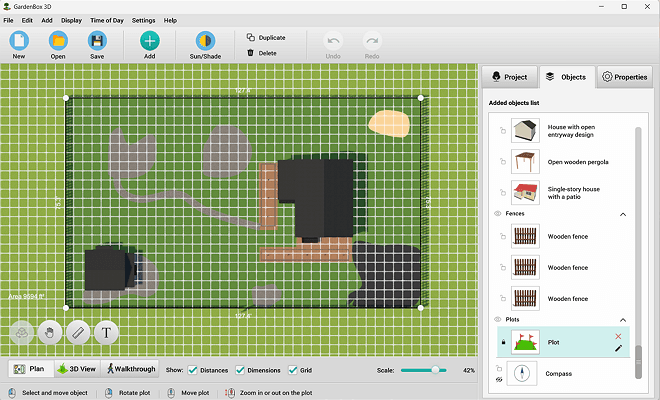
Want to plan a garden or reorganize the current plot to optimize your crops? With GardenBox 3D, you can easily arrange the irrigation, plan shadows and sunlight, and create a garden tailored to your local climate. It takes just a few minutes to make your dream yard – just follow these simple steps:
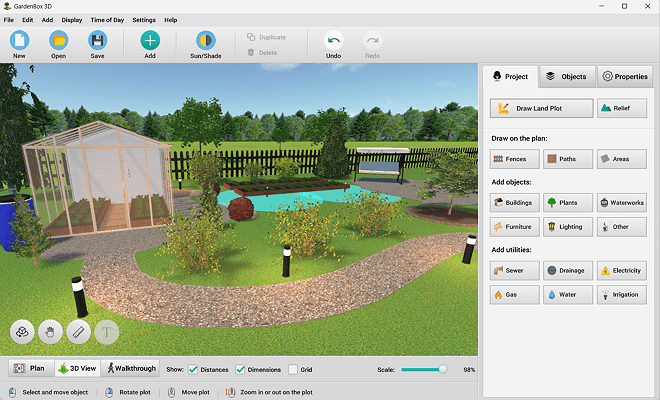
Explore 500+ Furnishing Items
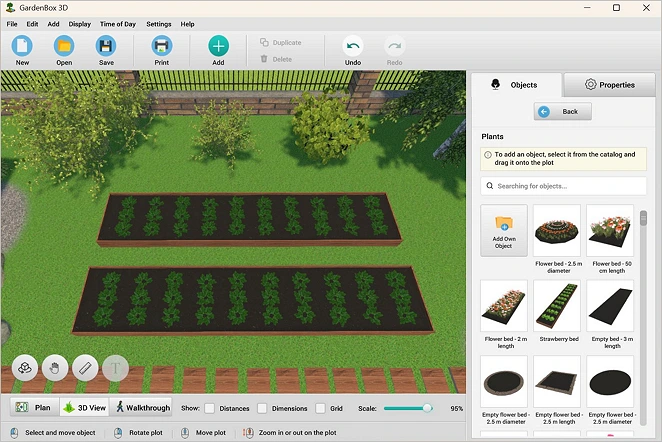
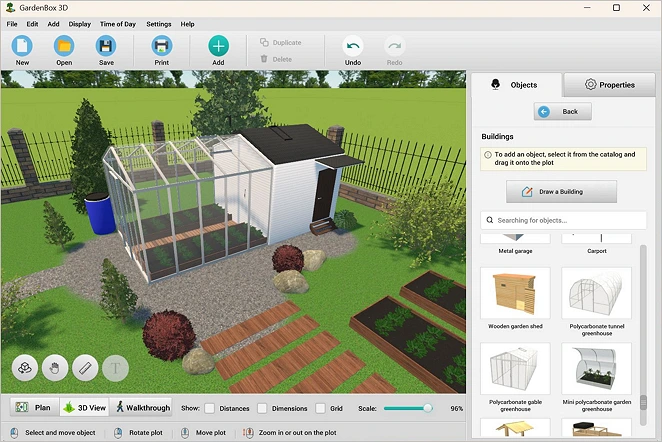
In addition to planting and crop rotation, you can organize other essential details of your outdoor area. Make your project complete with a wide variety of customizable constructions, furniture, and decorative objects. If you grow plants indoors, you can transplant them to your patio for a cozy atmosphere – the catalog offers a range of potted plants.
GardenBox 3D doesn’t require powerful hardware and using it is a walk in a park. This is a drag-and-drop program suitable for amateur and seasonal gardeners alike.

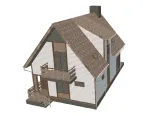
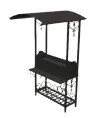

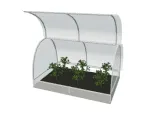
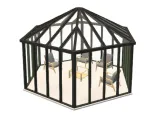
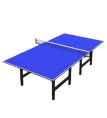
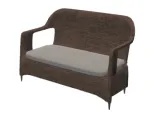
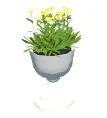


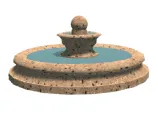
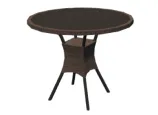
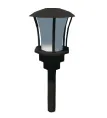
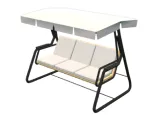
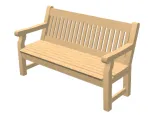

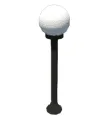
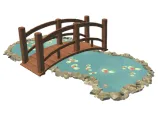
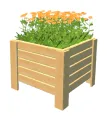
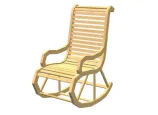
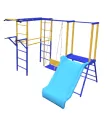
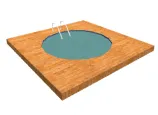
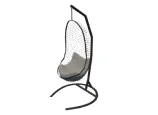
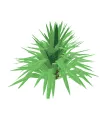
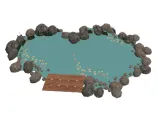
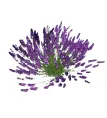
scroll through the landscape
design items
For Windows 11, 10, 8, 7
Experiment with Garden Design Ideas
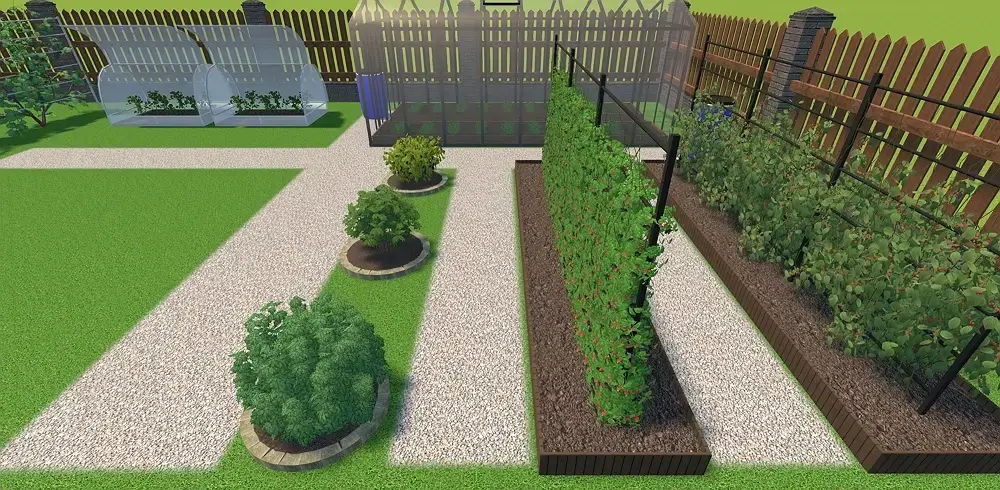
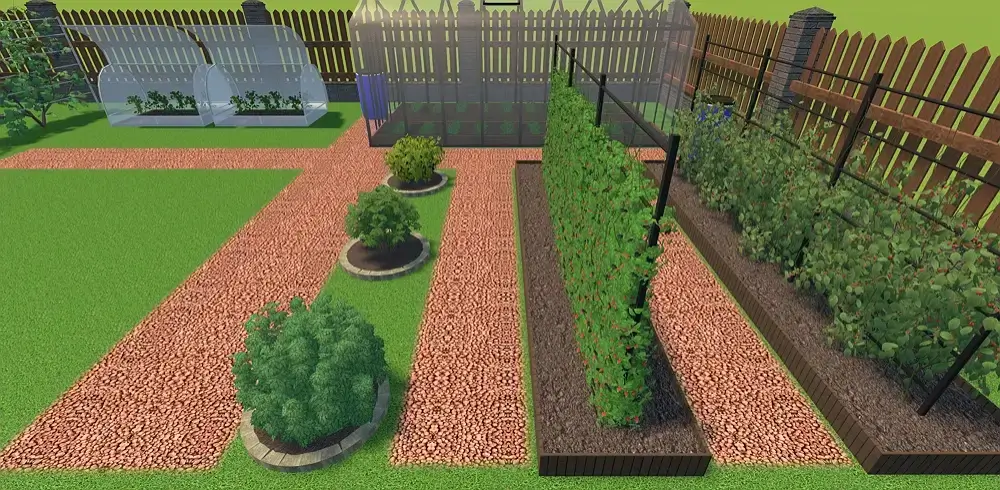
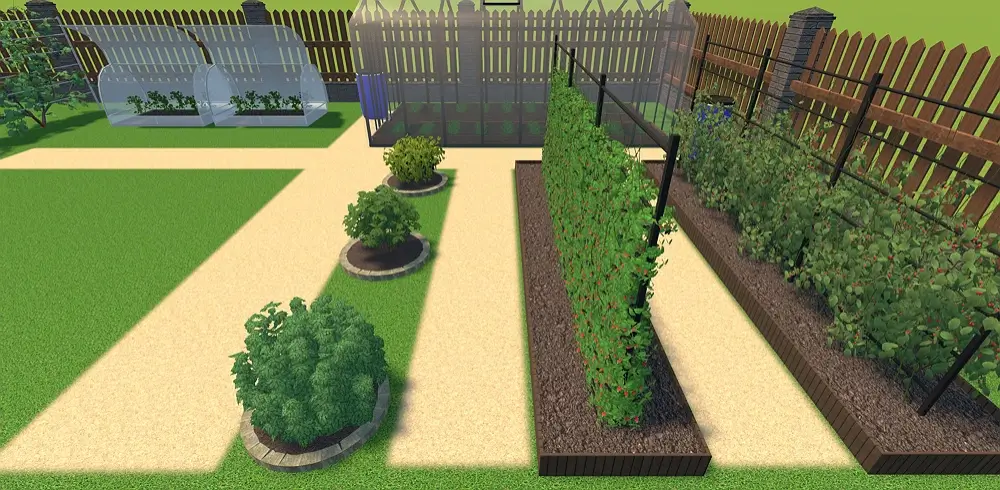
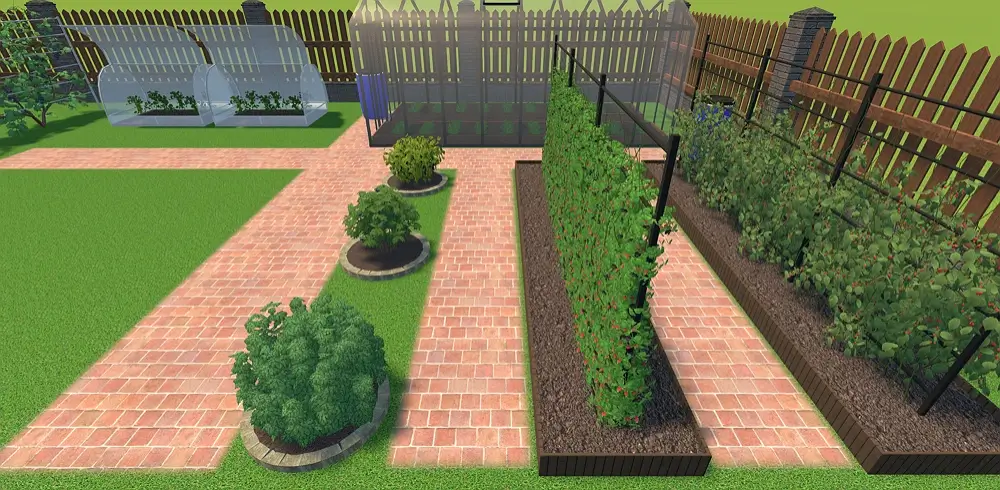
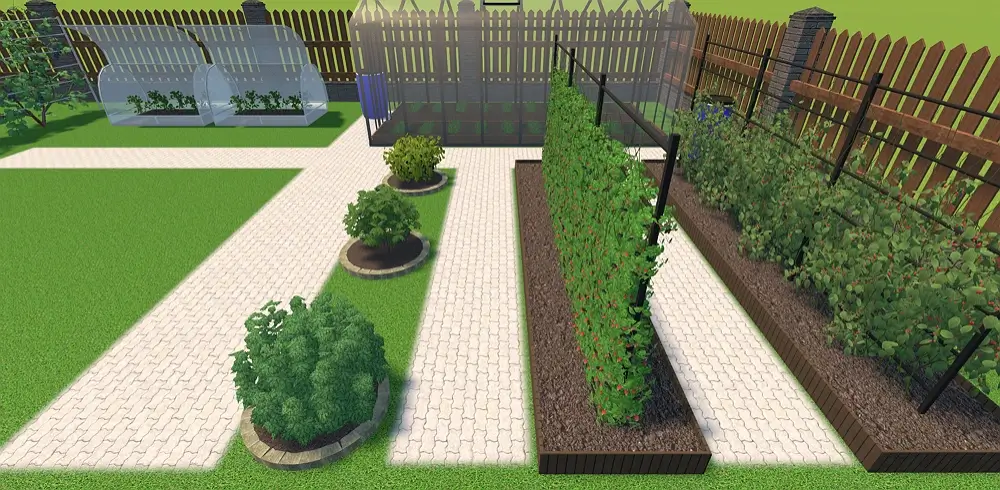
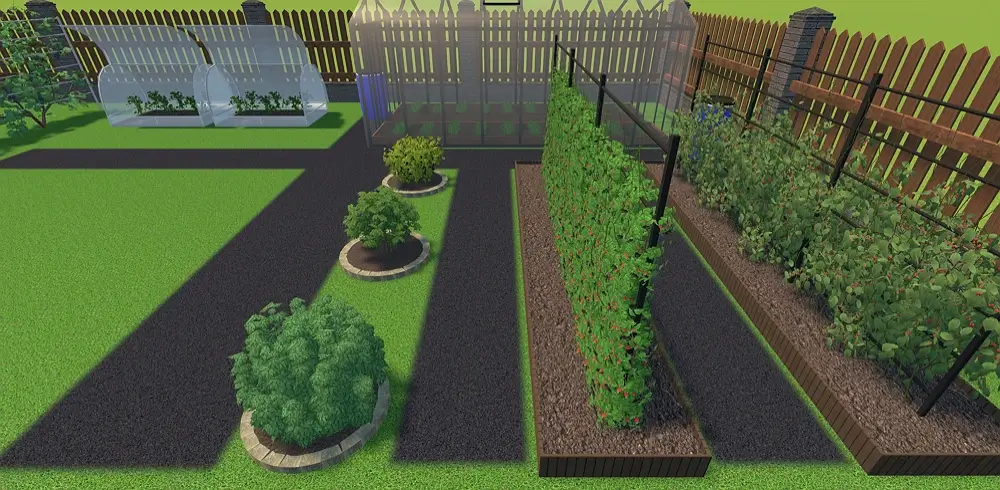
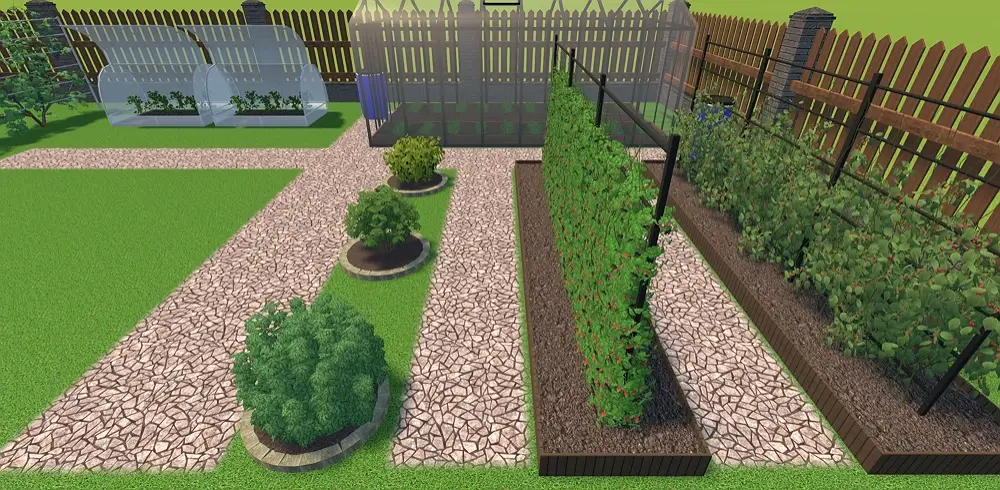
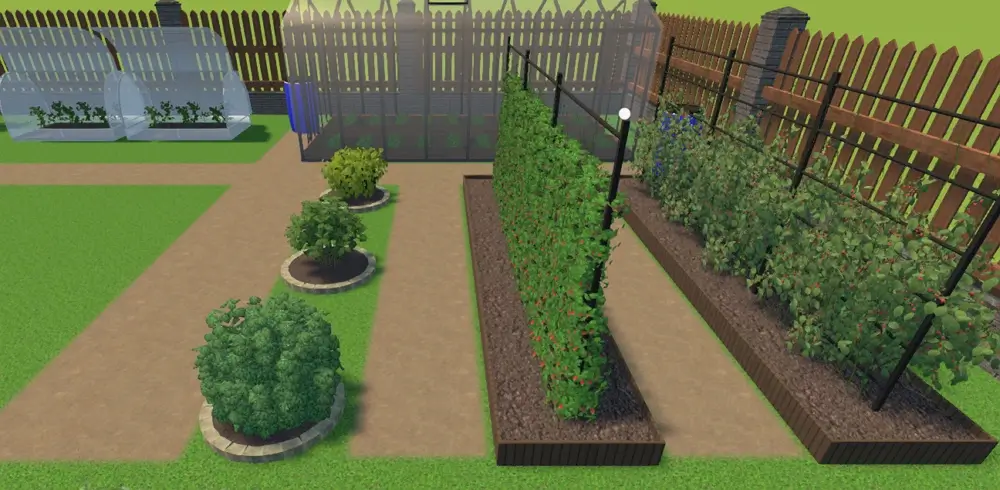


see the result
Features for Planning a Successful Vegetable Garden
Whether you’re a beginner gardener or a professional landscape designer, you’ll find the features in Gardenbox 3D handy and easy to use. Let’s check out some of them:
Successful garden visualization
- Choose from 200+ plants in the built-in catalog
- Change the ground type: soil, sand, concrete, etc.
- Visualize the shadows in the morning, afternoon, evening, or at night to place the crops according to their need for light
- View the sun position and shadows at the selected date and time based on the accurate plot coordinates
- Take a virtual tour of your vegetable garden in 3D
Planning tools for garden gurus
- Make layouts based on square foot gardening, succession planting, traditional row planting,
or other common techniques - Draw pipes to arrange your garden irrigation
- Add water sprinklers and set their spray radius
- Calculate the planting area to plan sowing
and harvesting - Measure distances between beds and rows
Our Clients
GardenBox 3D is a great asset to the toolkit of gardeners, farmers, and landscape designers. It helps enthusiasts and professionals to try personalized planting and square-foot gardening, create productive garden plans, grow healthy plants, and optimize harvests all around the globe: in the US, France, Germany, and other countries.





















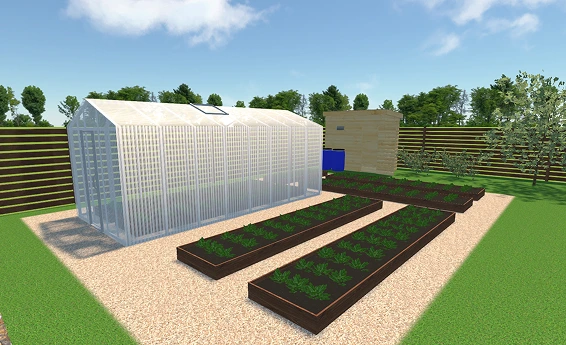
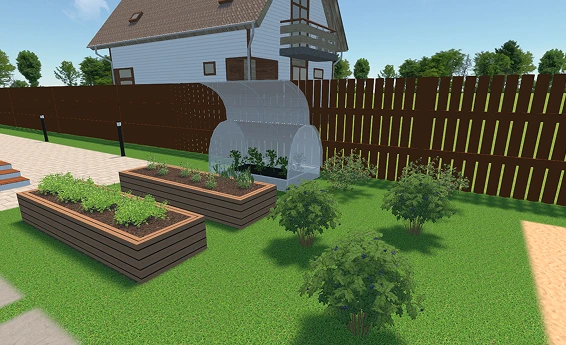
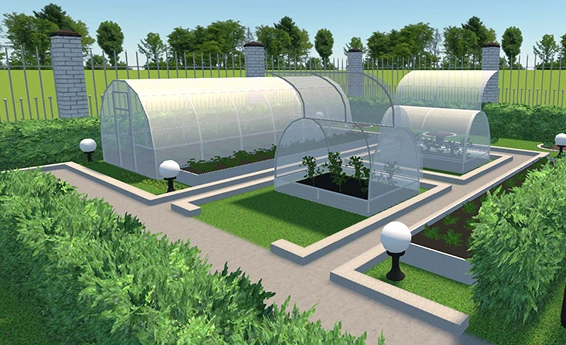
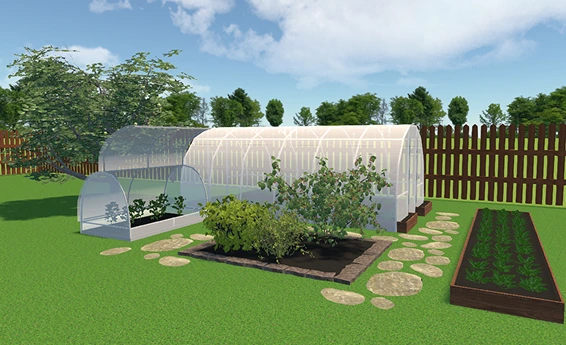
Examples of Garden Design Projects
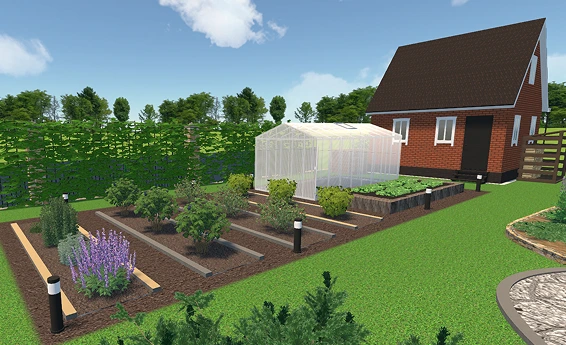
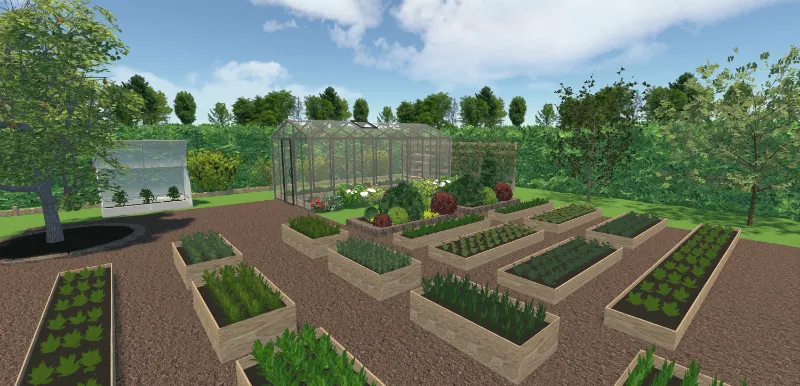
For Windows 11, 10, 8, 7
What Gardeners and Landscape Designers Say
about GardenBox 3D


Visualize Garden Space with Free Design Tool
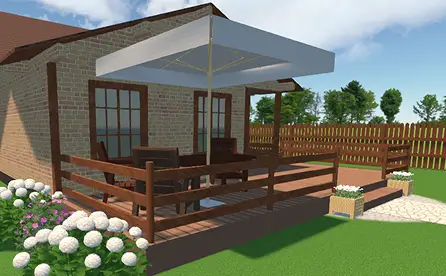
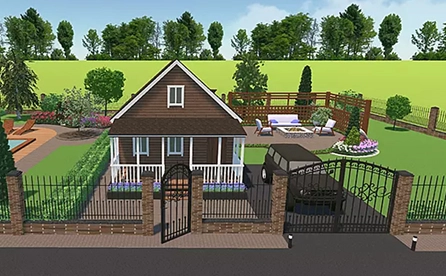
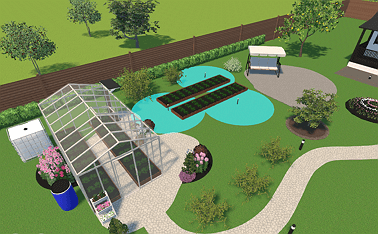
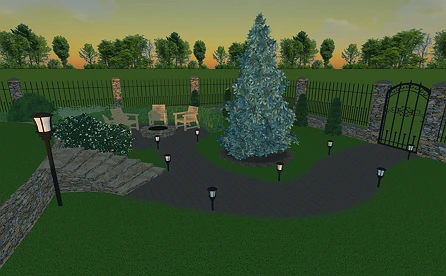
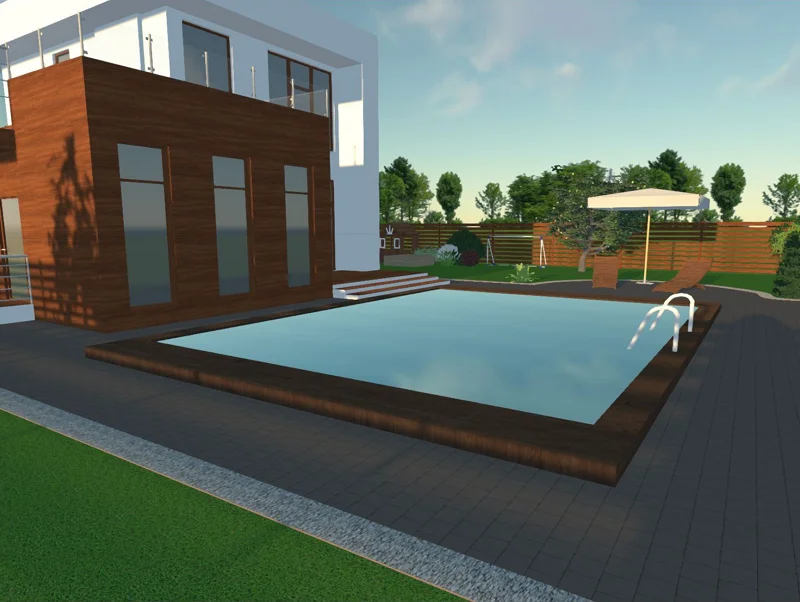
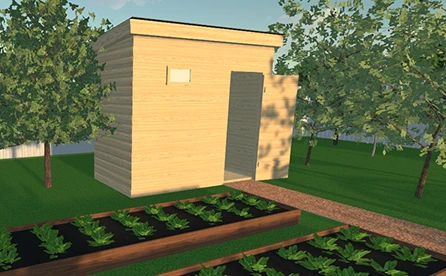
Getting ready for the growing season is just the start. Take advantage of all the capabilities of GardenBox 3D to plan your dream space. You can make a cozy spot for family gatherings, a lounge zone, an outdoor kitchen near the garden, and so on.
Since it’s a desktop program, it offers smooth rendering. Plus, it functions completely offline and has no distracting ads. What’s more, this landscape planner has an intuitive interface and built-in prompts that guide you through the process. Let’s see some go-to ideas you might like to try!
For Windows 11, 10, 8, 7
FAQ
The 70/30 rule is a design trick according to which 70% of your plants should be structural and evergreen to form the permanent backbone of your garden. The remaining 30% is for seasonal accents, such as bright flowers or experimental crops.
Yes, GardenBox 3D lets you plan a pest-deterring layout with companion plants. For example, you can try planting strongly scented herbs to mask the smell of nearby vegetables and confuse pests. You should also mix flowers like marigolds and sunflowers so they attract predatory insects who naturally hunt down aphids, hornworms, and thrips.
Plan water irrigation by grouping plants with similar needs together on your plot and considering specialized setups that require separate micro-drip zones. You also need to map out irrigation lines for precise watering in garden beds. Finally, add sprinklers with adjustable spray radius.
Use the built-in digital compass to preview real-time shadow movement across your garden layout. First, recreate the existing plot considering precise measurements and actual geographical parameters, including slopes and elevations. Then, preview your crop layout under morning, afternoon, and evening light.
It’s recommended to keep the path width around 36 to 48 inches since a standard wheelbarrow is typically 24 to 28 inches.
Yes, you can change a bed’s shape and the retaining wall width and height in your personalized planting chart. It’s also possible to personalize the surface materials and soil inside a bed if you’re planning to sow seeds.
Get started with GardenBox 3D today!
- Draw land plots, recreating actual shape & size
- Arrange buildings, plants, and furniture items
- Customize textures and colors of any surface
- Visualize your garden at any time of day
- Take a virtual walkthrough of your property