Landscape Lighting
Design Software
Transform your property’s evening aesthetic in just a few steps
For Windows 11, 10, 8, 7


How to Design a Landscape Lighting Plan with GardenBox 3D?
Developing a professional-grade illumination plan is straightforward from the very start. With GardenBox 3D, you can seamlessly plot out an outdoor lighting design that balances aesthetics with property safety. Planning everything digitally allows you to experiment with different fixtures and placements before making any physical purchases, saving you both time and money.
Ready to start? Use our specialized landscape lighting software to bring your ideas to life using the workflow below.
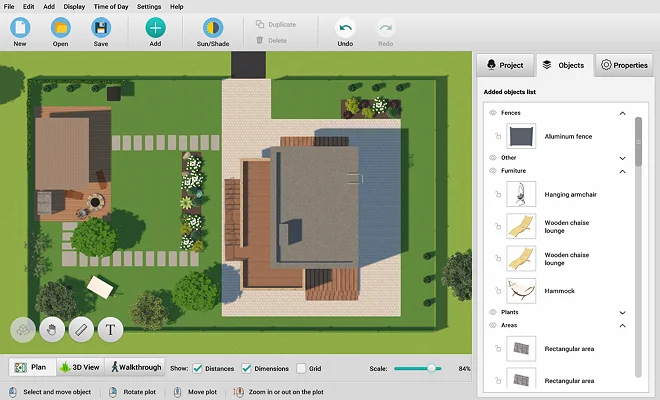
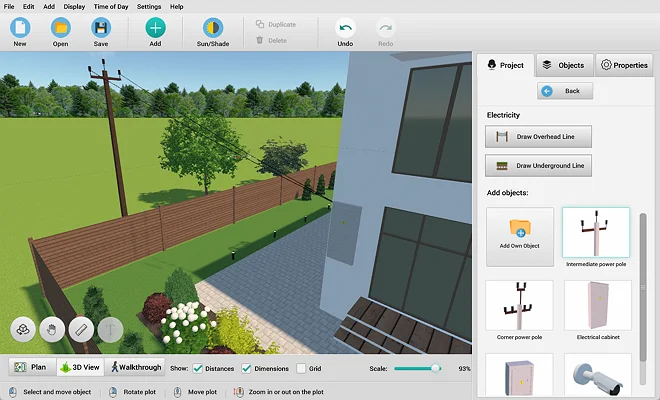
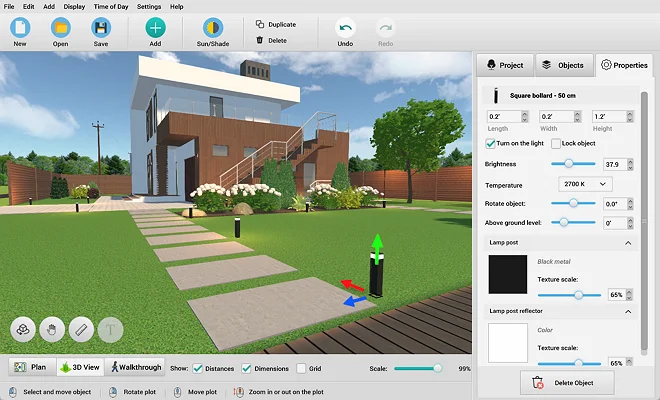
Explore 500+ Furnishing Items and
Outdoor Lighting Fixtures
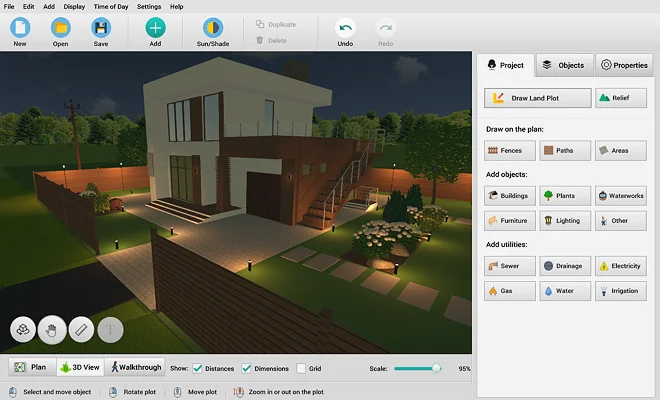
GardenBox 3D runs directly on your computer, allowing you to design every architectural detail of your outdoor space. Enjoy smooth and stable performance while customizing your project. Work offline with total stability, avoiding the lag of cloud-based web apps. You can select from a wide range of professional lighting fixtures, change their positions, and modify height levels with ease to match your project requirements.

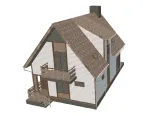

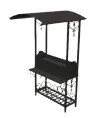

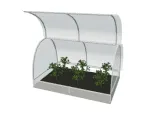
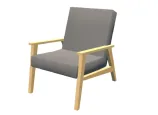
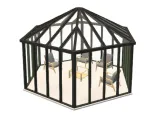

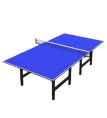
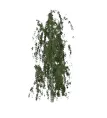
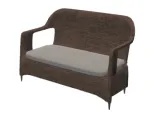
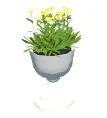


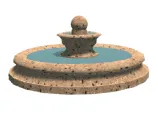
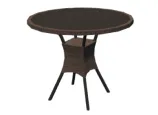
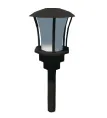
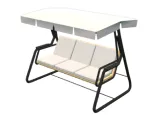
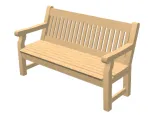

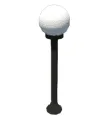
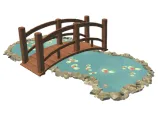
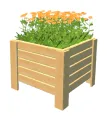

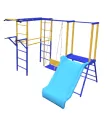
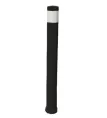



scroll through the landscape
design items
For Windows 11, 10, 8, 7
Discover the Ideal Look for Your Lighting Effects
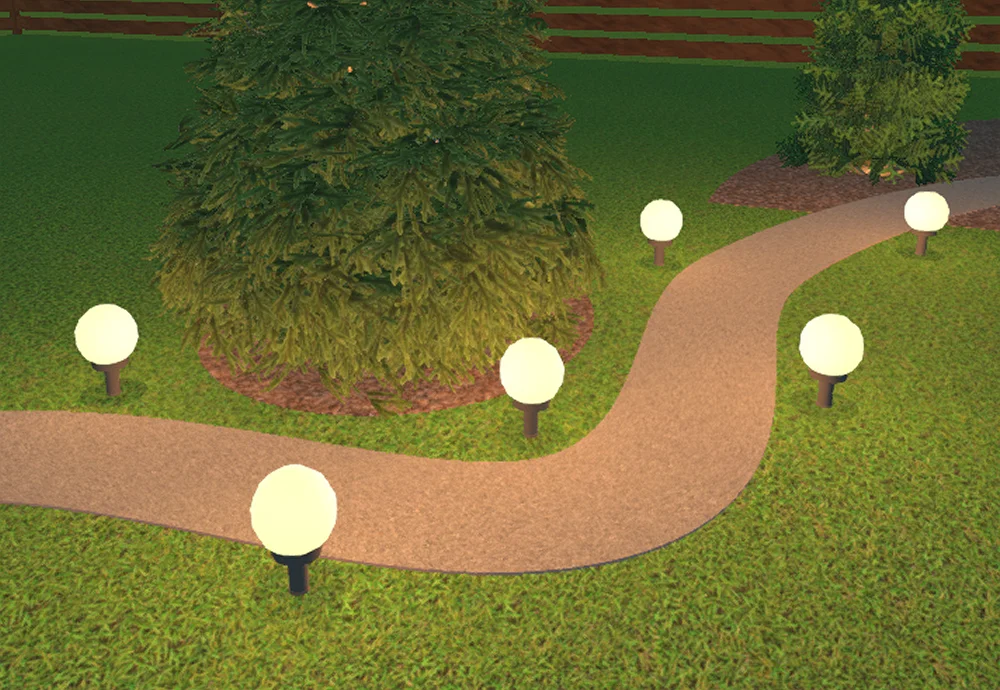
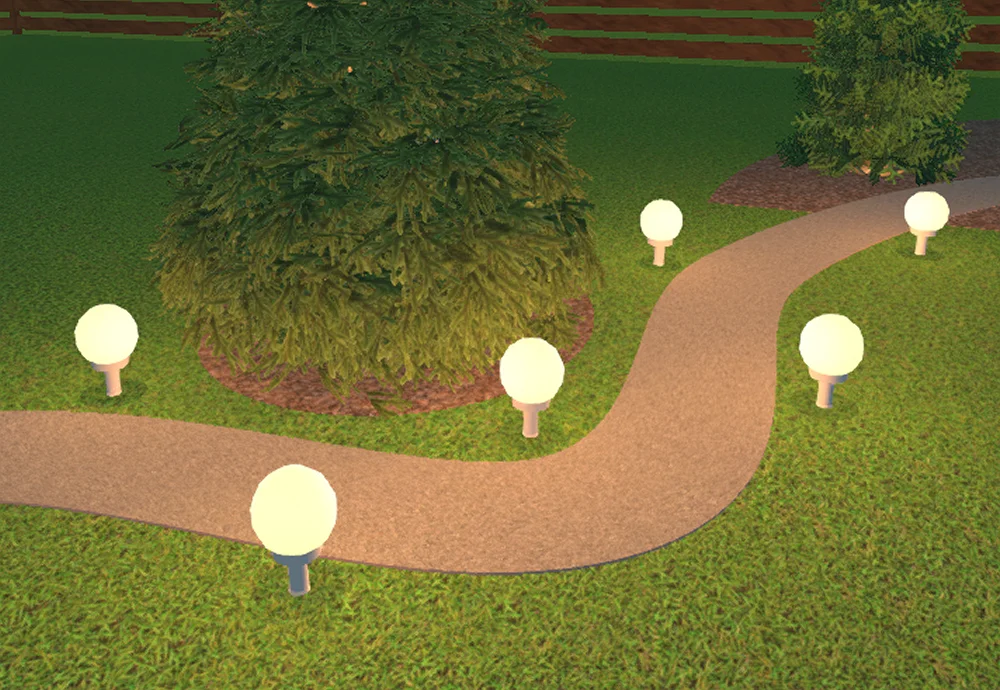
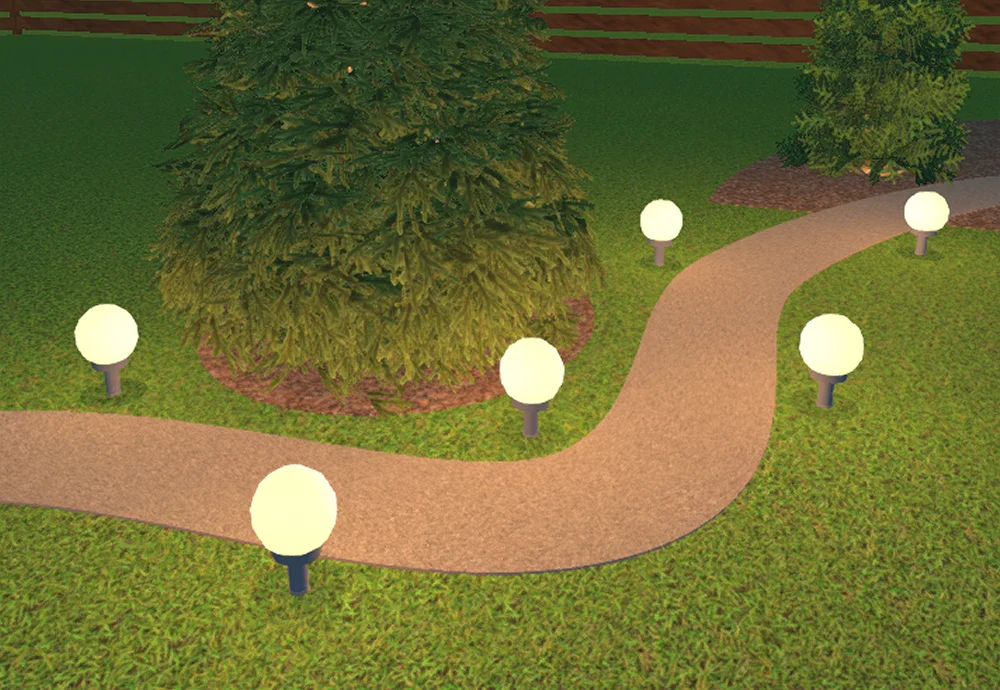
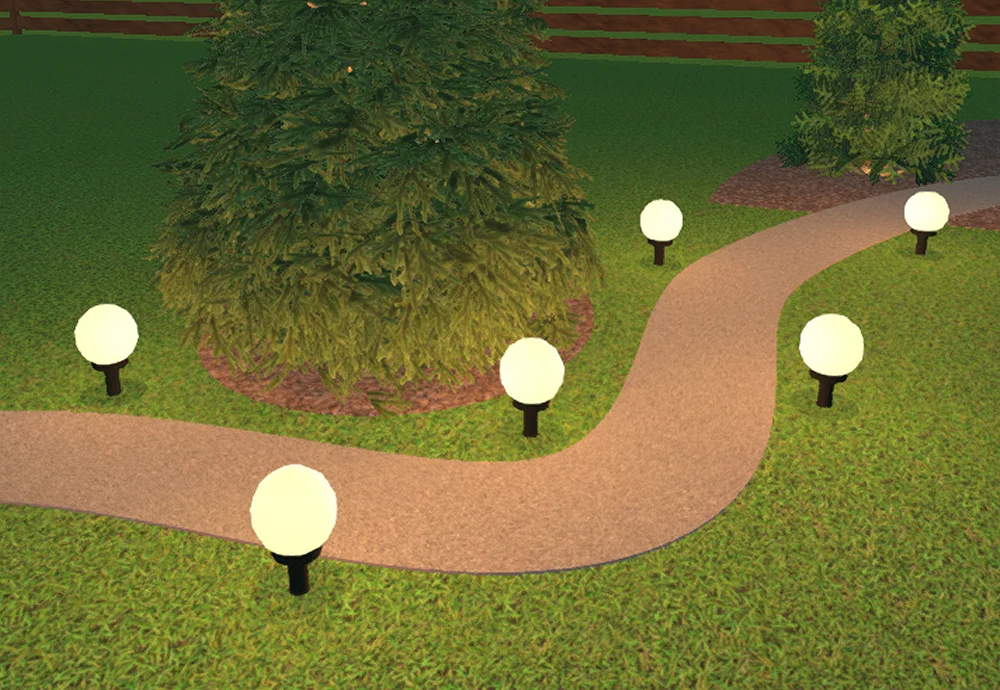
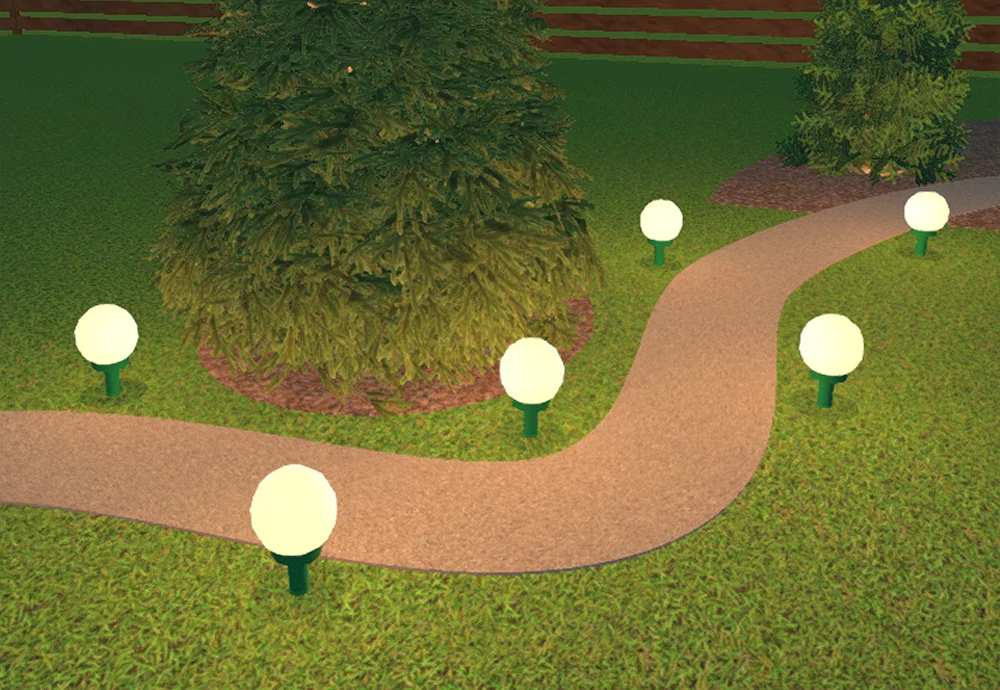
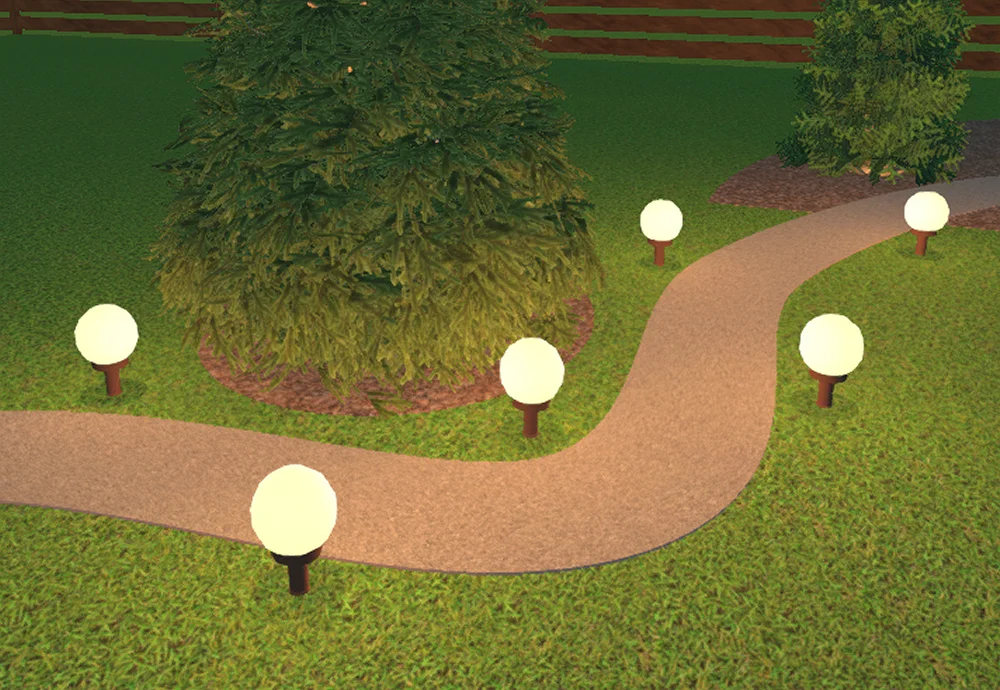
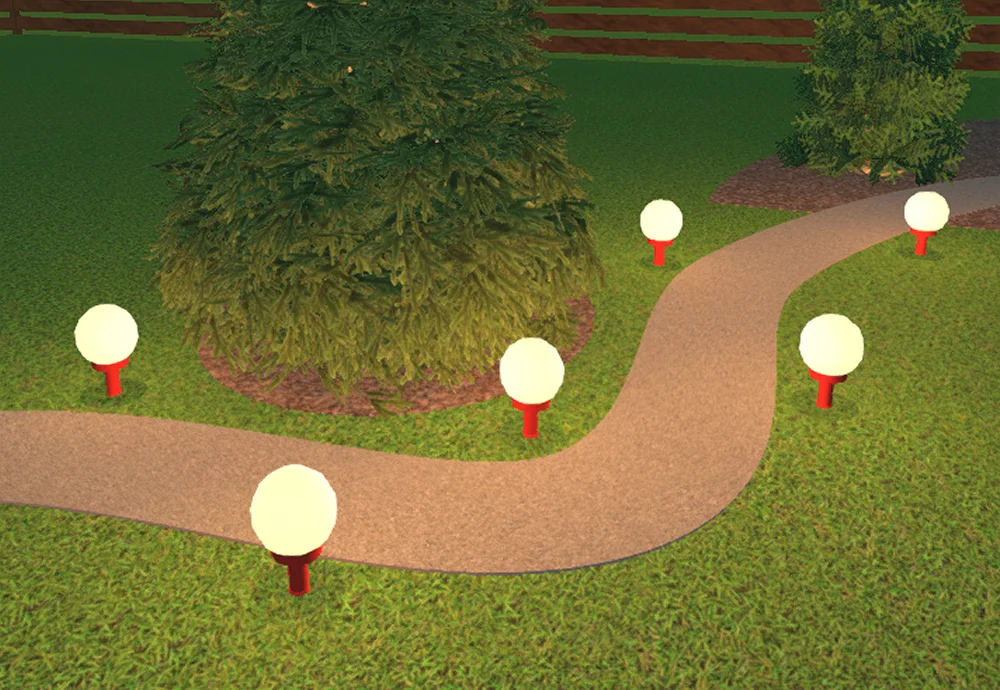
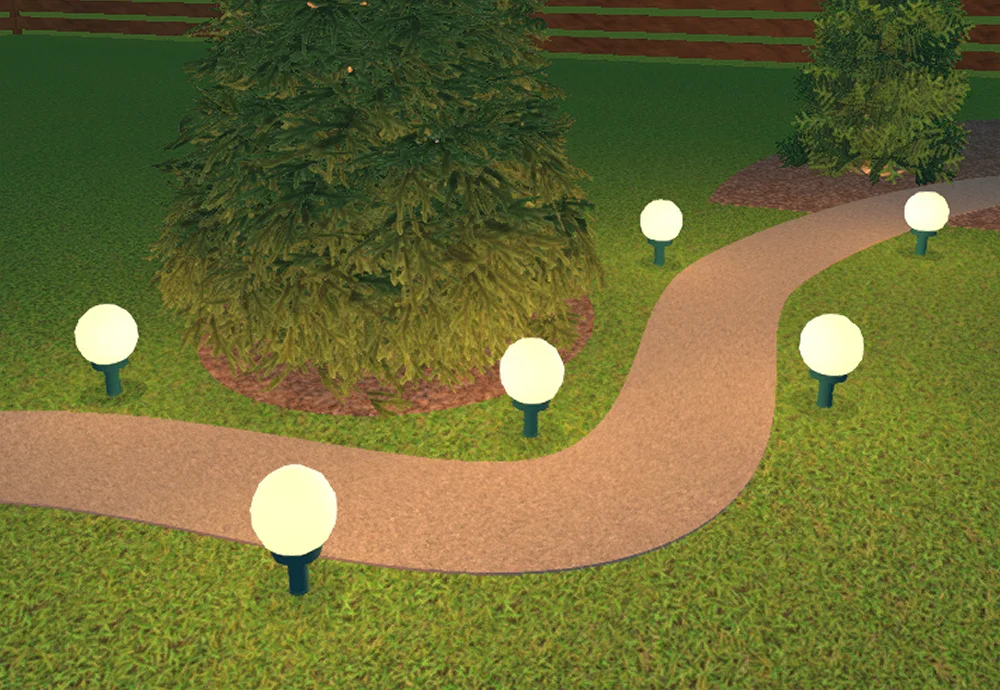


to see the result
Software Features for Garden and Lighting Design
Start your project with a free download of our desktop program. The newly integrated light design add-in helps both DIY enthusiasts and pro designers build accurate 3D models and generate true-to-life lighting layouts tailored to any outdoor space.
3D Modeling & Lighting Features
- Access a built-in library of authentic outdoor fixtures
- Simulate natural morning, afternoon, and evening light
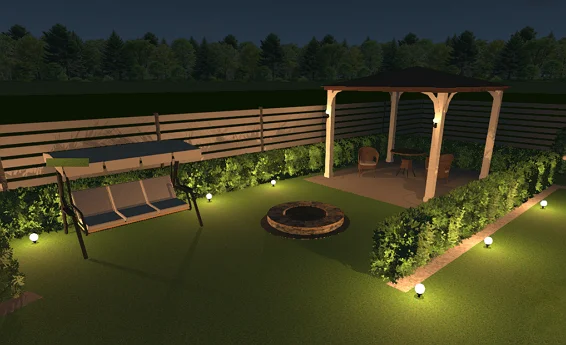
- Toggle a highly realistic nighttime view to activate virtual bulbs
- Refine finishes and materials to see how they interact with light
- Apply unique visual effects to create a cozy nighttime atmosphere
- Take an interactive 3D walkthrough of your illuminated exterior
Lighting Planning & Layout Tools
- Arrange 50+ lighting fixtures across the entire 2D plan
- Preview how different units cast realistic shadow lines
- Map out overhead or underground electrical lines on your property
- Position pathway lighting to accentuate and define your walkways
- Plan distinct outdoor living zones with personalized soft light
- Save project to your local drive without any cloud limitations
Our Clients
GardenBox 3D helps professionals and DIY homeowners worldwide bring their outdoor ideas to life. Our software makes it easy to present outdoor lighting design ideas to customers, enabling professional designers close more deals and helping families to boost their property's curb appeal with confidence.





















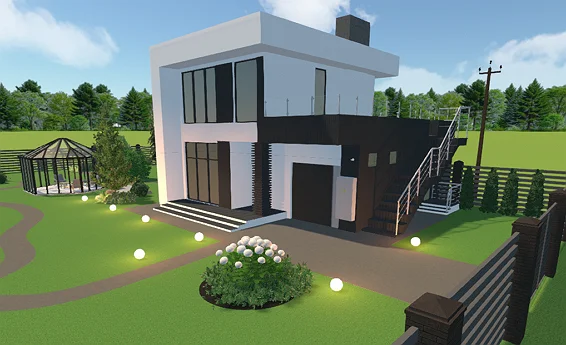
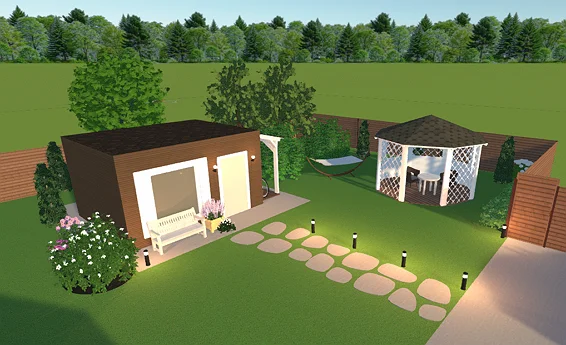
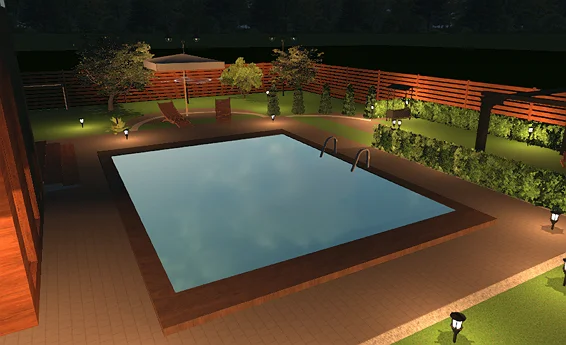
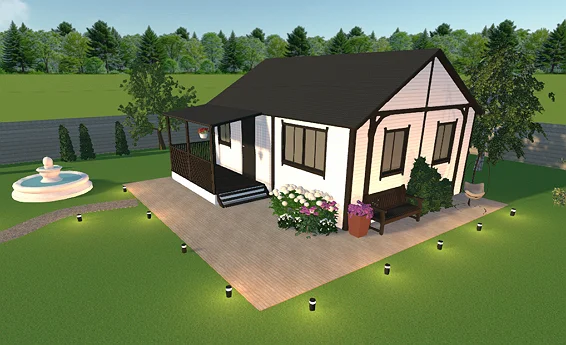
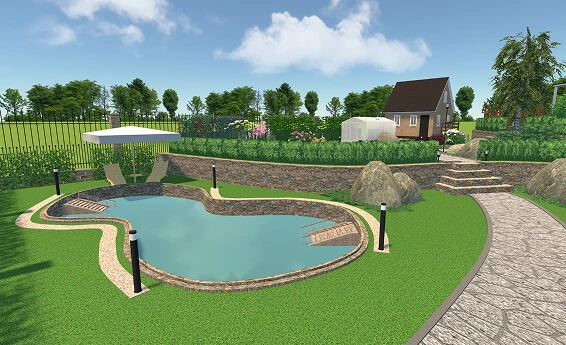
Examples of Design Projects
For Windows 11, 10, 8, 7
What people say about GardenBox 3D


Visualize Outdoor Space with a Free Design Tool
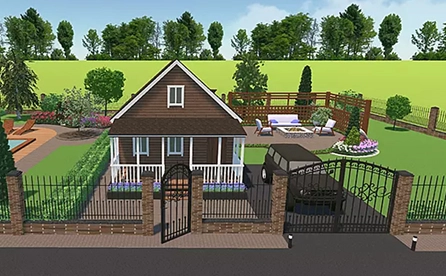
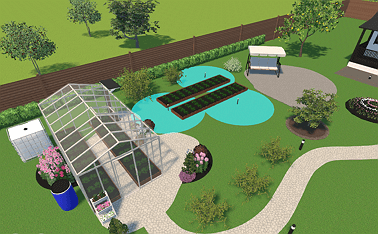
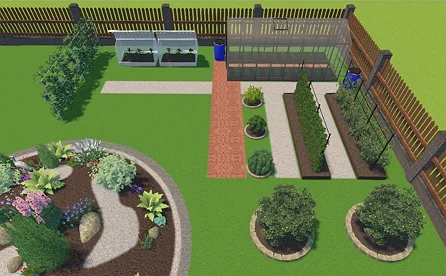
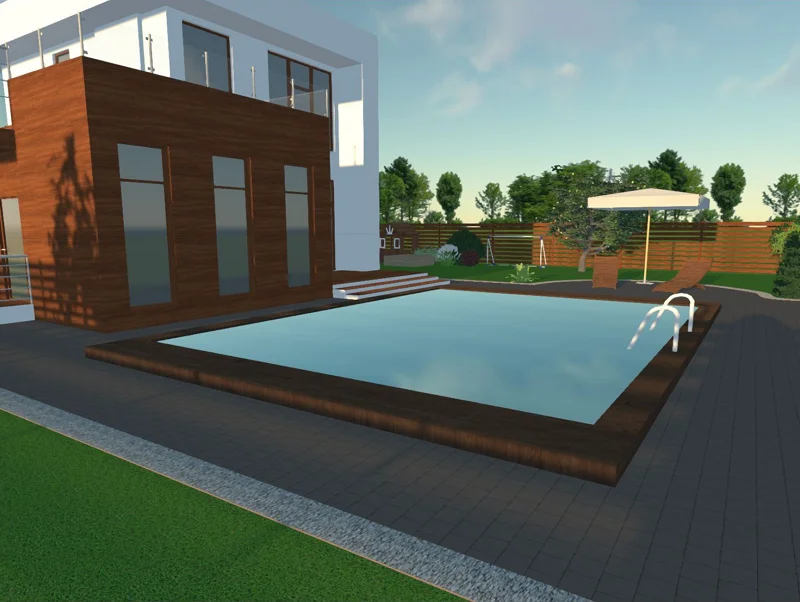
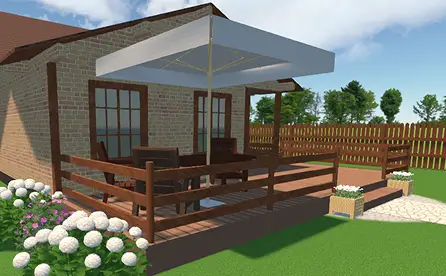
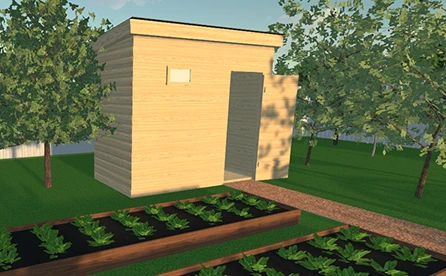
GardenBox 3D operates entirely on your computer, bypassing browser restrictions and internet speed dependencies typical of web apps. Storing projects directly on a local drive removes cloud storage limitations, while the desktop setup ensures stable, lag-free performance even when rendering intricate terrain details. Dive into your next setup using built-in modules crafted to help you organize every section of your yard:
For Windows 11, 10, 8, 7
FAQ
First, identify the key focal points that you want to highlight, such as architectural elements, mature trees, or walkways. Next, select the appropriate fixtures from the catalog. For example, you could use bollards for paths, wall lights for structures, or spotlights for accent lighting. Arrange the units on your 2D plan, then adjust the brightness and temperature to create a balanced, beautiful glow. Finally, don’t forget to take a virtual walk through your garden in 3D mode to review the final look at different times of the day.
Yes, GardenBox 3D includes a dedicated photo-realistic environment setting that simulates nighttime conditions. You can change the view from bright daylight to dusk or complete darkness. This feature activates all your virtual light sources simultaneously, letting you see exactly how your ambient and accent lights illuminate the property, how shadows are cast, and how the overall evening atmosphere looks before making any purchases.
Yes, our all-in-one tool lets you fine-tune the color temperature and tone of every individual fixture. You can easily adjust the settings to switch between a warm, yellowish glow (around 2,000K) for your patio relaxation zones and a cool, crisp white light (around 10,000K) for functional security spotlights. This helps you ensure a cohesive design theme and see how different temperatures interact with your chosen material textures.
Get started with GardenBox 3D today!
- Draw land plots, recreating actual shape & size
- Arrange buildings, plants, and furniture items
- Customize textures and colors of any surface
- Visualize your garden at any time of day
- Take a virtual walkthrough of your property