All-In-One Swimming
Pool Design Software
Map out your future swimming pool in a few clicks
For Windows 11, 10, 8, 7


How to Design a Pool Plan with Gardenbox 3D?
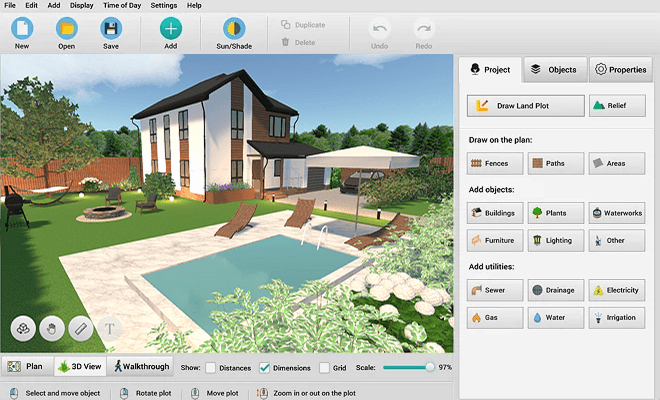
Use our intuitive landscape planning software to drop a swimming pool directly onto your property sketch. Simply select one of our ready-made models and modify it to bring your vision to life. To get started, follow these simple steps.
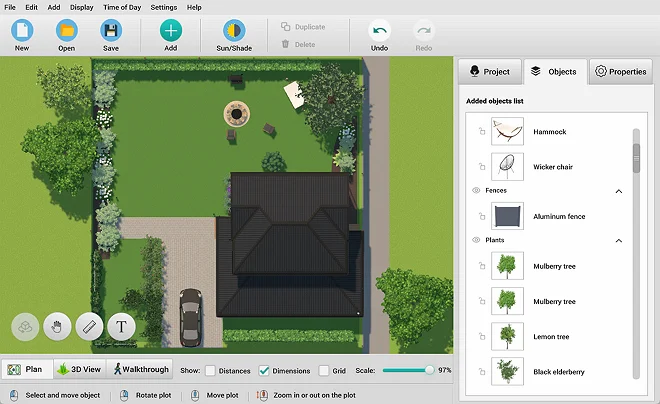
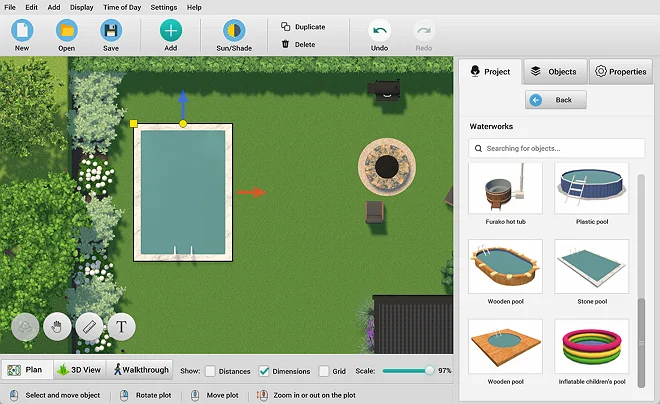
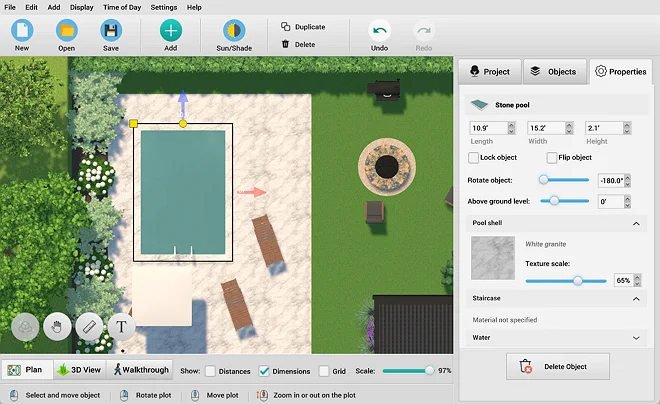
Explore 500+ Furnishing Items
Use customizable pool templates in the GardenBox 3D desktop version to create high-fidelity visuals and capture every architectural detail of your outdoor space. Leveraging this software for pool builders, you can plan pool areas with any features you need: design a classic inground pool, set up a relaxing retreat with chaise lounges, or add custom waterfalls without time-consuming manual effort.
Enjoy lightning-fast desktop processing as you change the pool’s size and position, rotate the project, tweak length and width separately, and set their level above the ground. Work offline with total stability, and when you’re done, “lock” the pool so you don’t move it in your plan.

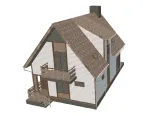

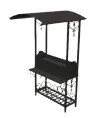

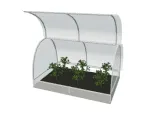
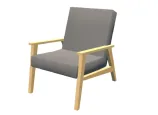
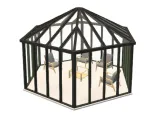

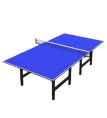
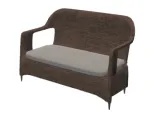
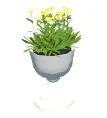


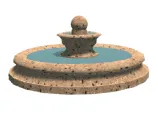
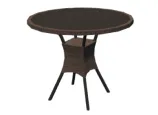
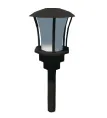
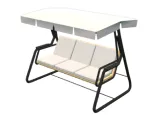
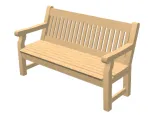

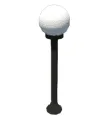
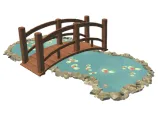
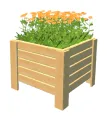

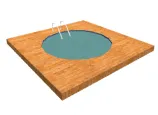




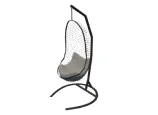
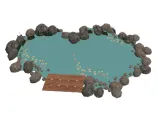

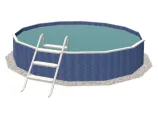
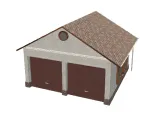
scroll through the landscape
design items
For Windows 11, 10, 8, 7
Experiment with Different Design Ideas
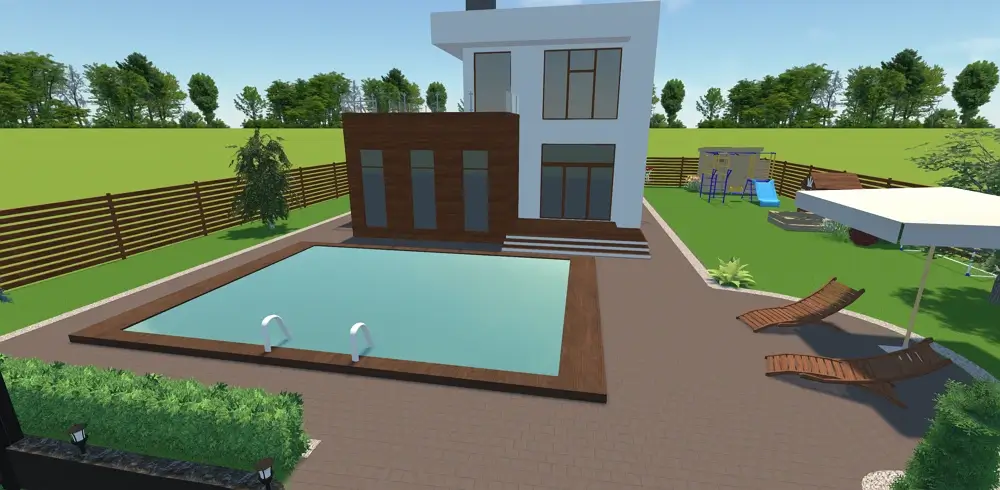
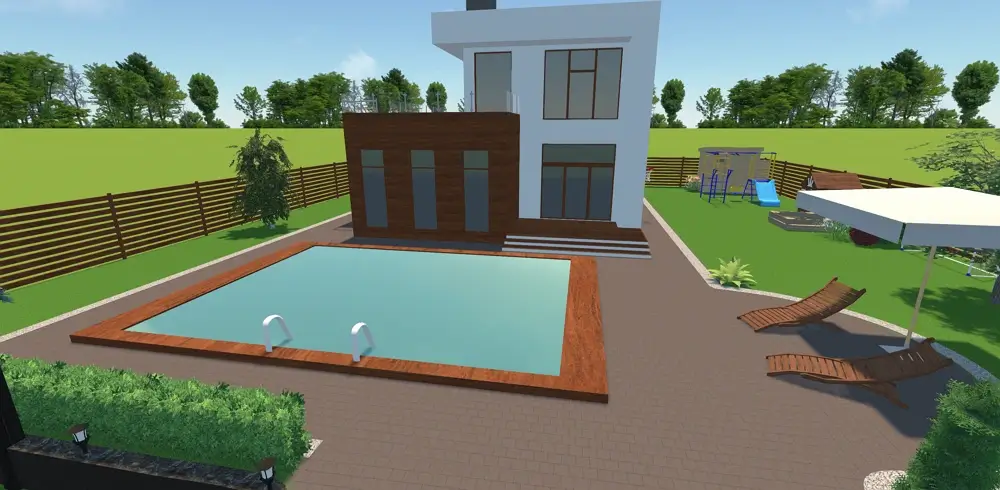
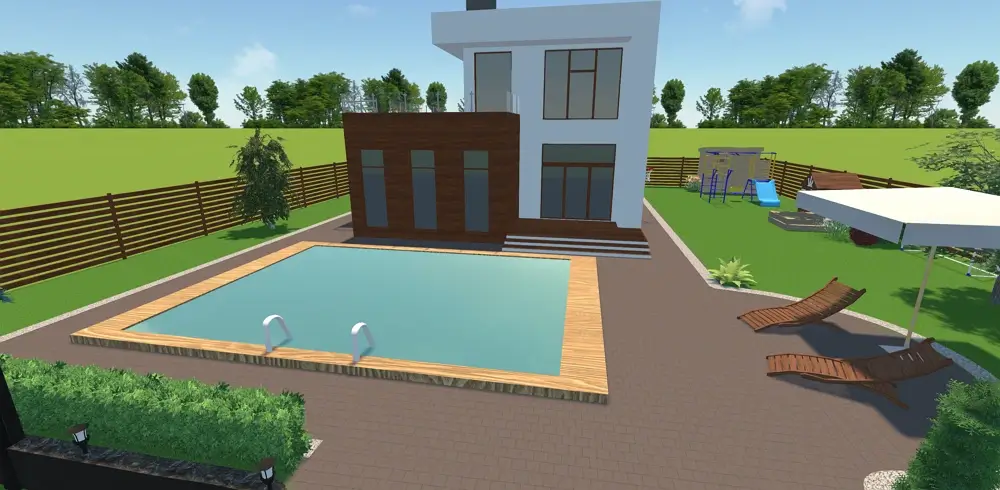
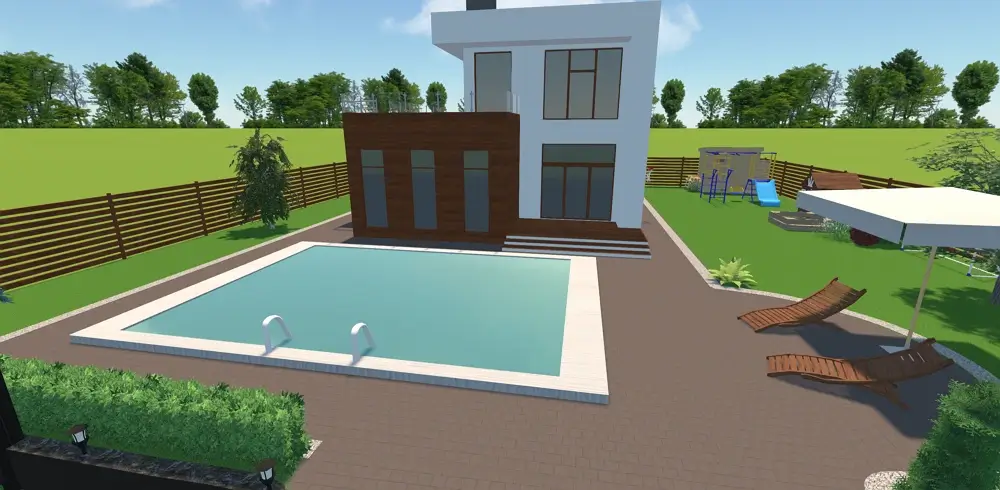
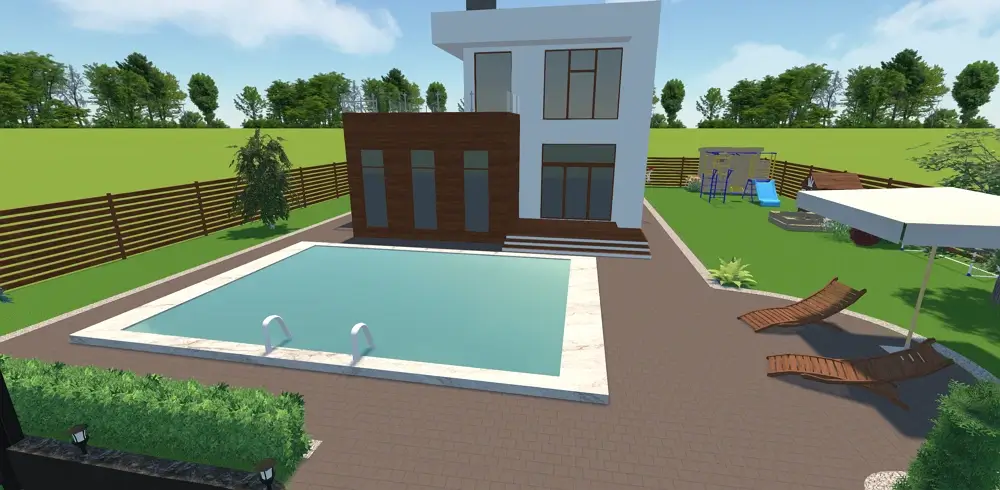
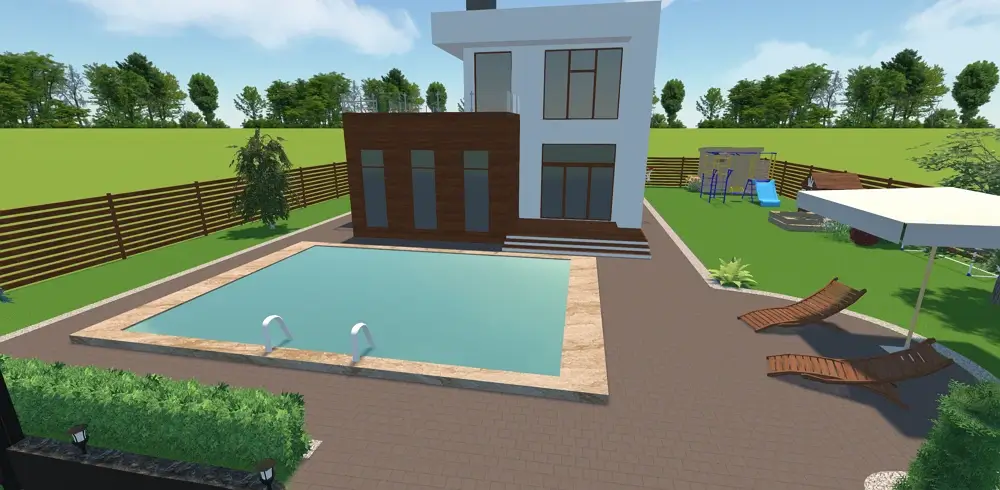
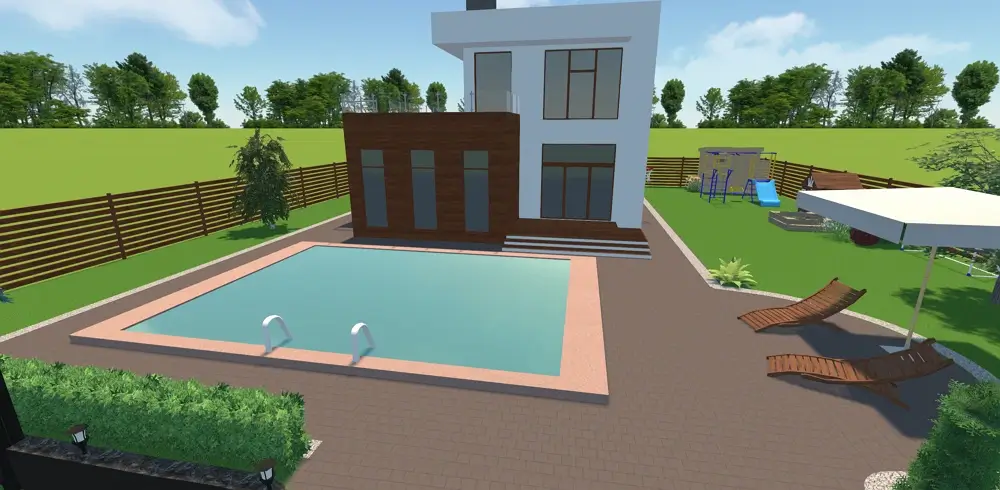
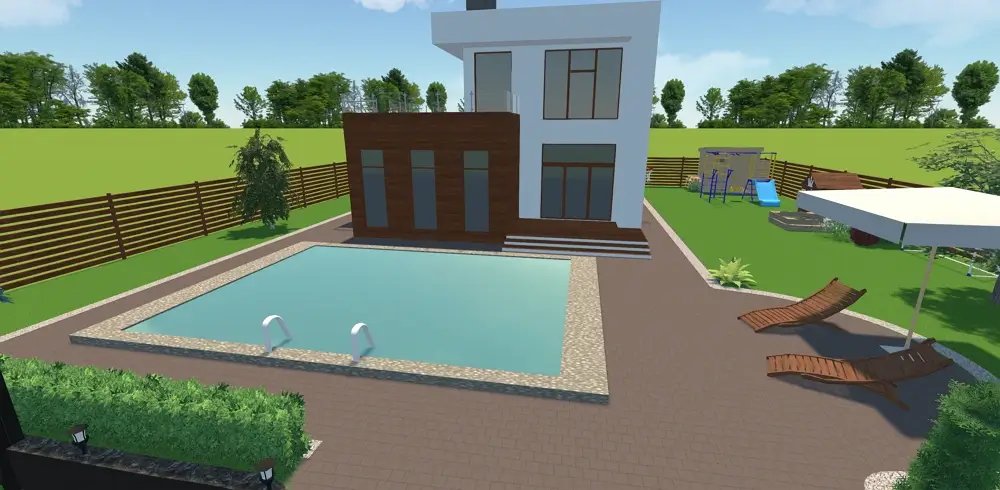


to see the result
Software Features for Pool Builders and Homeowners
The desktop software offers a free download to get you started. With its intuitive interface, templates, and smart tools, both individuals and professional designers can now effortlessly generate realistic pool and landscape projects tailored to their needs, using our new 3D pool design software add-in.
3D Modeling Features
- Draw custom or rectangular land plots
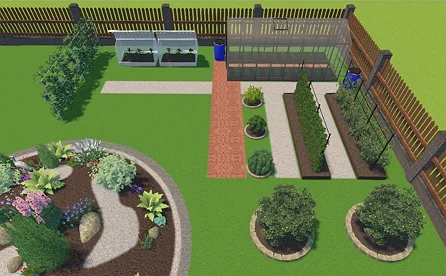
- Arrange buildings, furniture, and structures
- Access a built-in library of authentic plants
- Refine the surface textures and colors
- Simulate morning, afternoon, evening shadows
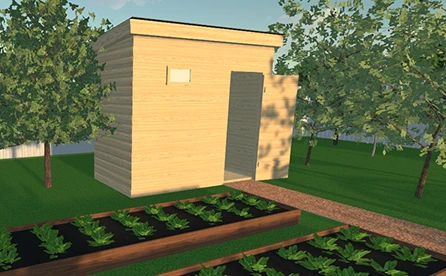
- Take an interactive 3D virtual walkthrough
Drafting & Estimating Tools
- Import and scale property sketches
- Mark out exact property lines
- Set pool and structure measurement metrics
- Shape custom terrain slopes and ground pits
- Map out distinct functional outdoor zones
- Automatically calculate accurate zone areas
Our Clients
GardenBox 3D is trusted worldwide by professional landscape architects, residential pool creators, independent hardscape contractors, and ambitious DIY homeowners alike. Our software provides a shared visual language that helps these professionals win more client bids and helps families map out their dream outdoor investments with absolute confidence.





















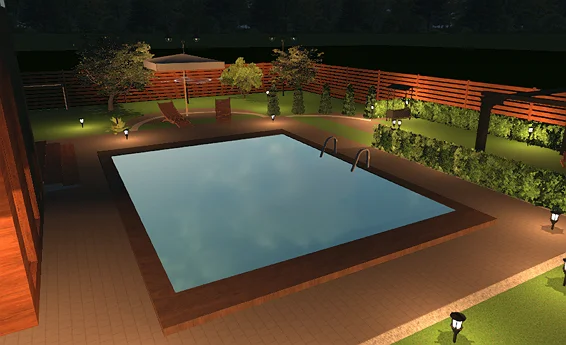
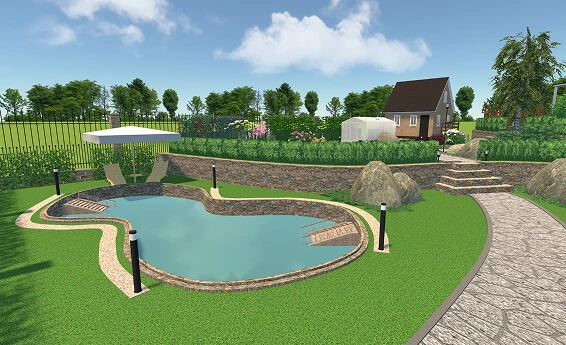
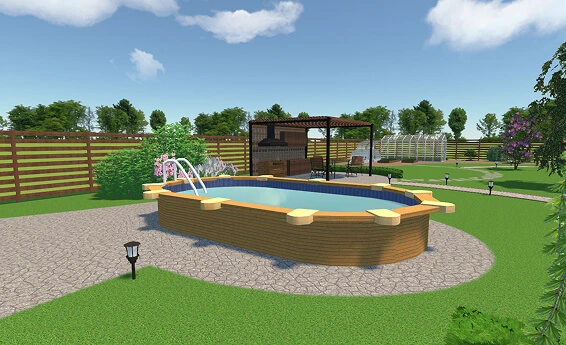
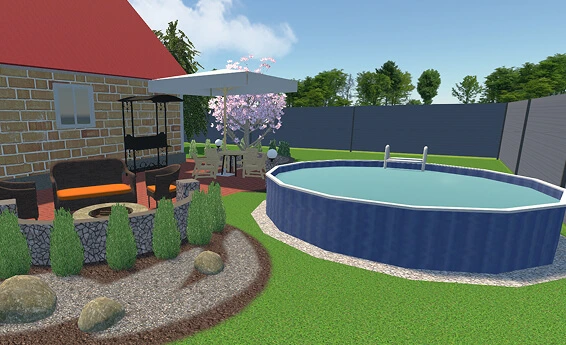
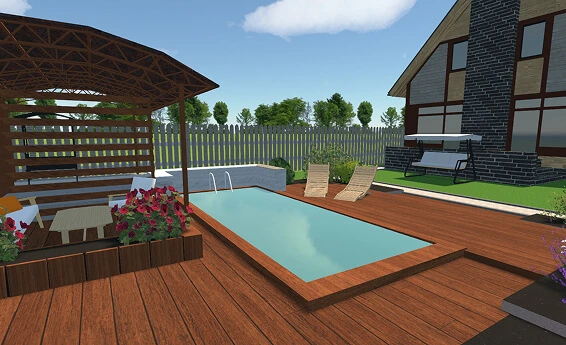
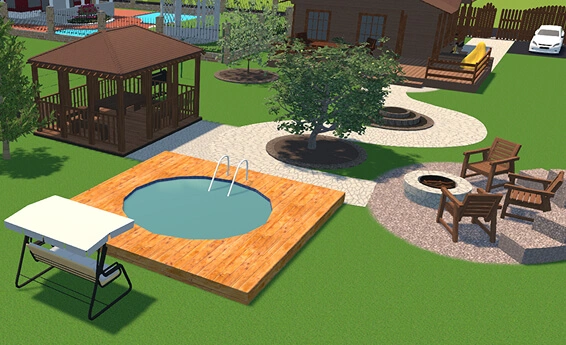
Examples of Swimming Pool Design
For Windows 11, 10, 8, 7
What people say about GardenBox 3D


Visualize Outdoor Space with a Free Design Tool
Choosing a desktop program over a web app or mobile tool means you aren't limited by internet speed or browser restrictions. GardenBox 3D runs directly on your computer, allowing you to save projects straight to your local drive without cloud limits. This desktop environment ensures stability and speed, enabling you to work on complex terrain details without lag. Here are some of the features and tools you can use to quickly estimate and design your outdoor space:
For Windows 11, 10, 8, 7
FAQ
Yes, GardenBox 3D is designed specifically for beginners and homeowners. With its intuitive drag-and-drop interface and easy-to-use design tools, you don't need any prior CAD or engineering experience to create professional-grade 3D pool plans and complete outdoor designs.
You can import your hand-drawn sketch directly into GardenBox 3D as a background image. Then mark a segment with a known length to scale the image correctly, and use our drawing tools to trace a layout of your property directly over the image. Then, choose and adjust our ready-made models to achieve a highly realistic 3D swimming pool design that fits your space.
Classic rectangular options are definitely the most budget-friendly. Simple straight lines mean less complex digging and fewer wasted materials. They also make it much easier to install standard safety covers, saving you money compared to custom curved shapes.
GardenBox 3D features an advanced lighting system that simulates exact daytime sun positioning and shadow lines. You can easily toggle to a night view to activate landscape spotlights and patio path lights, beautifully previewing your evening ambiance.
Our extensive catalog offers a wide array of premium textures, including authentic plaster finishes, stone aggregate styles, and detailed waterline tiles. Simply double-click on any surface to instantly change its material, color, and design to create the perfect look.
Absolutely! You can design your entire backyard in one place. Our library offers a wide selection of ready-to-use components, allowing you to seamlessly add trees, privacy hedges, wooden pergolas, outdoor kitchens, and fire pits. Plus, you can easily modify every structure's size, color, and materials to match your style.
Get started with GardenBox 3D today!
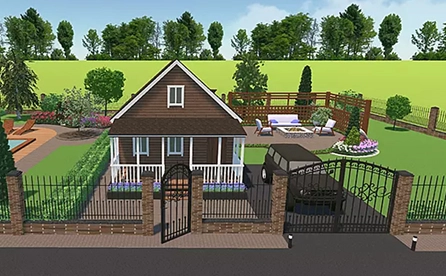
- Draw land plots, recreating actual shape & size
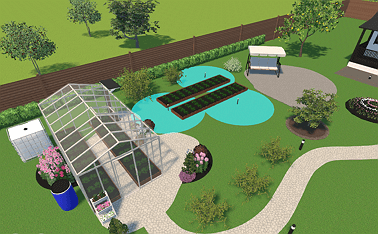
- Arrange buildings, plants, and furniture items
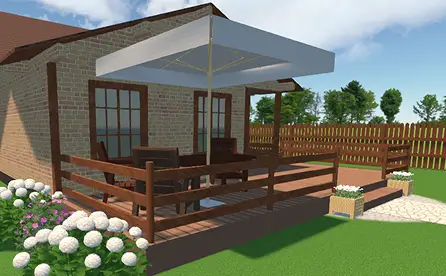
- Customize textures and colors of any surface
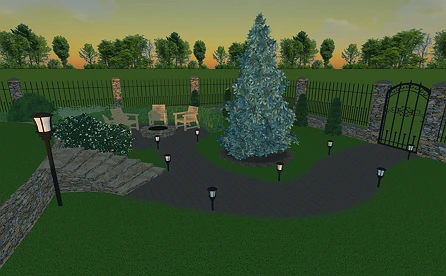
- Visualize your garden at any time of day
- Take a virtual walkthrough of your property