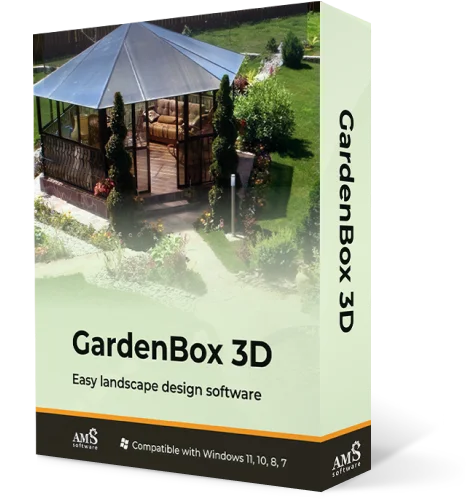
Easy Shed Design Software
with Garden Layout Tools
Plan your outdoor space with precision
For Windows 11, 10, 8, 7


How to Design a Shed: the Easy Process with Gardenbox 3D
Need to build a garden shed to store your gardening tools or bikes? Having a place for your equipment is a great idea, but before you dive into its construction, see your plan in 3D! Planning your space beforehand makes it easy to find the perfect spot and play around with different styles, materials, and colors.
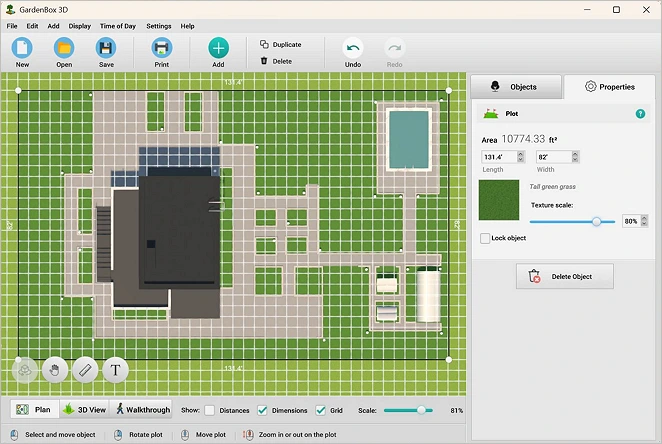
The best part? You don't need any professional skills - GardenBox 3D has got you covered! This is user-friendly software that even total beginners can master in minutes. Create a landscape plan with your dream shed by following these simple steps:
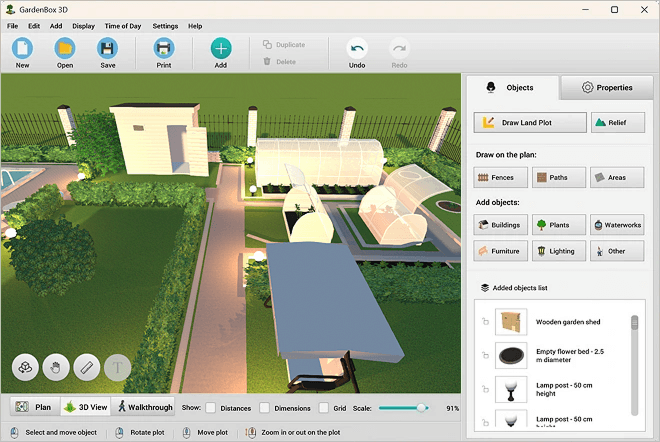
Explore 500+ Furnishing Items
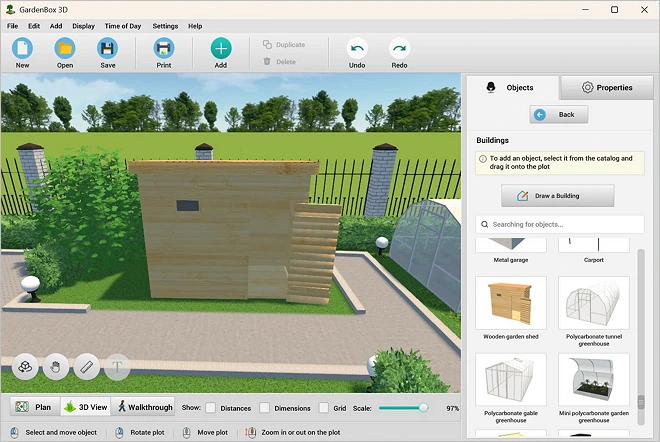
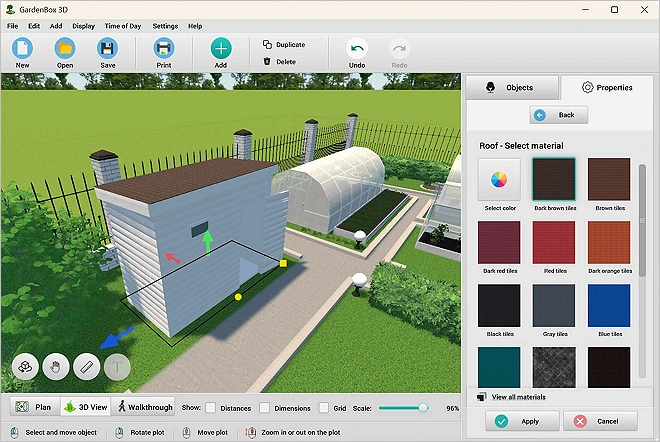
Our design software is packed with a lot of 3D models, from multi-story buildings and plants to lights and decor. You can easily move, duplicate and resize the objects, change the materials and colors as you like.
DIYers, keen gardeners, and professional landscape designers can all use GardenBox 3D to visualize their ideas
and map out accurate space plans.
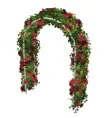
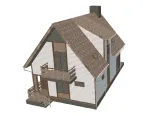
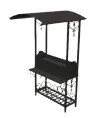

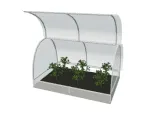
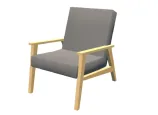
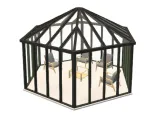
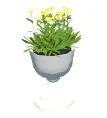

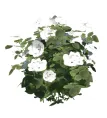
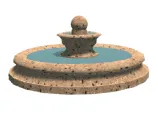
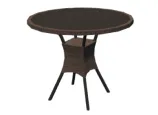
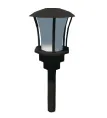
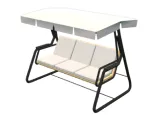
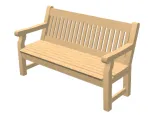
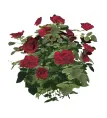
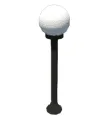
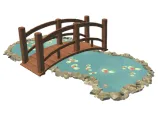
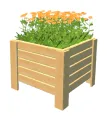
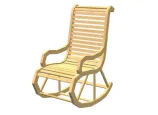
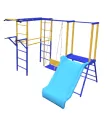
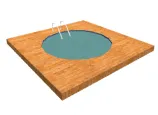
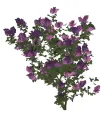
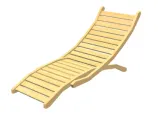
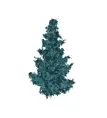
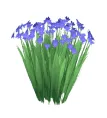
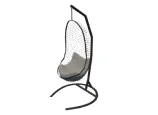
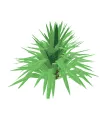
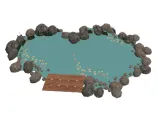
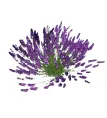
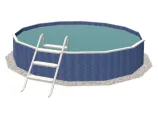
scroll through the landscape
design items
For Windows 11, 10, 8, 7
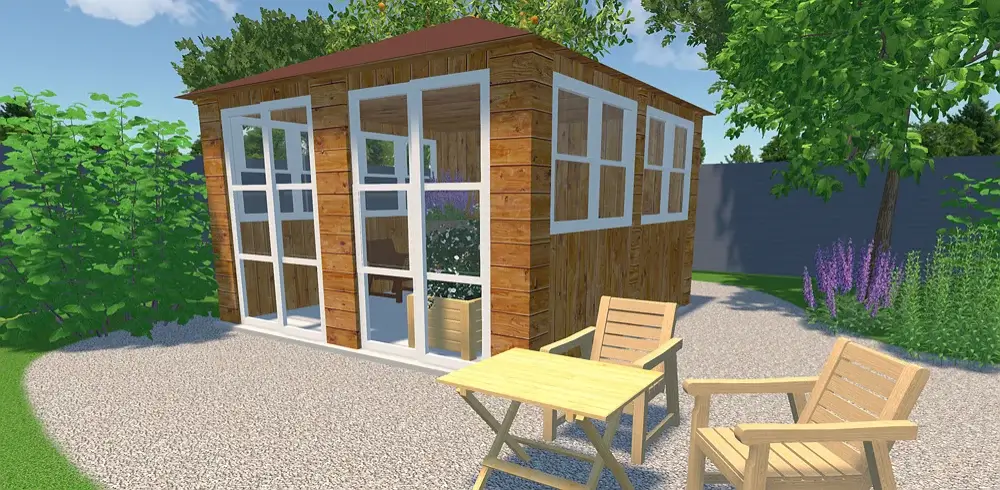
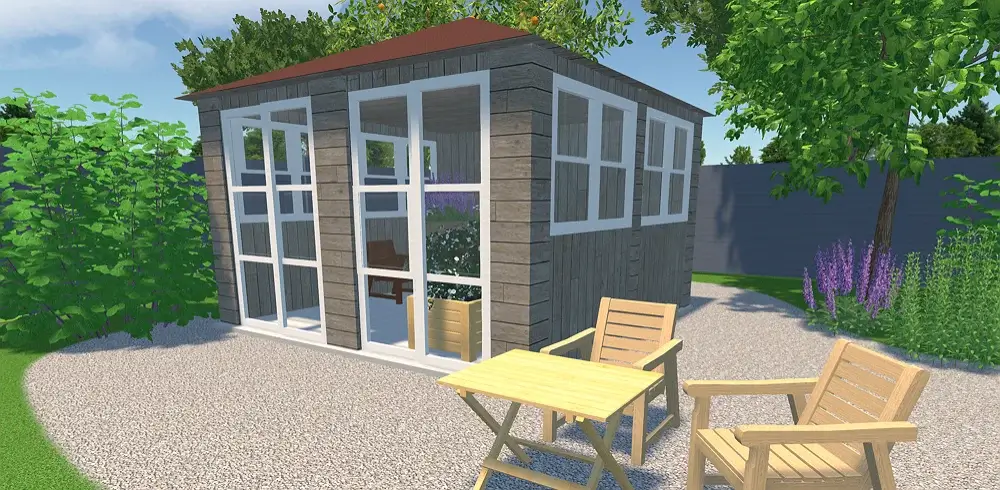
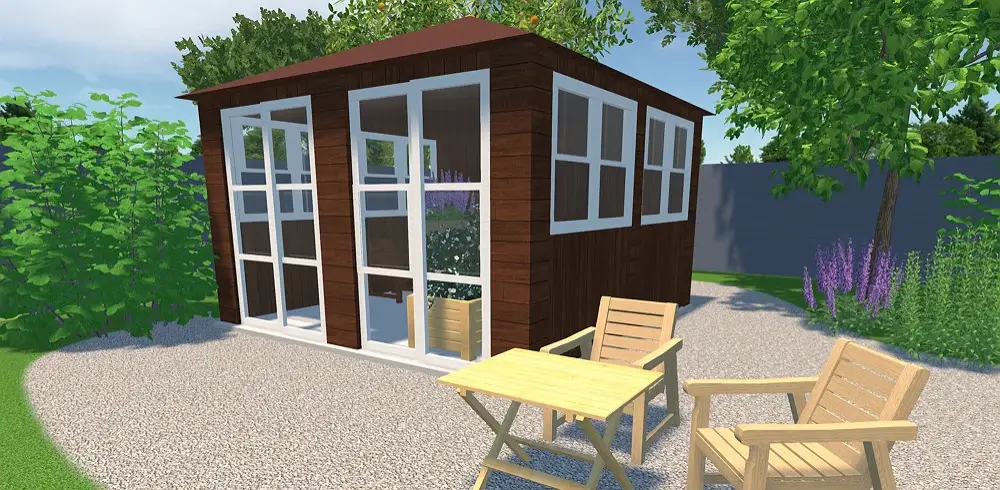
Experiment with Different Shed Design Ideas
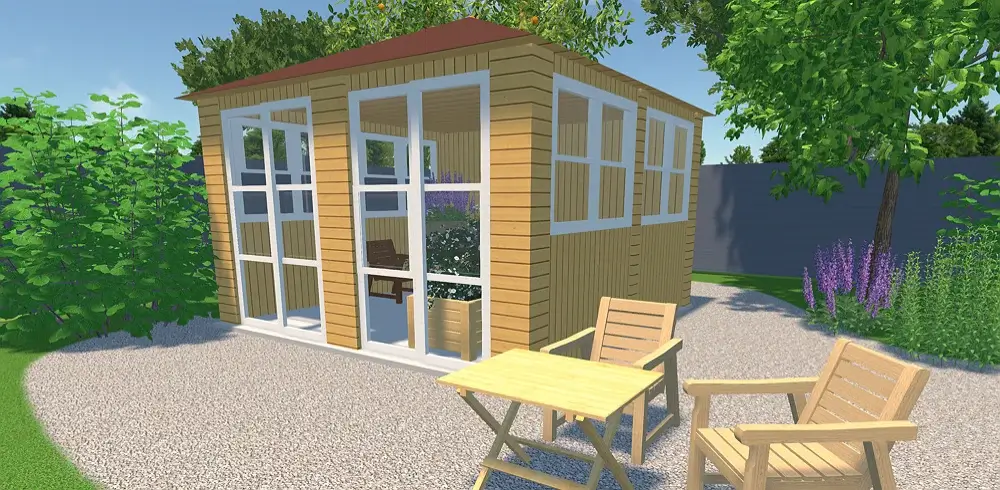
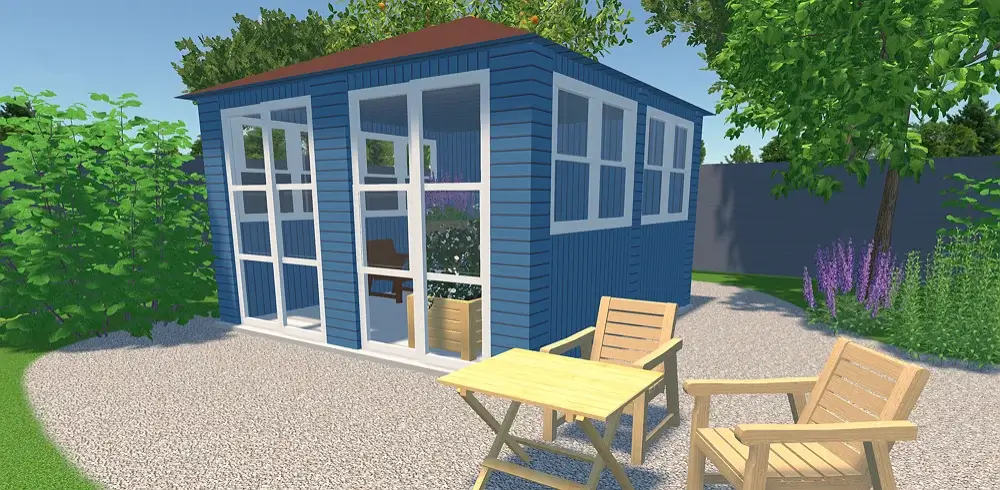
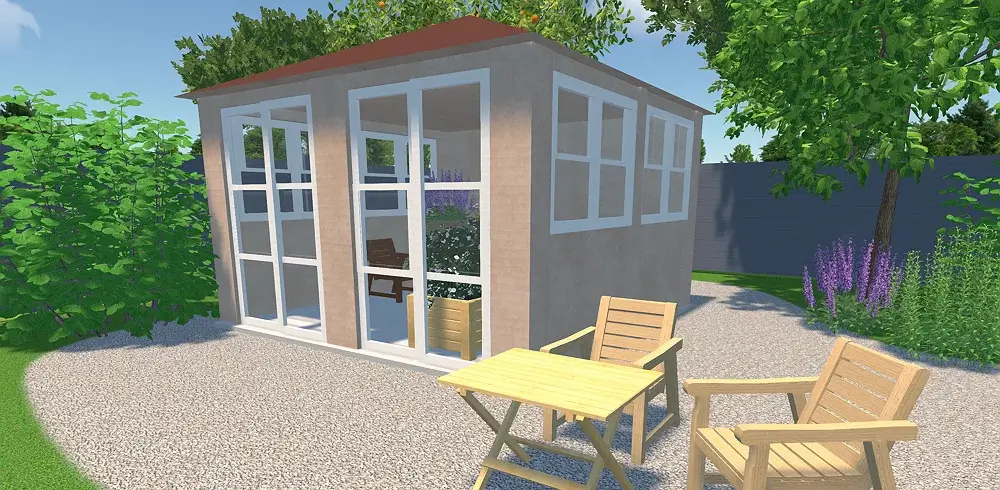
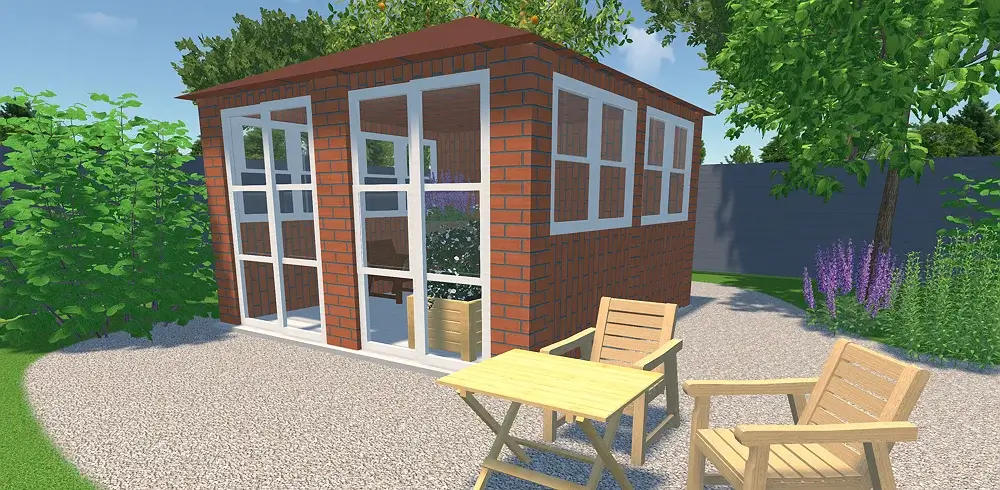
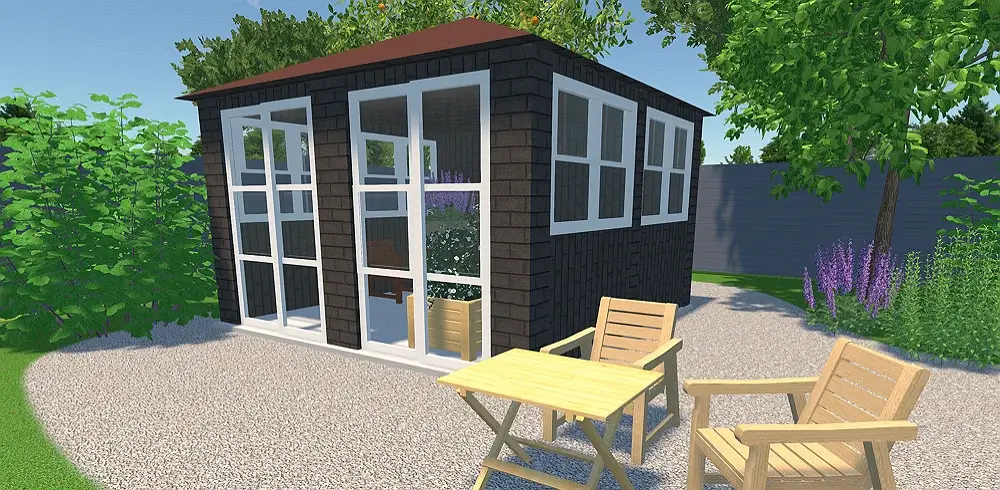


see the result
Software Features for Shed Builders and Homeowners
With this program, you can create an ideal shed for your landscape design that is both functional and stylish. Precise calculations, a wide range of customizable models, and intuitive interface make it a valuable tool for gardeners and landscape designers. Let’s see what you can do with this software:
Design visualization in 3D
- Easily switch between 2D and 3D preview modes
- Manage shadows and sunlight previewing plots at different times of day and rotating the compass tool
- Walk around your virtual property to ensure a good flow of movement
- Try wood, metal, and stone materials to customize essential details like walls, roof, and posts
- Visualize your garden layout – add 200+ flowers,
shrubs, and trees
Precise planning & a suite of handy tools
- Draw standard or freeform landscape plots
- Design your space following the built-in prompts
- Recreate the actual terrain shape, including slopes, depressions, and elevations
- Make plans using feet and inches or the metric system
- Create a building from scratch using custom dimensions and surfaces
- Save high-quality images to view and share your design ideas
Our Clients
GardenBox 3D helps everyone from small design workshops to local builders streamline their projects. The software is a go-to tool for garden designers, landscape architects, and outdoor contractors. Today, our global community of users spans across the US, France, Germany, Australia, and other countries.


















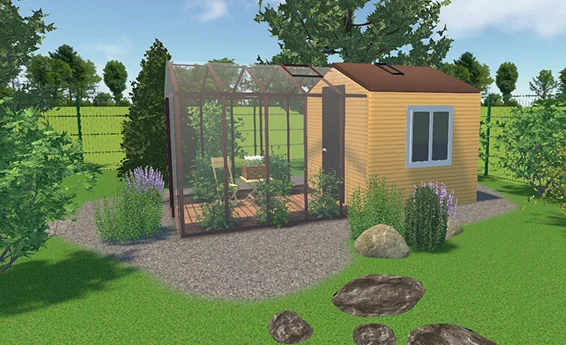
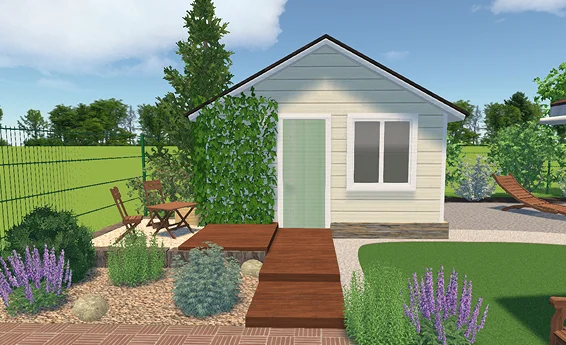
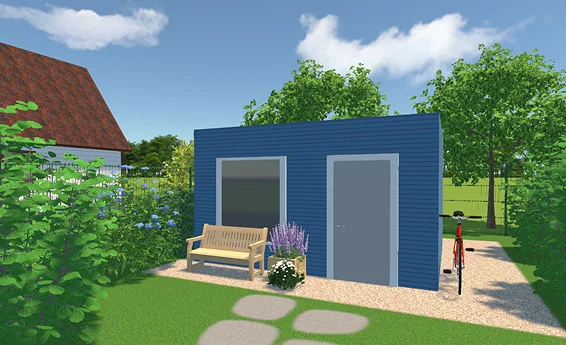
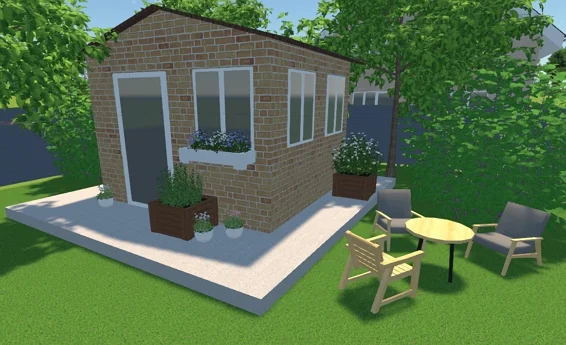
Examples of Design Projects
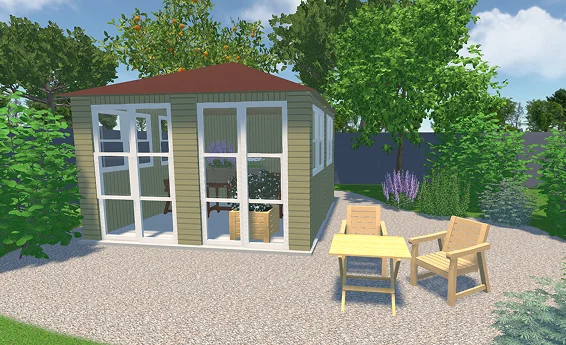
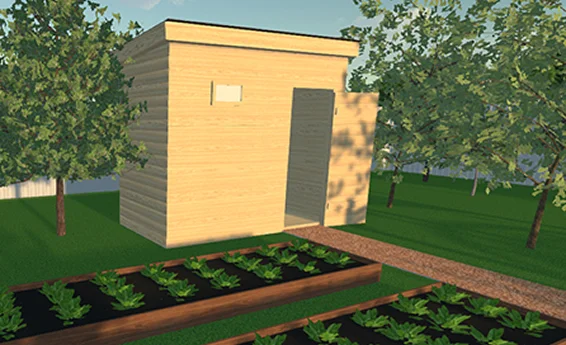
For Windows 11, 10, 8, 7
What Our Customers Say about GardenBox 3D


Design Your Dream Shed and Visualize Any Ideas
with Free Planner Tool
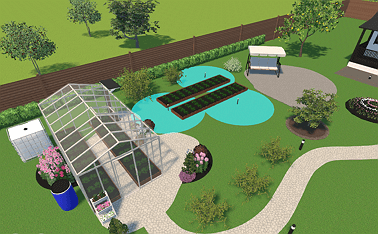
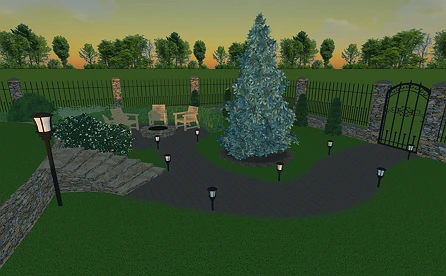
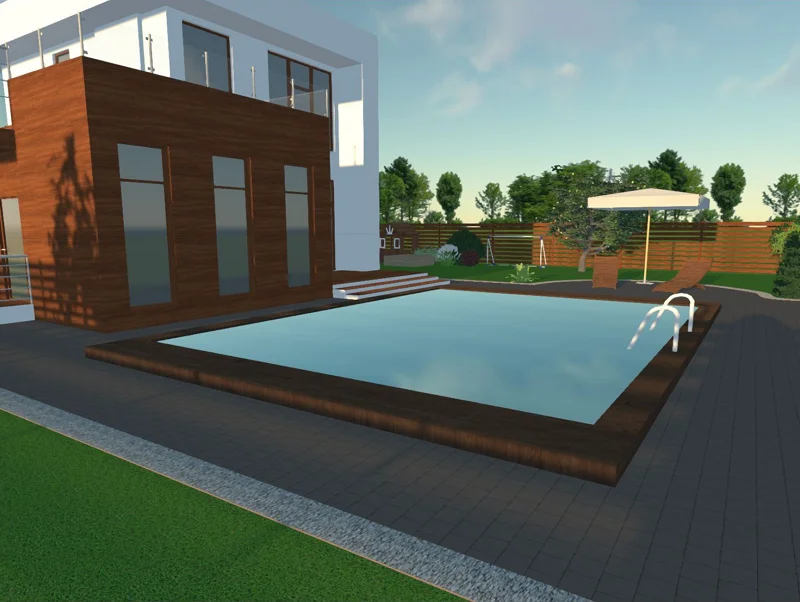
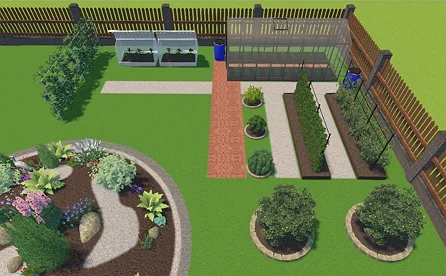
GardenBox 3D allows you to design different kinds of spaces in detail. For instance, you can make a dining space, storage area, or vegetable garden. Our program offers plenty of ready-to-use items to furnish them all. It lets you instantly compare styles to make informed decisions and avoid costly mistakes
As desktop software, it provides more powerful functionality than mobile apps – rendering is smoother, and there are no distracting ads. In fact, you can enjoy the designing process even on a basic laptop. Let’s see some practical ideas you can try with this tool.
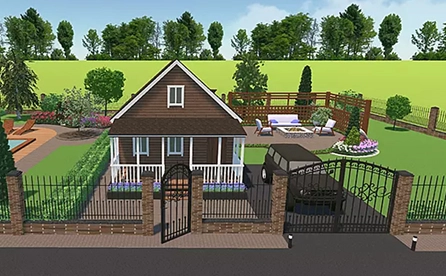
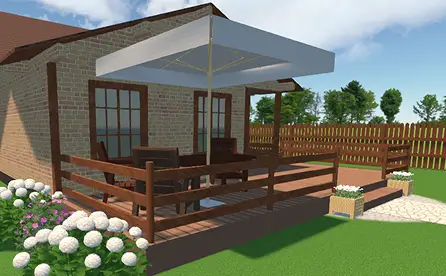
For Windows 11, 10, 8, 7
FAQs
GardenBox 3D lets you import your sketch and plan your space in detail on top of it. Draw the foundation, add buildings, and enhance the flow of movement by drawing pathways. View your comprehensive plan – the design rendering includes correct calculations, shadows, and reflections.
You need to check with your city hall and HOA to see how many feet of space you must leave between the shed and your neighbor's yard. There might be strict rules regarding the structure's height, building supplies, and color palette.
There are such shed models as 12x9 and 10x14, but their sizes are fully customizable. You can also design a shed building from scratch.
Get started with GardenBox 3D today!
- Draw land plots, recreating actual shape & size
- Arrange buildings, plants, and furniture items
- Customize textures and colors of any surface
- Visualize your garden at any time of day
- Take a virtual walkthrough of your property