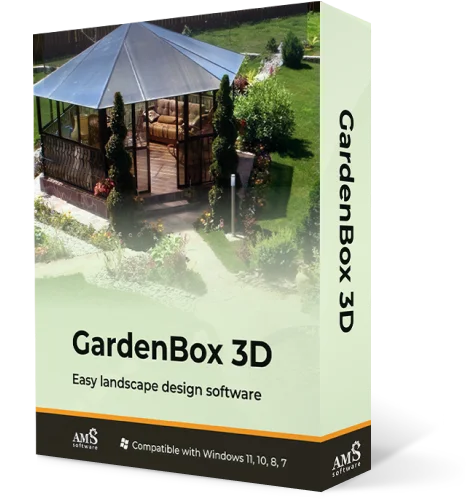
All-in-one
Backyard Design Software
Plan your outdoor space with GardenBox 3D
For Windows 11, 10, 8, 7


Design a garden you’ll love with GardenBox 3D,
easy-to-use landscape design software
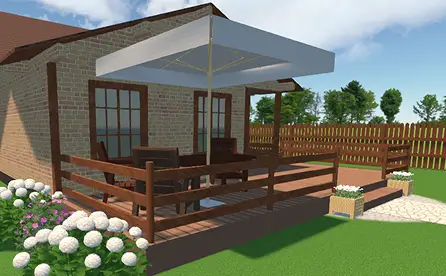
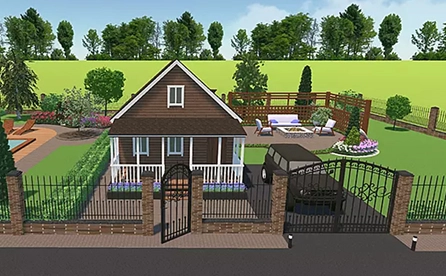
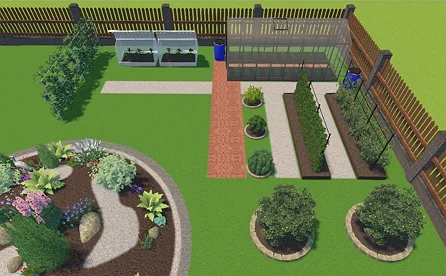
GardenBox 3D lets property owners and landscape designers plan different zones and spaces of any kind: patio areas, gardens, backyard kitchens, outdoor living spaces, and more! Add 350+ models to your plot, including buildings, plants, and lawn furniture items. Try useful features like distance measurement, material customization, and 3D walkthroughs.
The software works offline and can be used hassle-free even in remote rural places. Compared to apps for tablets and smartphones, the desktop version allows for full-scale plans with accurate measurements, flexibility, and outstanding quality. Whether you’re building your dream garden, planning a backyard retreat, or making a project for a client, it’s got you covered.
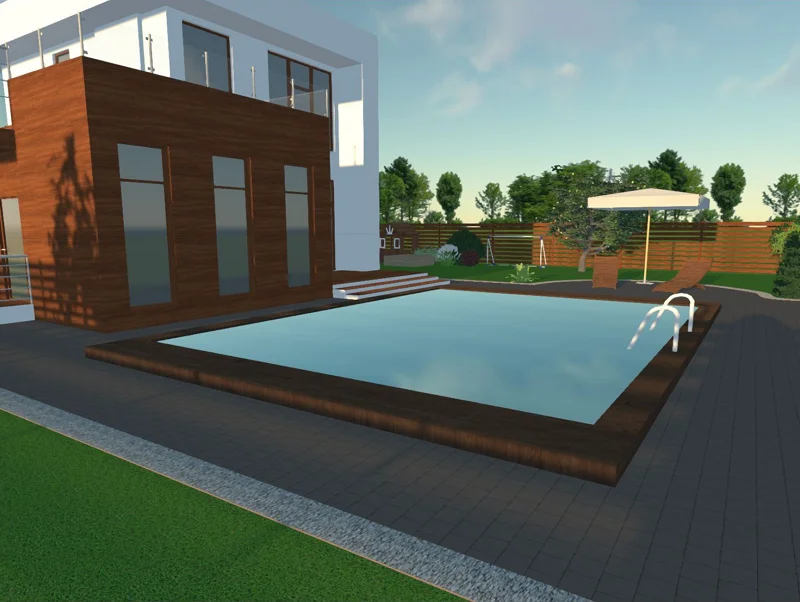
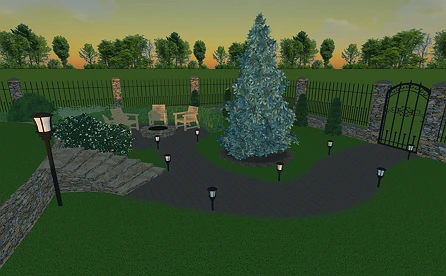
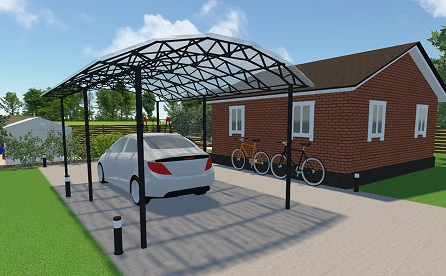
For Windows 11, 10, 8, 7
How to Create a 3D Landscape Plan?
You do not need a background in architecture to map out a professional-looking yard layout with GardenBox 3D. Just follow these steps to turn early ideas into a build-ready project.
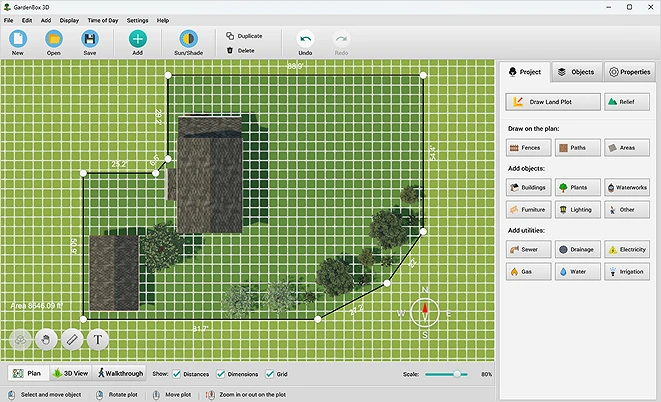
Garden Design Examples Made with Our Planner
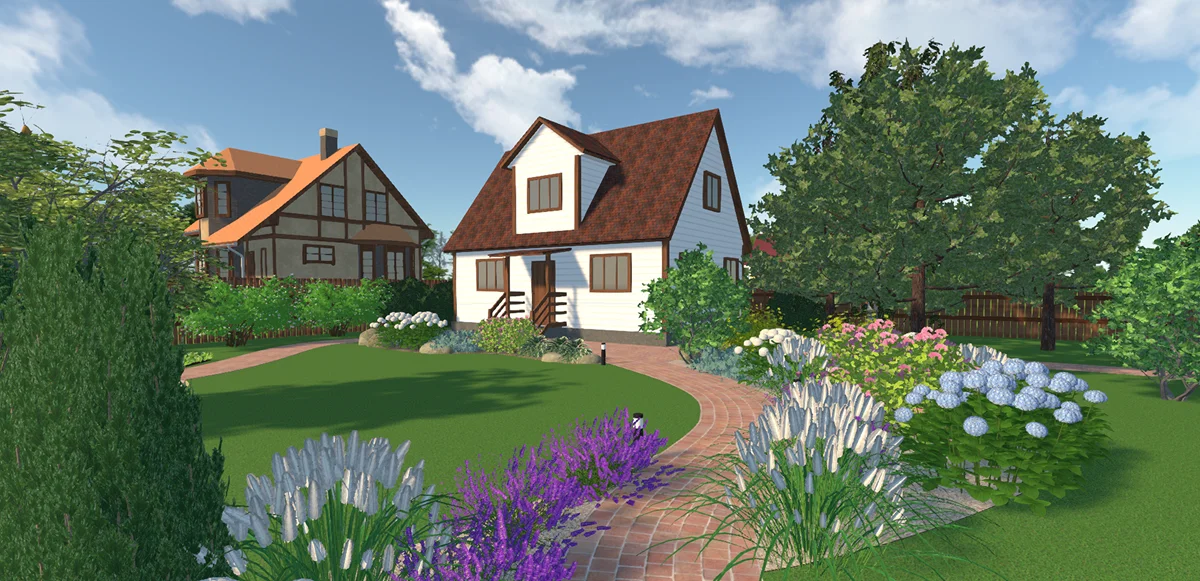
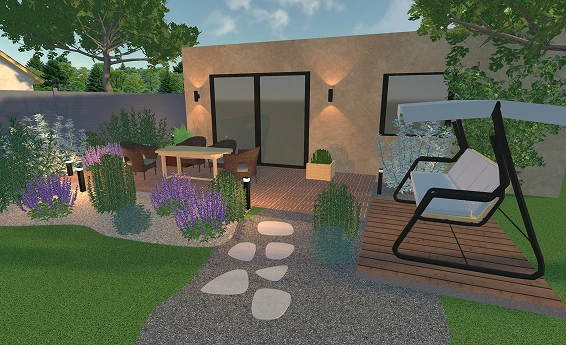
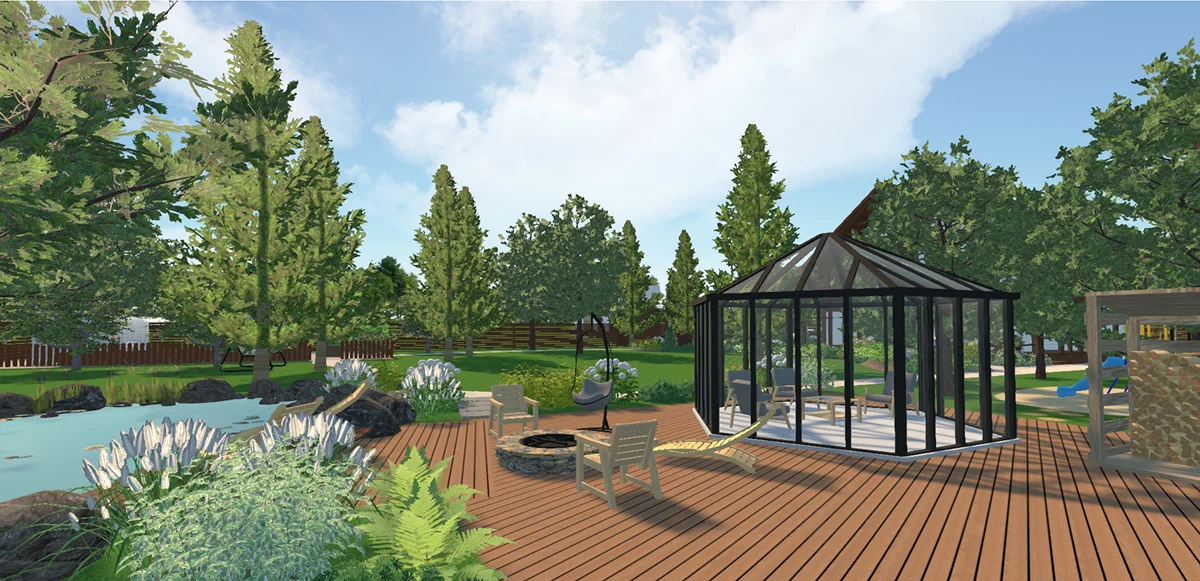
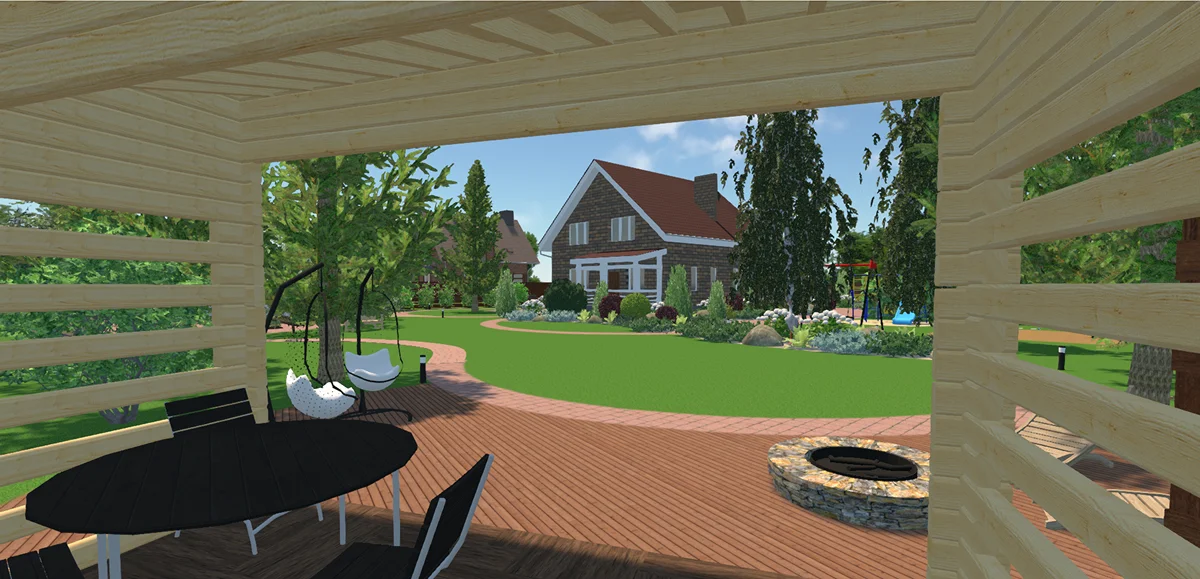
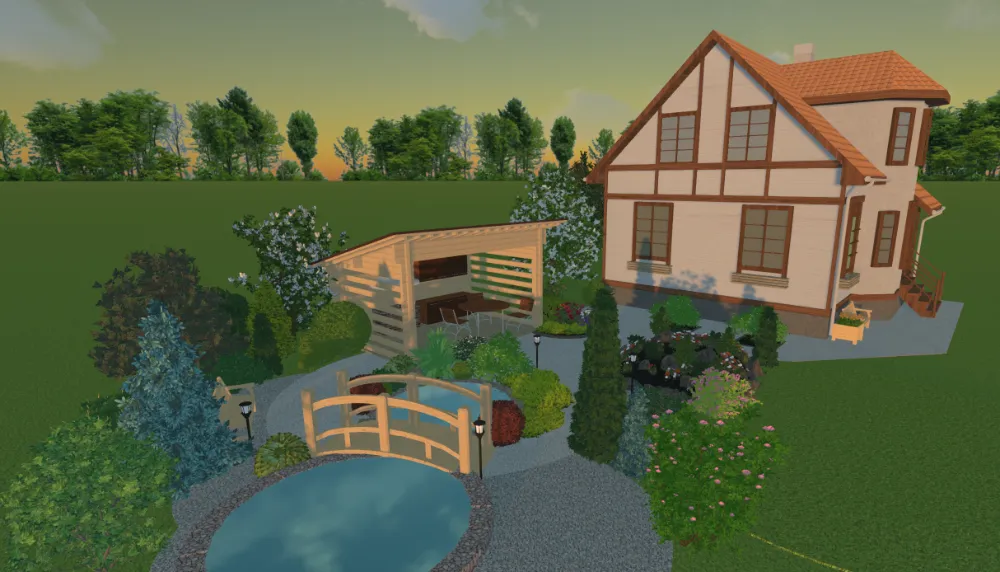
(the “Time of day” feature)
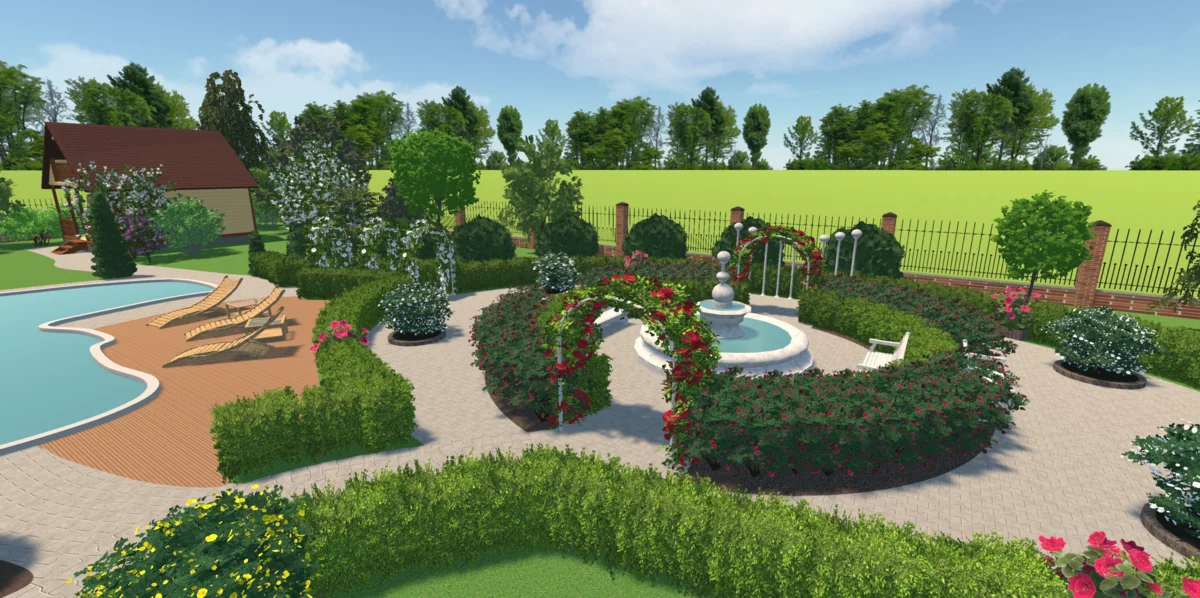
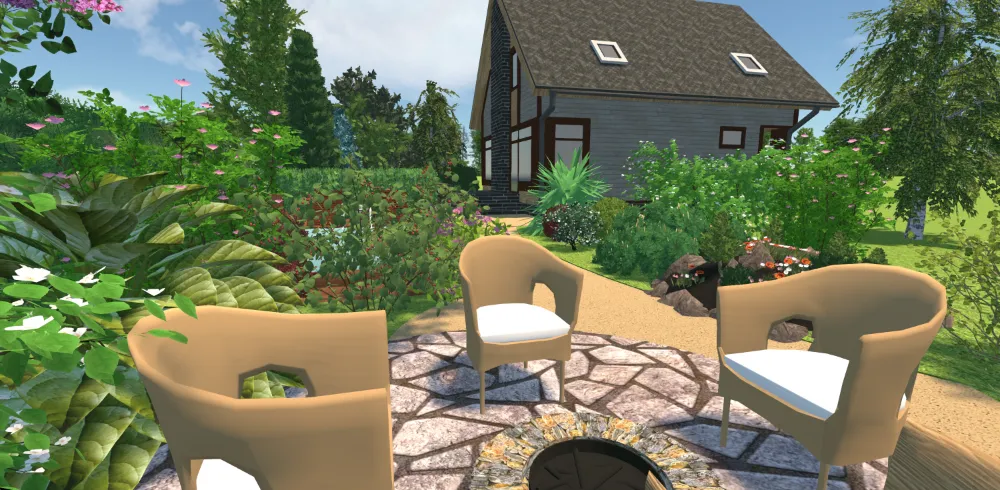
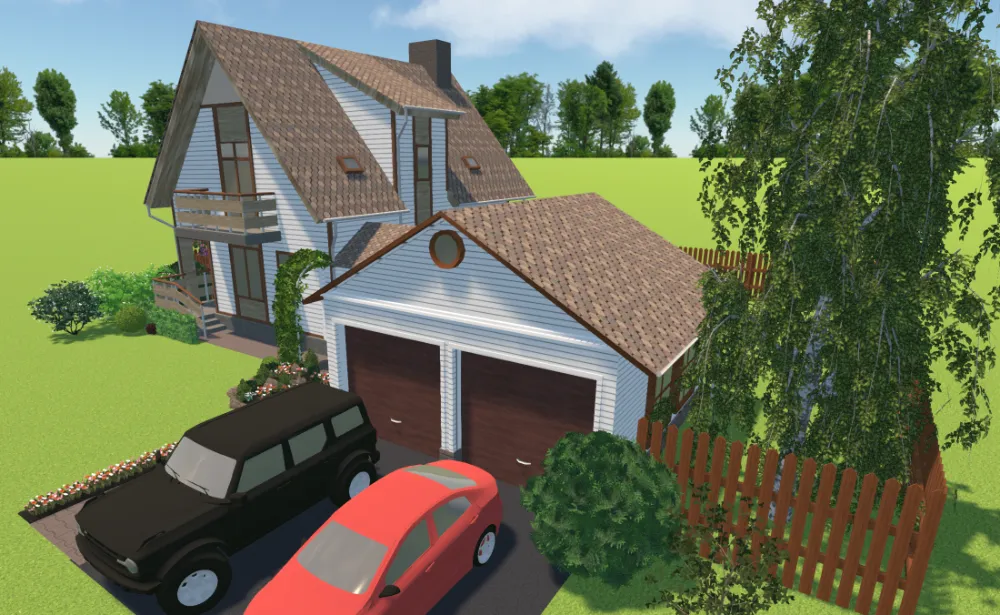
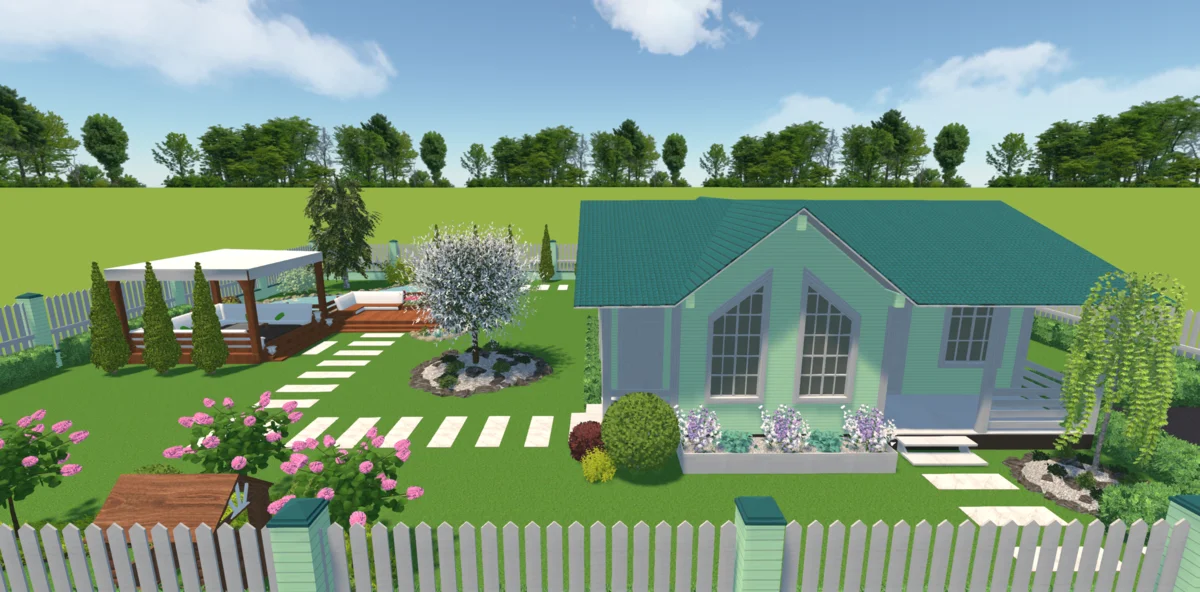
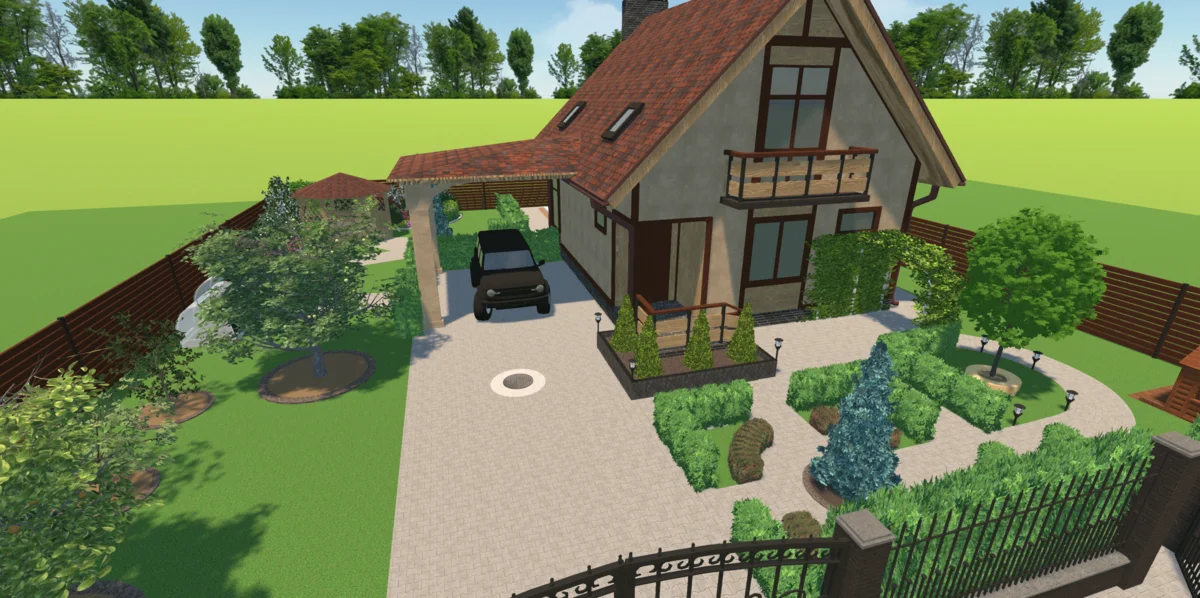
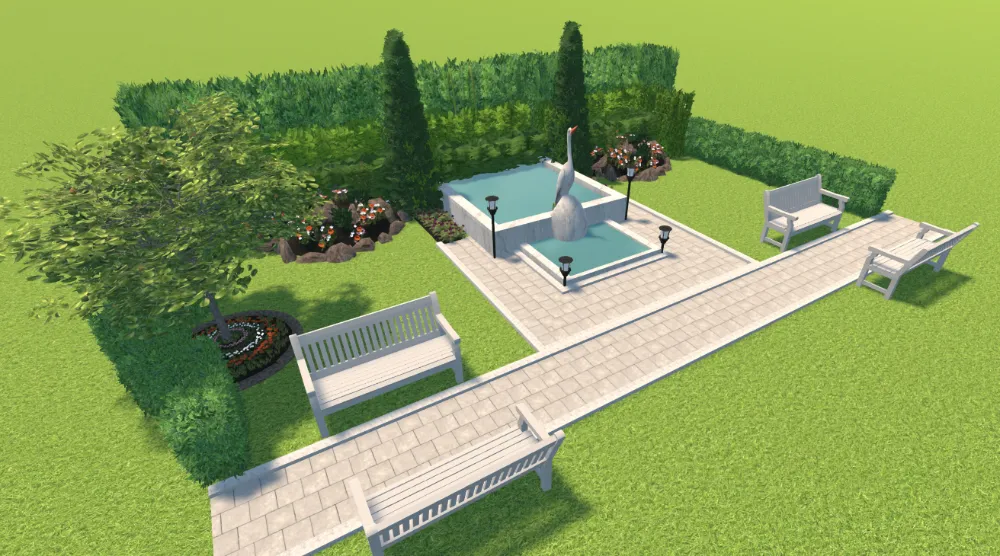
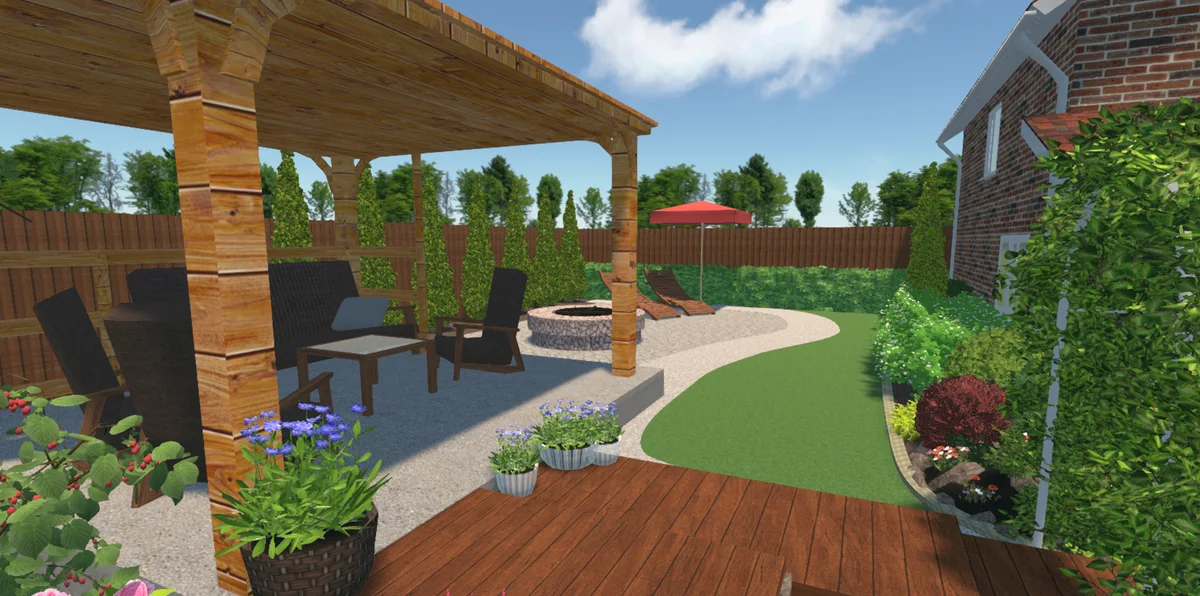
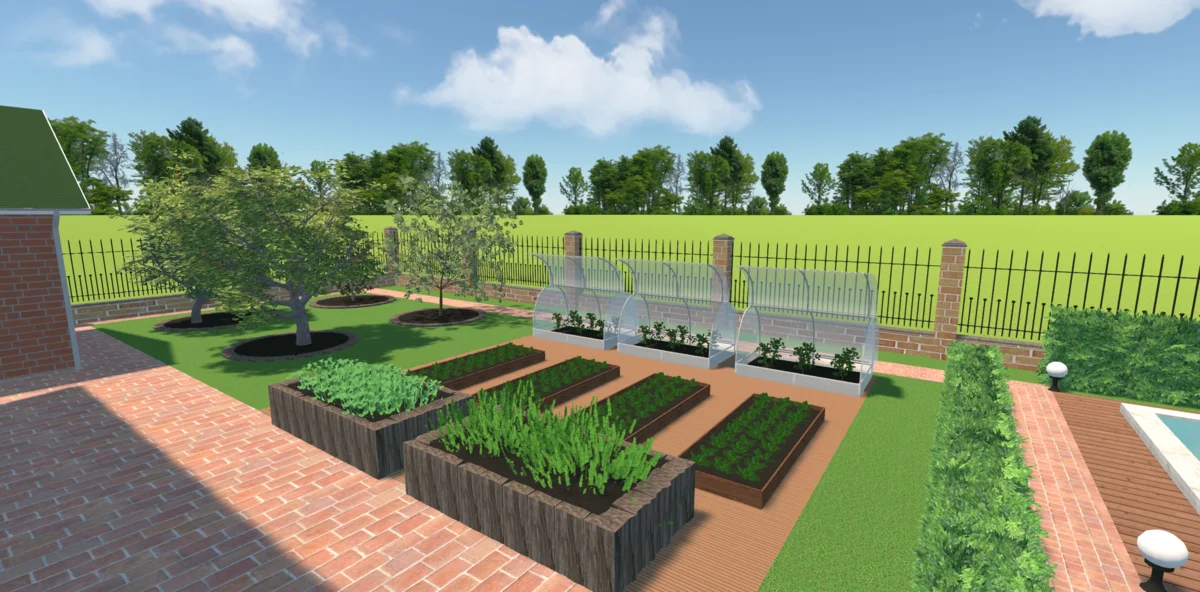
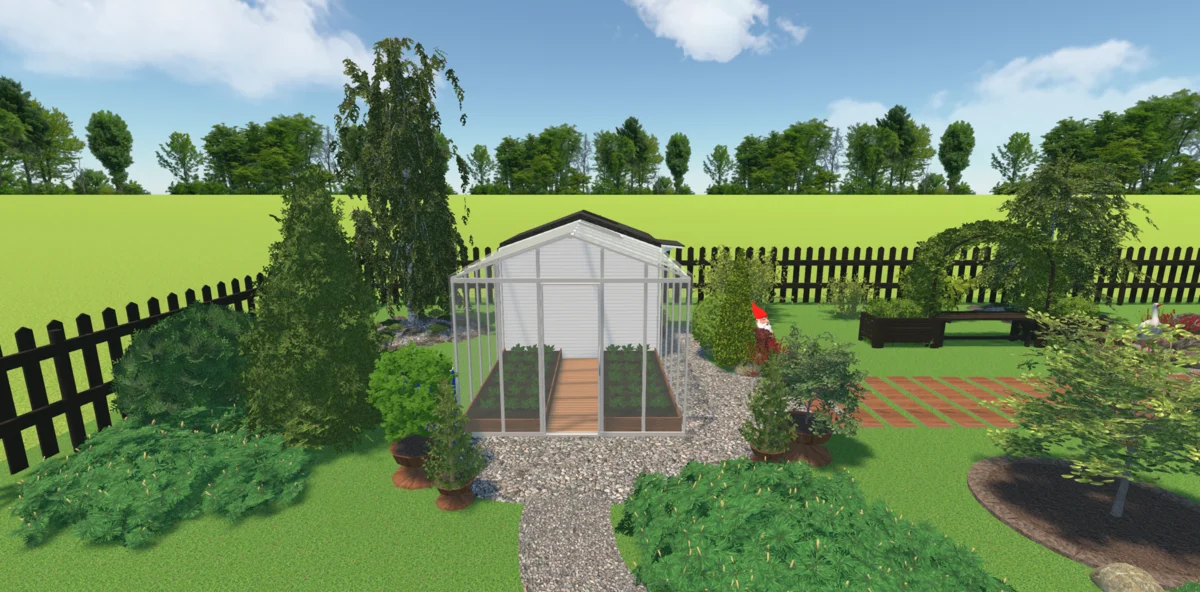
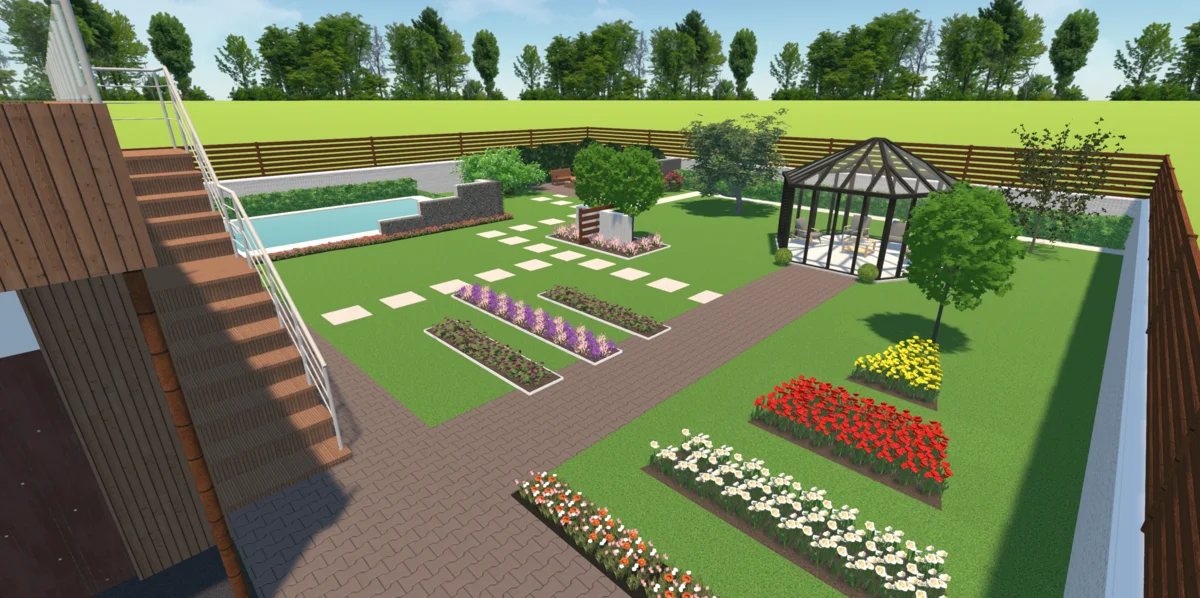
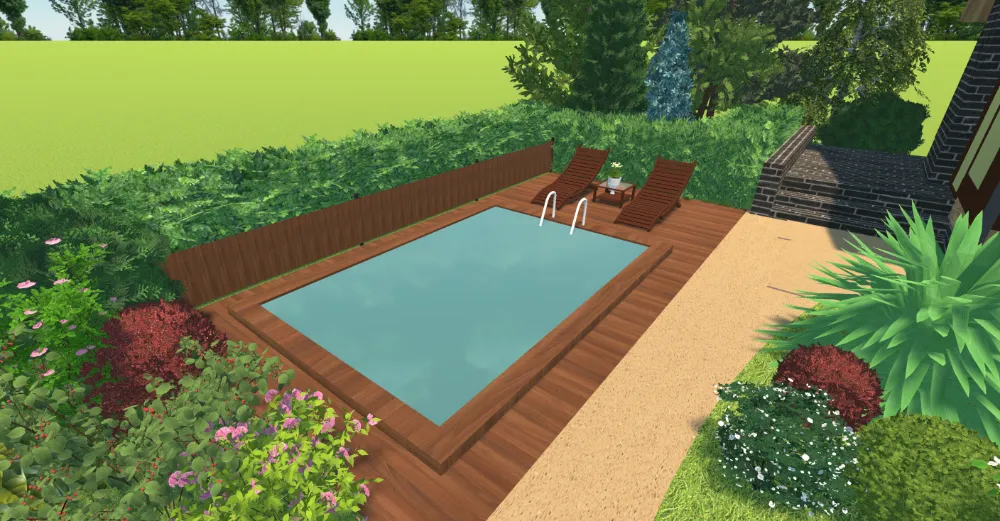
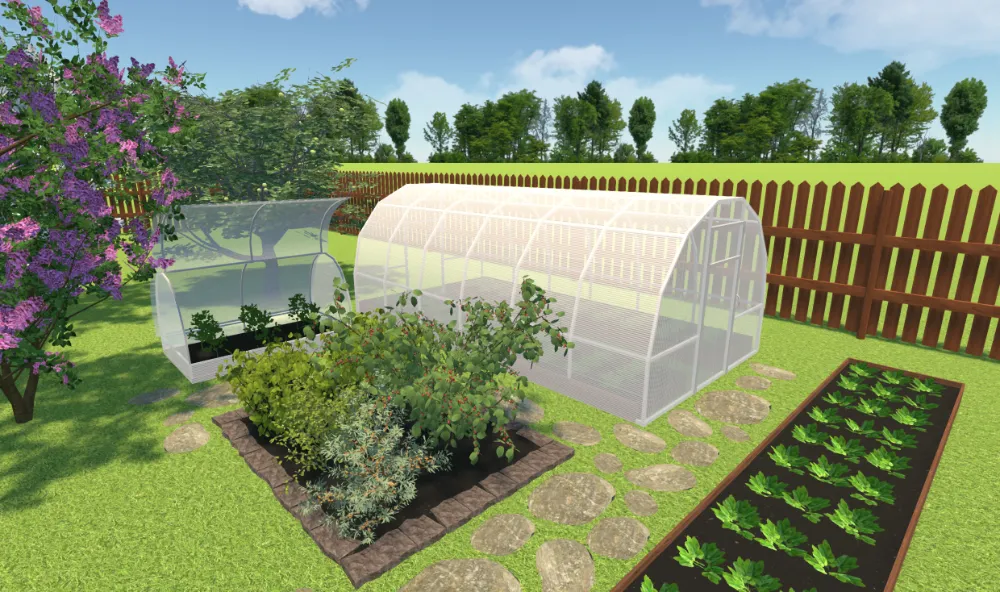
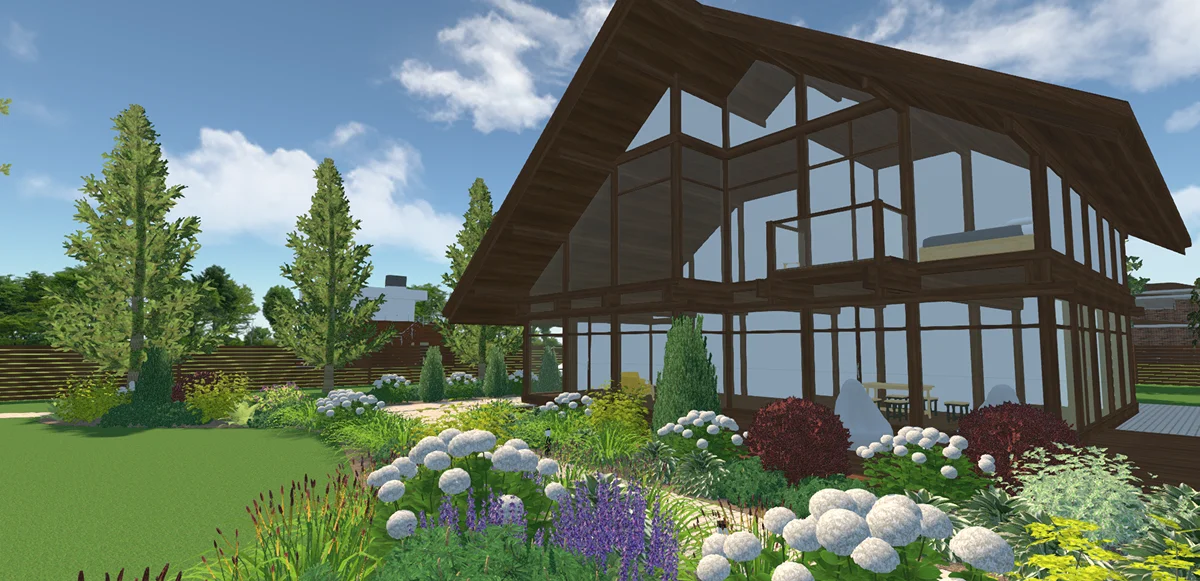
Explore 500+ Items with Our Powerful Garden Design Software
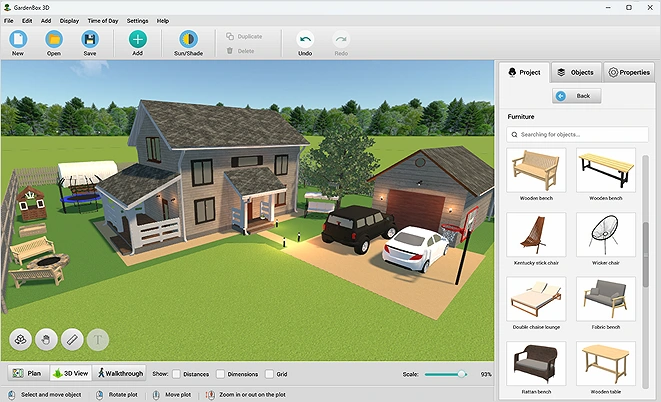
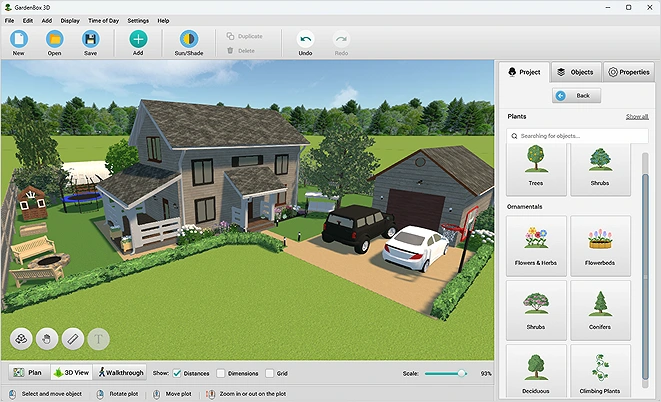
Use hundreds of ready-made models to make your landscape design projects more realistic and create detailed, full-scale projects. Plan spaces with any outdoor objects you need: create a lounge area, select lawn decor, or make a playground area.
Change the models’ size and position, rotate the objects, resize them, adjust their height and width separately, and set their level above the ground. When you’re done, “lock” the object so you don’t move it on your garden layout plan by accident.

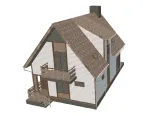
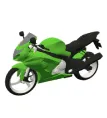
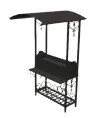

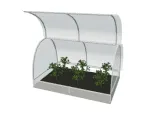
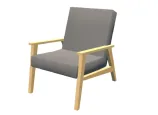
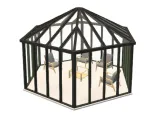
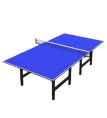
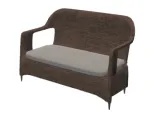
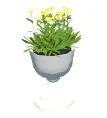


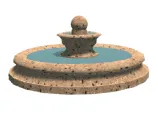
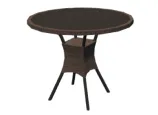
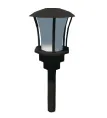
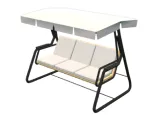
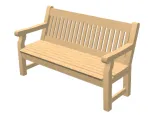

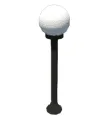
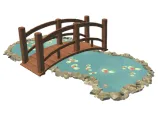
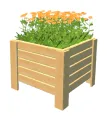
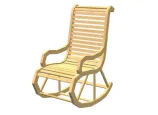
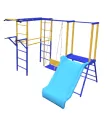
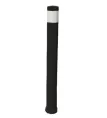
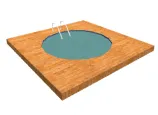
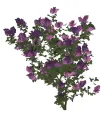
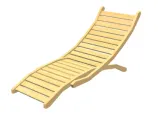


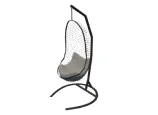
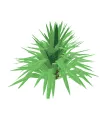
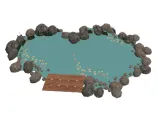

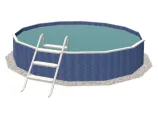
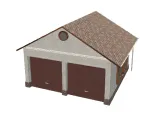
scroll through the landscape
design items
For Windows 11, 10, 8, 7
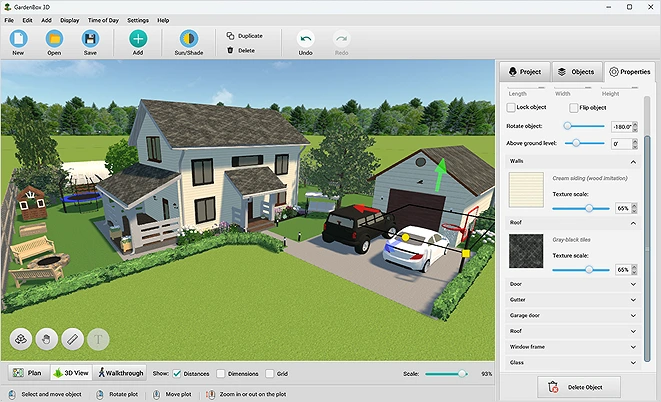
Experiment with Different Exterior Finishes
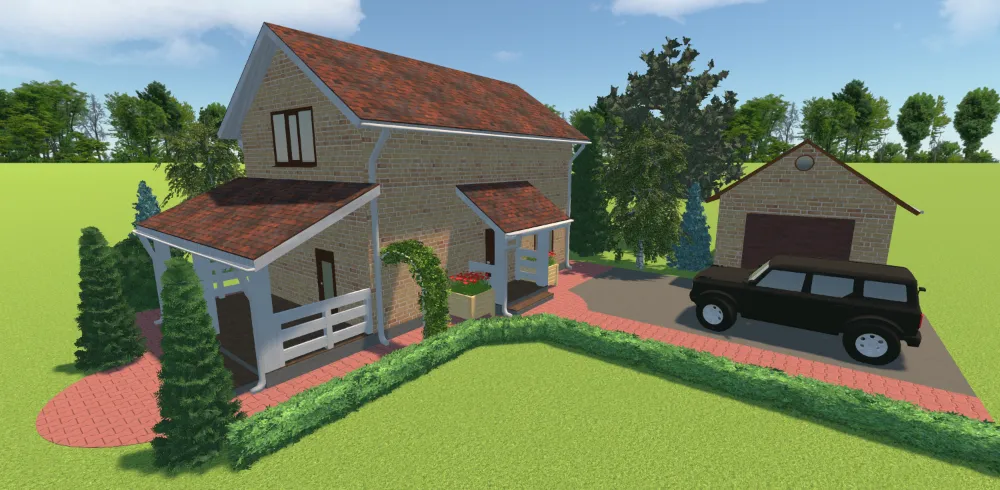
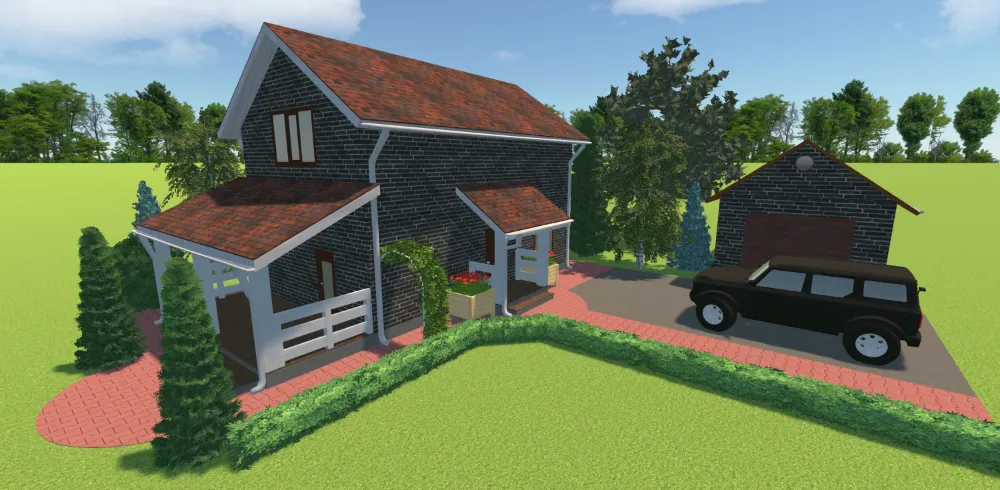
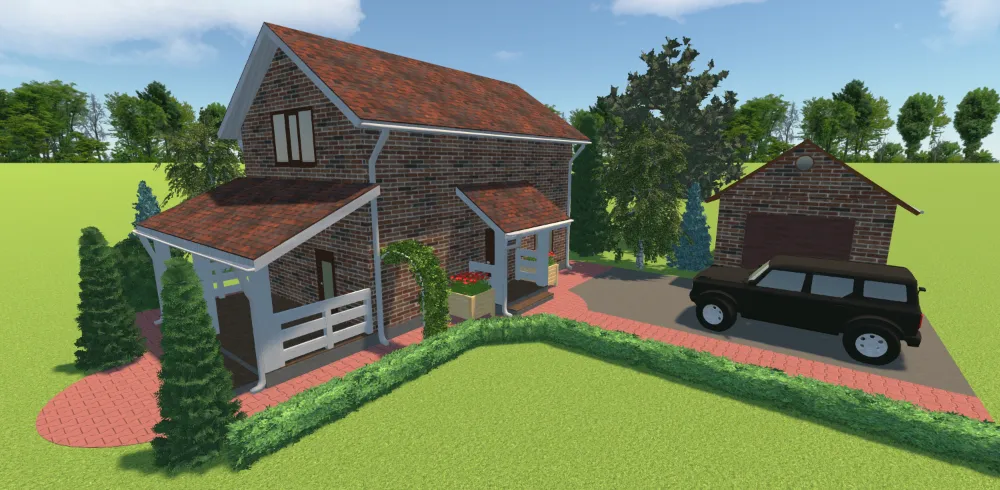
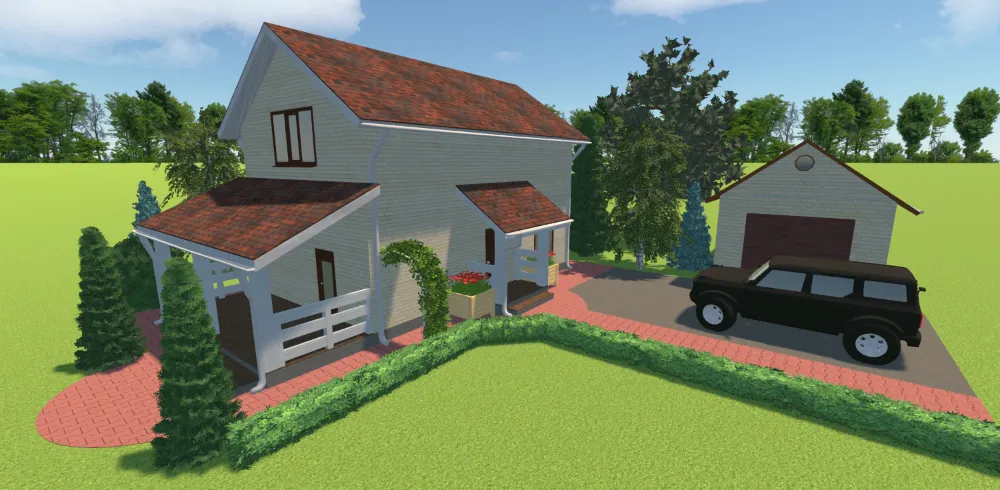
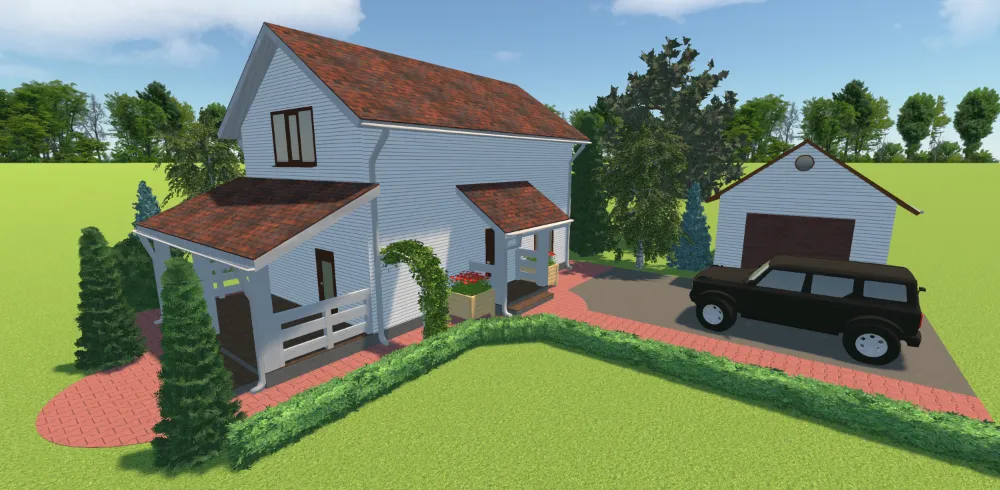
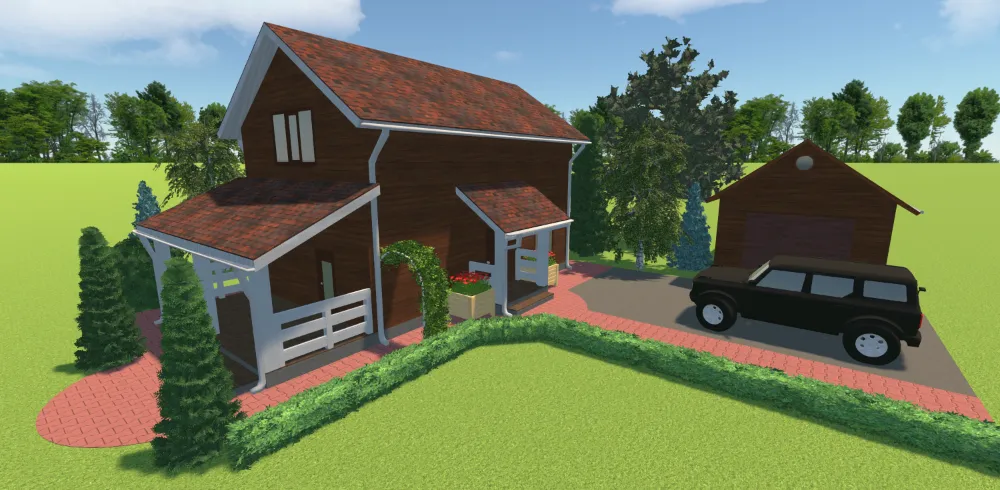
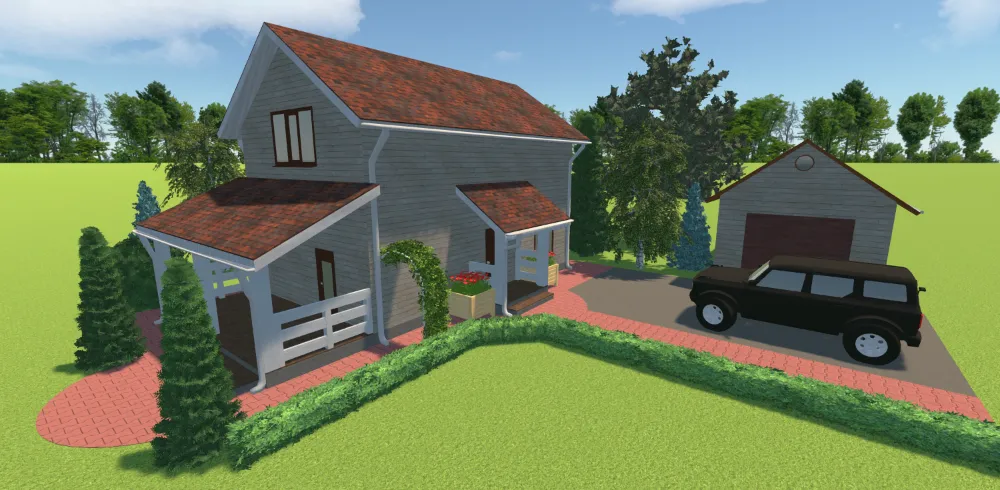
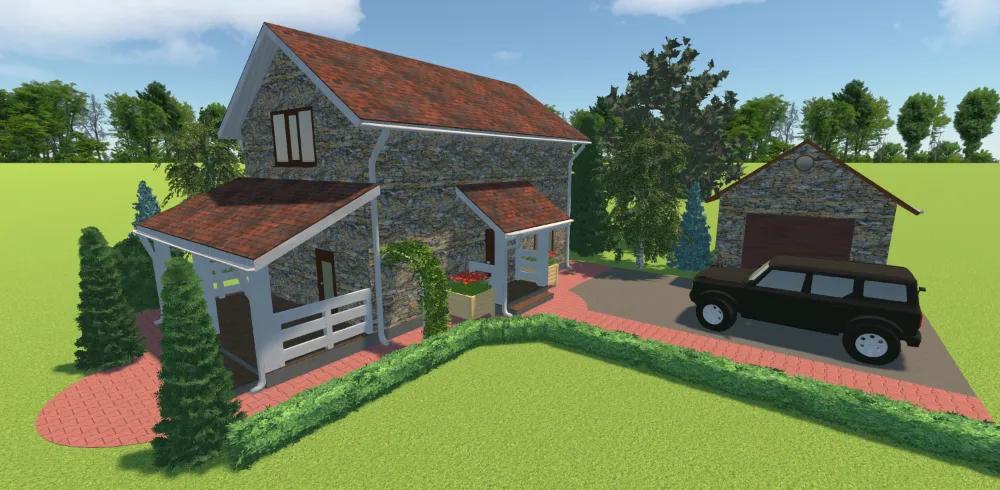


see the result
Handy Features for Outdoor Space
Let’s see what this professional software has to offer:
Precise garden planning
- Import your own plot blueprint for accurate drawings
- Recreate the real terrain, including slopes and elevations
- Measure distances with a digital ruler
- Select feet, inches, or metric units for precise measurements
Attractive landscape designs
- View your project in the morning, afternoon, and evening lighting conditions
- Upload your own 3D models and create landscape designs with custom elements
- Customize the colors and surfaces
- Rotate the compass to visualize the sunlight's path and the shadows
Easy tools for homeowners and pros
- Find the objects you need through the search bar
- Change the scale and rotate the plan easily
- Label areas with text captions
- Follow built-in tips and prompts
- Save plans as images or PDF files to share landscape projects with clients
For Windows 11, 10, 8, 7
\\
Our Clients from All Over the World
Trusted by renovation, architecture, and park maintenance experts, GardenBox 3D helps brands to create professional projects all around the globe: in the US, France, Germany, and other countries.


















See What Our Users Say About GardenBox 3D


FAQ
Landscape design programs are powerful tools that help homeowners and professional architects build and edit plots with precision. They range from basic to advanced CAD programs.
The software should come with a library of outdoor decorations and plant symbols. Look for customizable materials and measurement tools. You should also consider the free trial to make sure you don't invest in a program that doesn’t suit your needs.
If you have little to no experience, GardenBox 3D is an excellent choice. It has walkthroughs that guide beginners through the whole design process.
Beginners can start their landscape design journey with software like GardenBox 3D. It features a clutter-free interface and intuitive design tools, so you’ll seamlessly plan the plot of your dreams even if you’ve never used CAD rendering software before.
Yes, you can export your projects as high-resolution images (PNG, JPG, or BMP), as PDF or TIFF files, or as projects for making further adjustments.
Absolutely! It allows you to upload the image of your blueprint. Simply import it into the landscape design program and start drawing a plan on top of your template.
Desktop programs function offline and provide uninterrupted access without relying on the Internet connection and speed. Plus, they typically provide more robust design features such as photo-realistic rendering. Compared to hand-drawing, desktop software streamlines the process, still giving you high-quality results and saving time.
Unlike standard 2D programs, three-dimensional design software lets you view and change projects from multiple angles, digitally walk through your property, and adjust lighting for different times of the day.
Yes, you can design uneven landscape plots using terrain design tools for changing and visualizing slopes, uplands, and lowlands.
While softscapes (grass, flowers, etc.) are meant to bring a sense of natural beauty, hardscape and landscape elements include everything that is not living: fences, outdoor lighting, decks, and other similar objects.
Get started with GardenBox 3D today!
- Draw land plots, recreating actual shape & size
- Arrange buildings, plants, and furniture items
- Customize textures and colors of any surface
- Visualize your garden at any time of day
- Take a virtual walkthrough of your property