Fence Design Software
Plan, visualize, and refine your fence design
in minutes with easy drawing tools
For Windows 11, 10, 8, 7


Design Your Fence Project with Our Easy Tool:
How GardenBox 3D Works
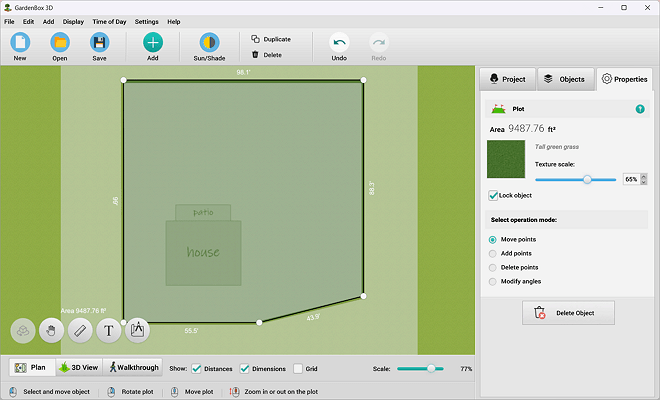
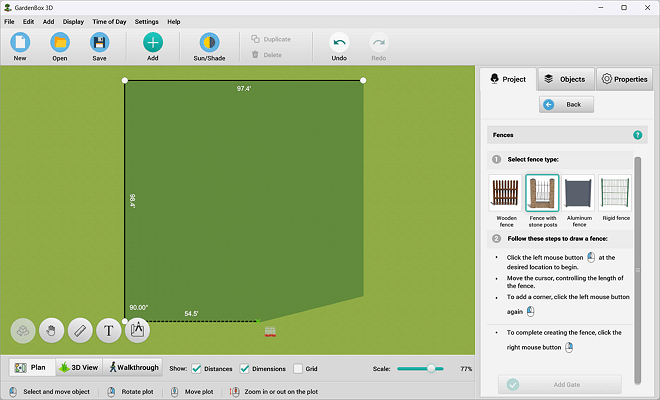
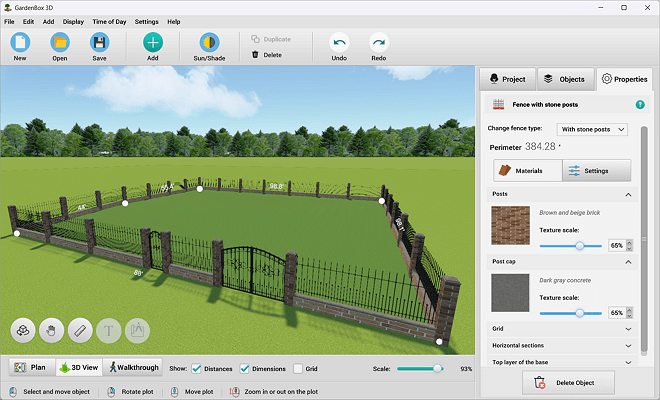
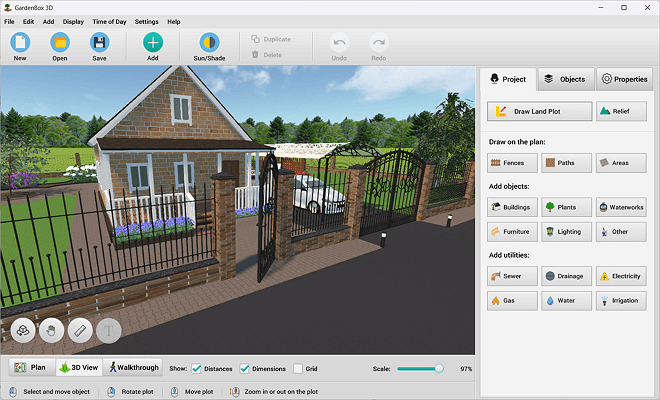
Enclose your plot with any type of fence. Customize key parameters such as height, length, and material to fit your needs. Instantly switch to a three-dimensional view to see the result and refine your project with precision.
Explore 500+ Landscaping & Fencing Elements
Integrate a wide range of components from our collection into your custom fence projects, experimenting with 50+ colors and textures. Opt for rigid mesh patterns such as Bekafor Classic, privacy panels such as Zenturo, or matching entry systems to create 100% cohesive landscape designs.
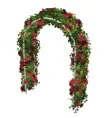
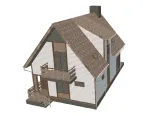
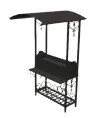

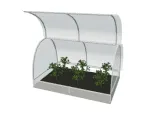
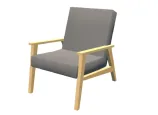
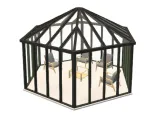
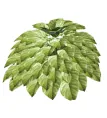
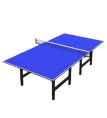
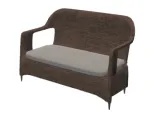
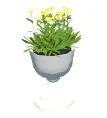
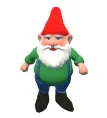

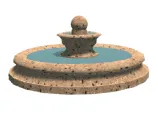
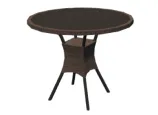
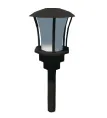
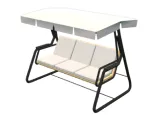
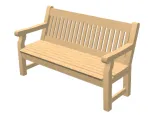

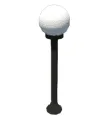
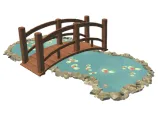
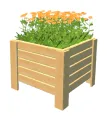
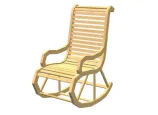
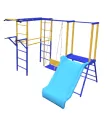
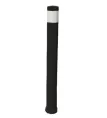
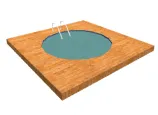
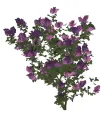
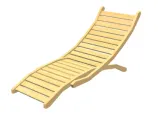


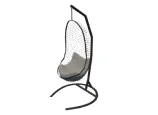
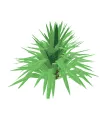
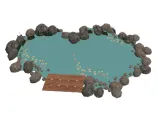
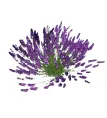
scroll through the landscape
design items
For Windows 11, 10, 8, 7
Experiment with Styles to Enhance Your Design
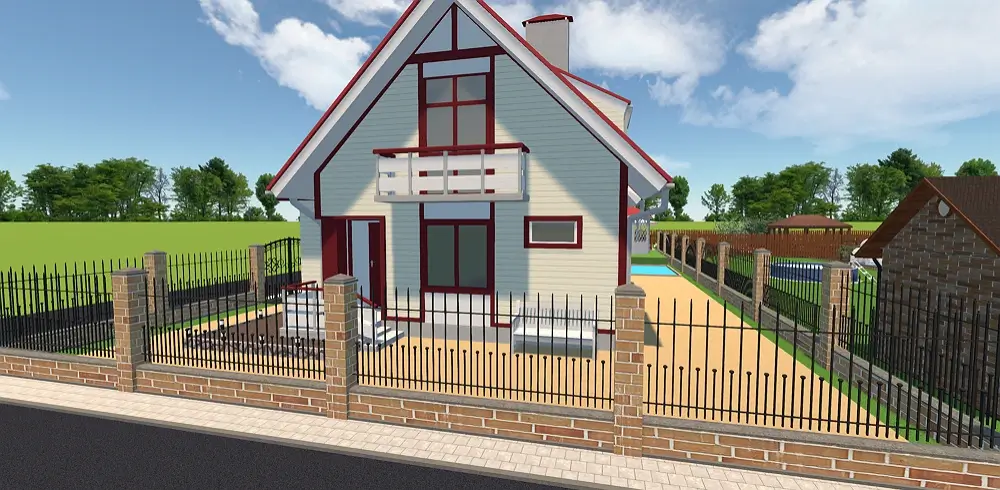
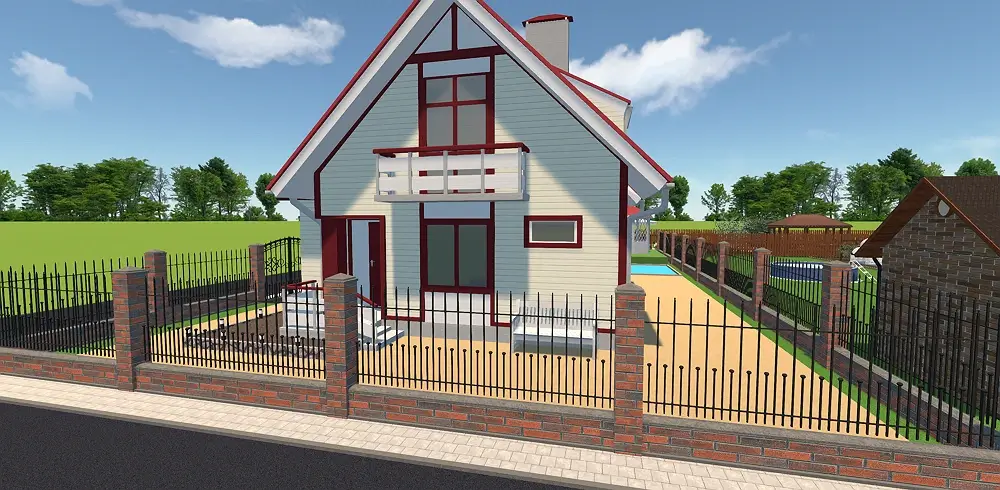
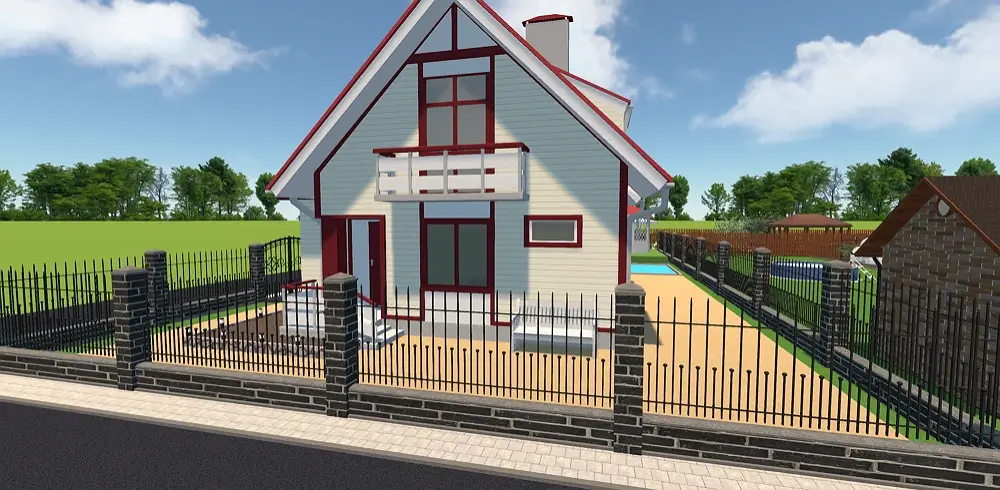
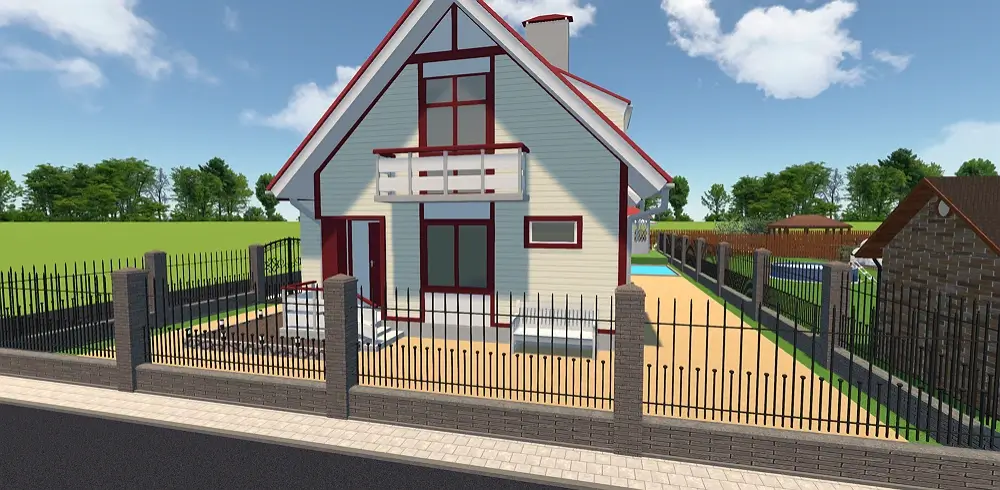
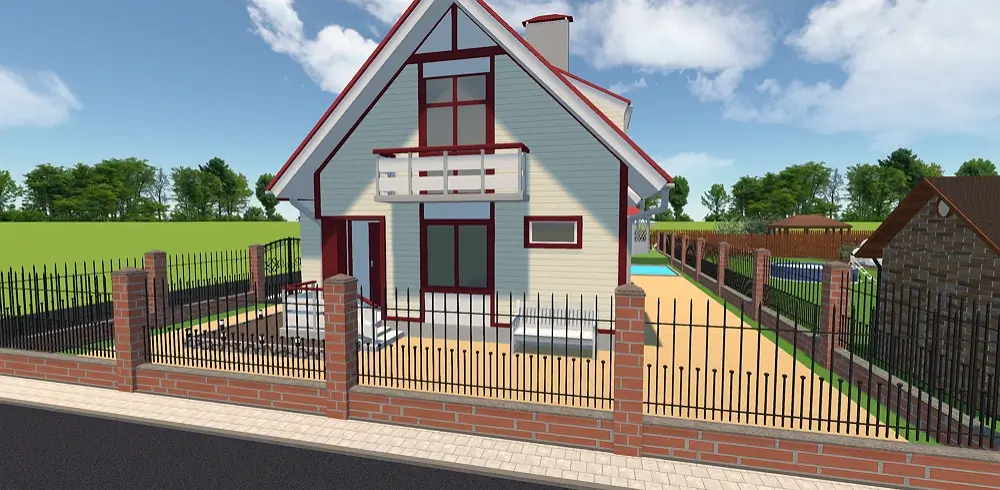
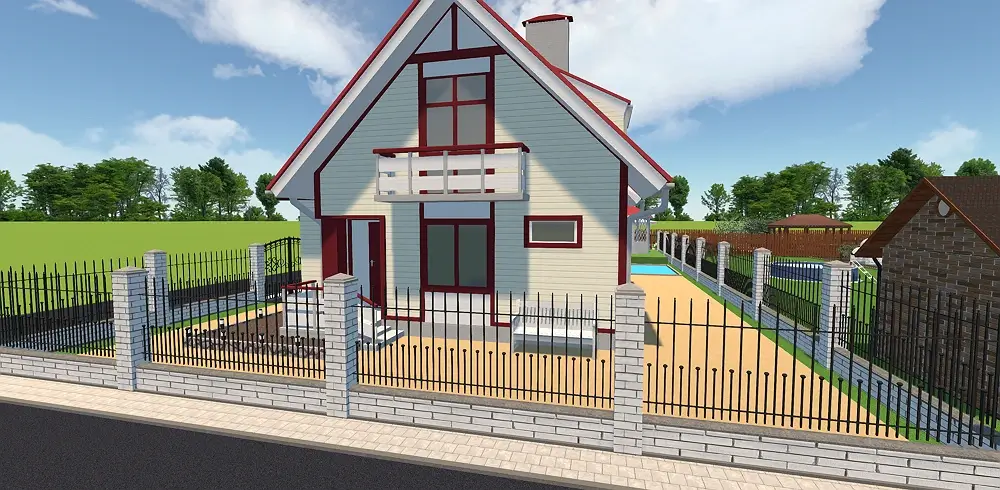
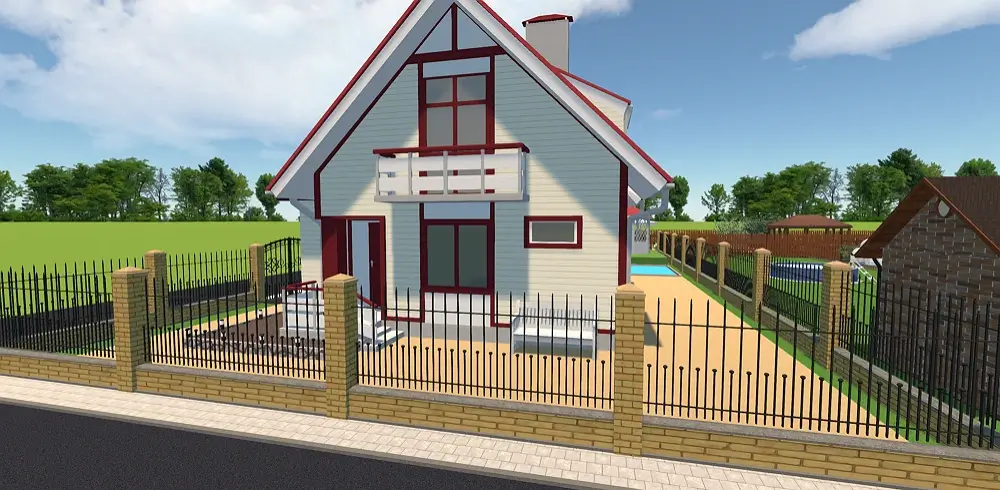
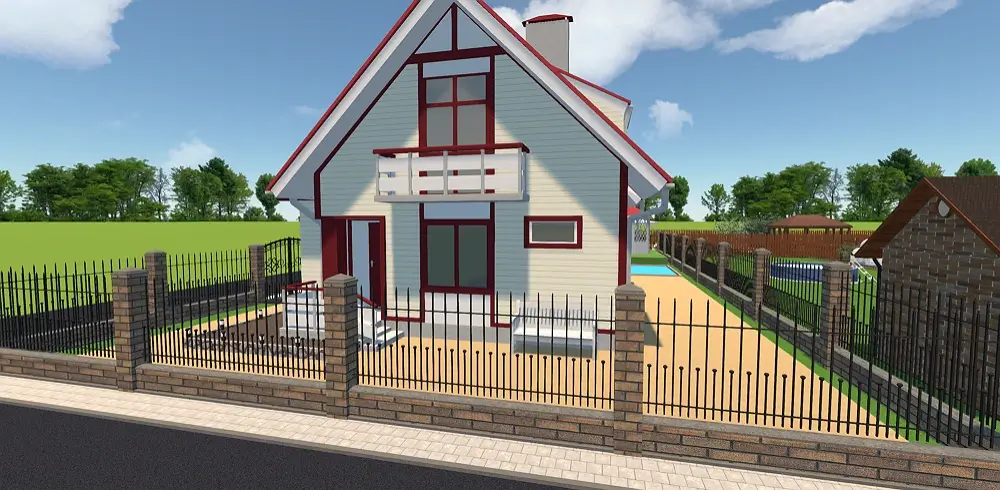


see the result
Easy-to-Use Software with Features
for Professionals and Homeowners
GardenBox 3D is more than just software for visualization—it’s a professional program for advanced outdoor and fence design. Whether you’re designing for yourself or managing a client project, this solution helps you work efficiently and precisely.
Stunning landscape designs
- Access a large built-in catalog of models and landscape elements
- Add buildings, plants, furniture, lighting, and more to complete a project
- Customize every surface and refine details
- Simulate lighting and shadows at different times of day
- Navigate your outdoor space in a lifelike first-person virtual walkthrough
Accurate calculations
- Upload your plots to recreate property lines with precise data
- See dimensions and areas instantly to calculate your fence component needs
- Adjust rise, length, and spacing between elements
- Adapt your design to slopes, terrain, and uneven ground conditions
- Adjust object elevation above ground level
Trusted by Clients and Contractors Worldwide
Our program supports the creation of high‑quality projects across multiple countries: from the US to France, Germany, and beyond. It is trusted by professionals in renovation, architecture, and landscape maintenance.


















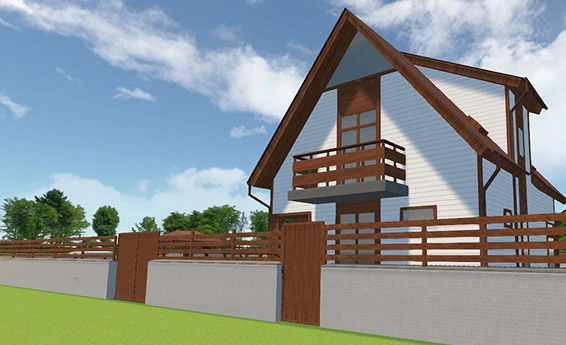
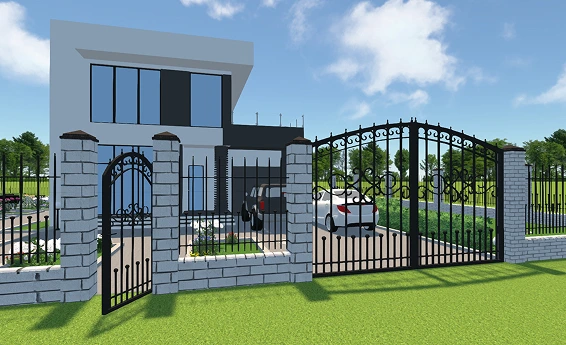
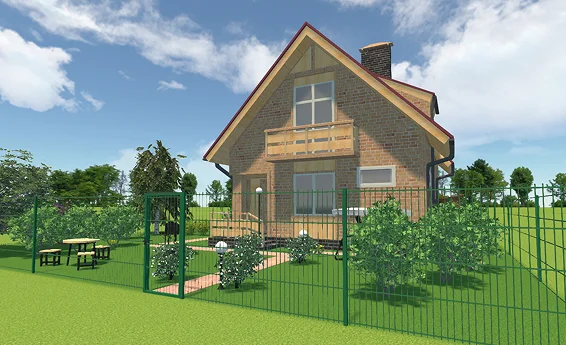
Landscape Design Examples Made with Our Software
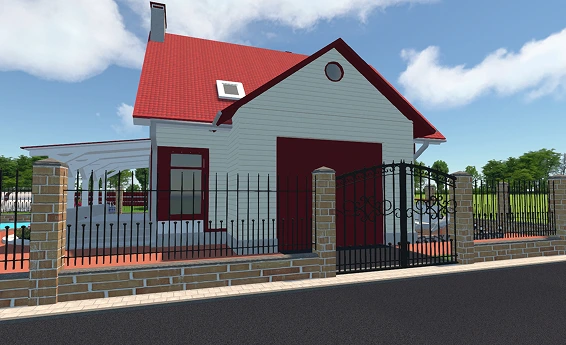
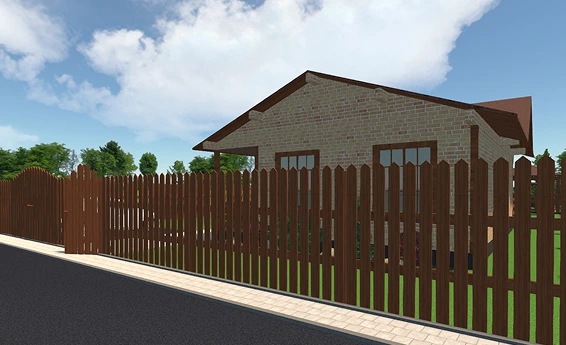
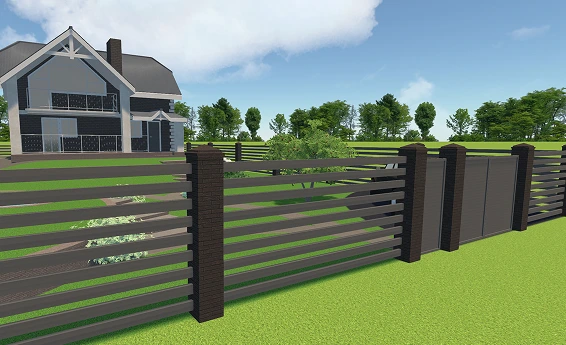
For Windows 11, 10, 8, 7
What Our Users Say


Free Design Tool to Help You Streamline Landscape Planning
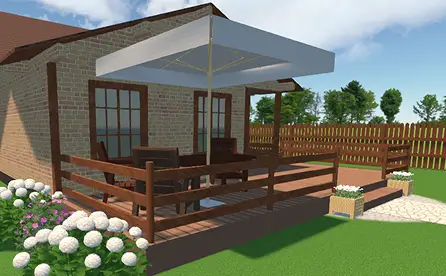
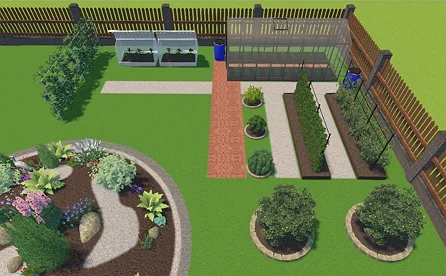
With our free and intuitive software, you can bring outdoor and fence concepts to life with realistic results before construction. This allows you to prepare accurate estimates, avoid costly mistakes, and optimize your workflow.
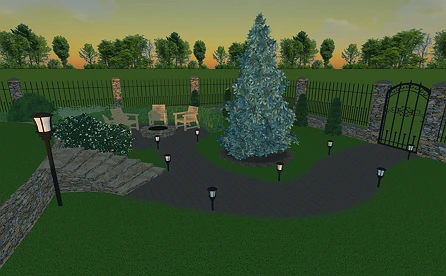
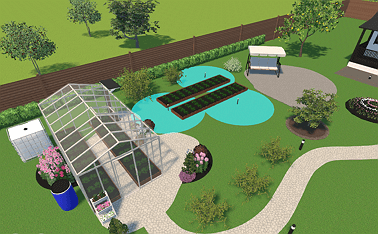
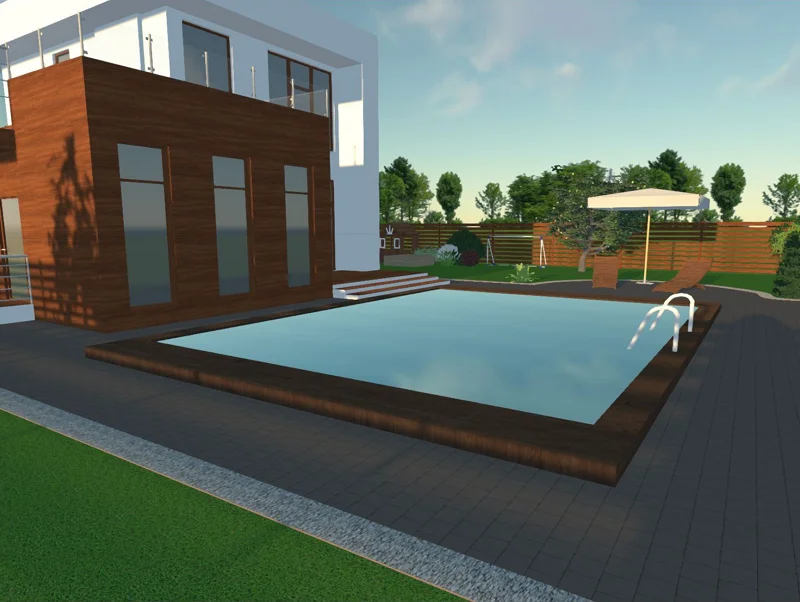
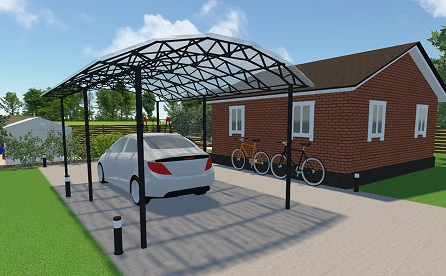
For Windows 11, 10, 8, 7
FAQ
Common mistakes include incorrect measurements, ignoring boundary lines, and choosing unsuitable materials. Many issues arise from skipping a proper project layout, leading to misaligned posts, incorrect elevation, underestimated costs, and installation problems.
Start by creating a scaled layout of your landscape. Mark entry points, corners, and fence sections with exact measurements. With a digital tool, you can map out an accurate drawing, adjust details, and preview the full project.
In the landscaping industry, 'lower fence rule' often refers to local height restrictions that require a lower profile (e.g., 3 ft) in front yards or on corner lots to maintain visibility for drivers.
Get started with GardenBox 3D today!
- Draw land plots, recreating actual shape & size
- Arrange buildings, plants, and furniture items
- Customize textures and colors of any surface
- Visualize your garden at any time of day
- Take a virtual walkthrough of your property