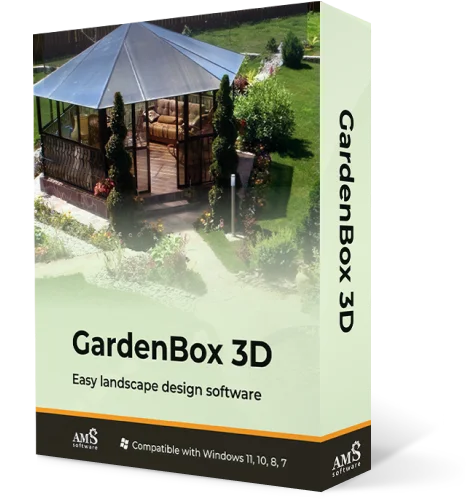
Backyard Layout Software
with Easy Design Tools
Plan outdoor living spaces with a handy program
For Windows 11, 10, 8, 7


How to Design a Backyard with an Intuitive Tool?
Gardenbox 3D is a user-friendly space planner that requires no design experience. This software makes it easy even for a beginner to create detailed, full-scale projects. Follow the simple steps below and start designing a yard you want:
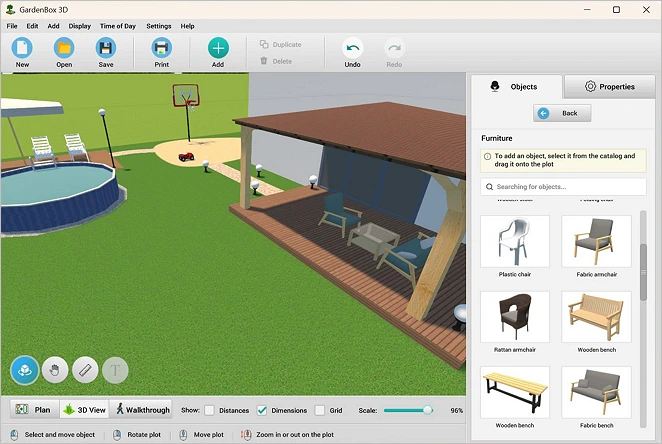
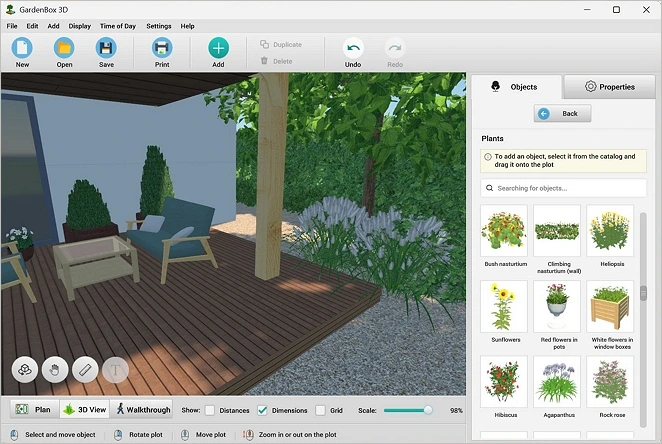
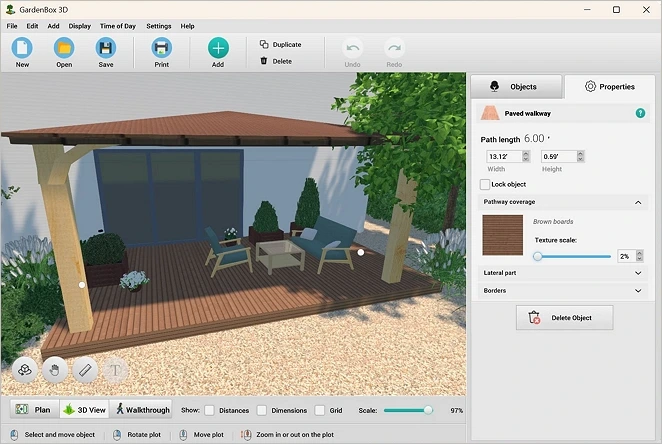
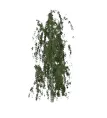
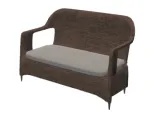
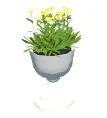
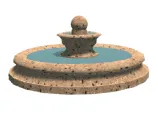
Explore 500+ Furnishing Items for Outdoor Spaces
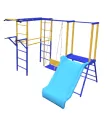
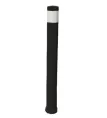
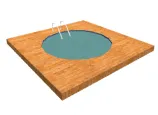
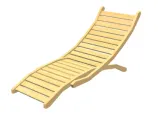
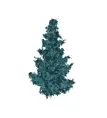
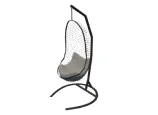
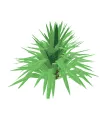
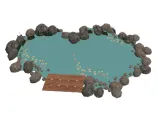
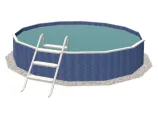
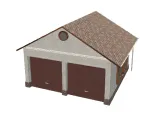
With a vast catalog of objects, designing an outdoor living area is as easy as 1, 2, 3. First, make your yard functional with exterior furniture. Second, create a lounge zone with a hammock, a morning coffee spot with a cozy chair and relaxing colors, or a pergola area for family gatherings. And third, level up your design with decor and illumination.
The good thing about the GardenBox 3D models is they already are a part of the package and can be used right away - no downloads required. Just drag and drop the objects to your plan and customize them to perfectly match the design style.

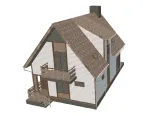
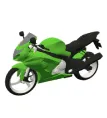
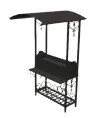

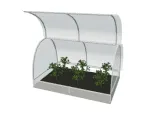
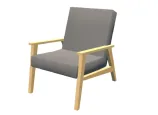
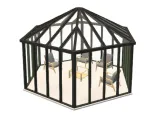

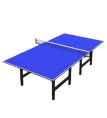


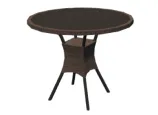
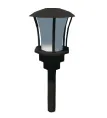
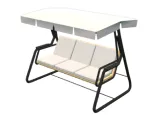
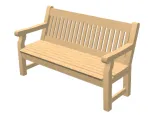

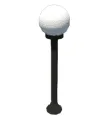
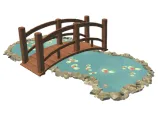
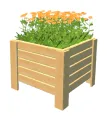
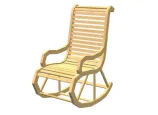



scroll through the landscape
design items
For Windows 11, 10, 8, 7
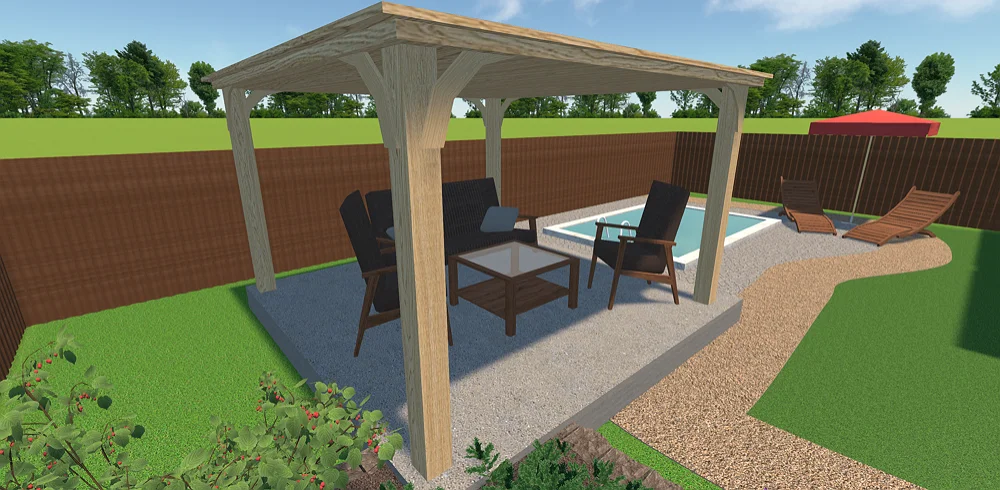
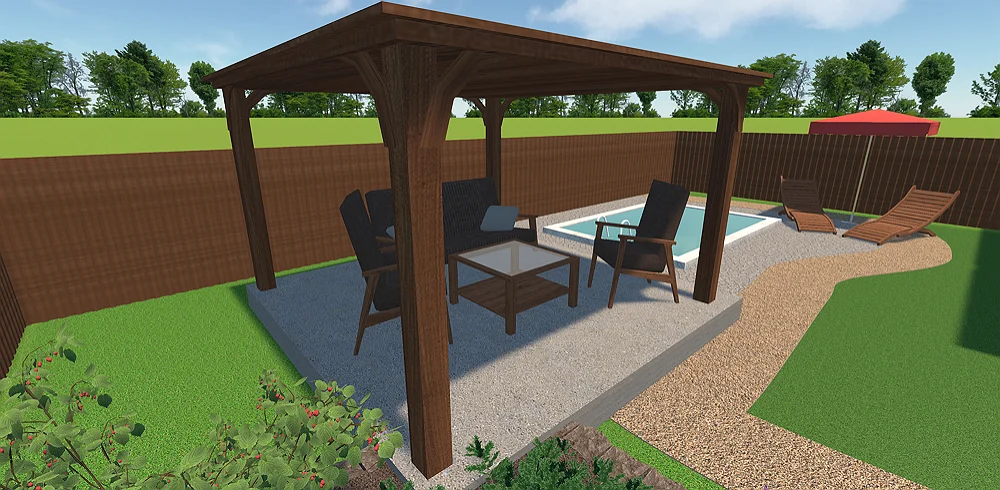
Experiment with Different Backyard Ideas
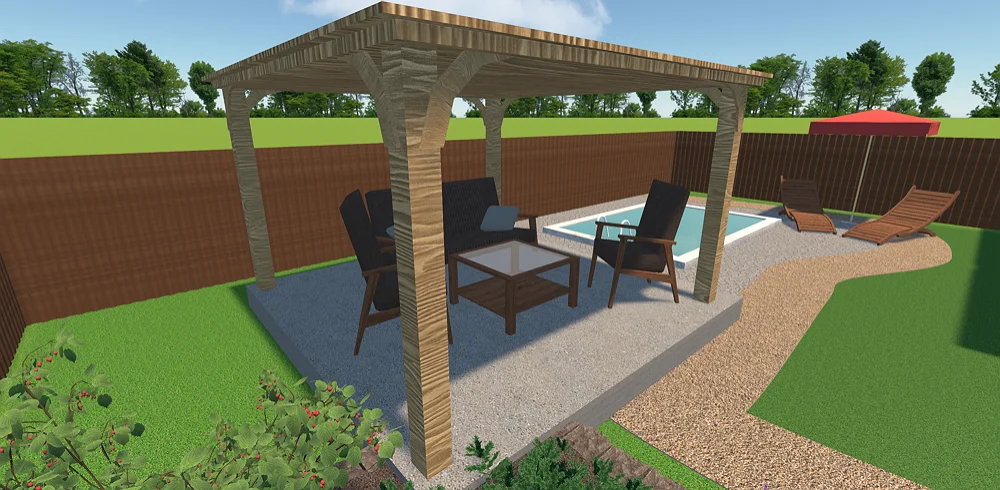
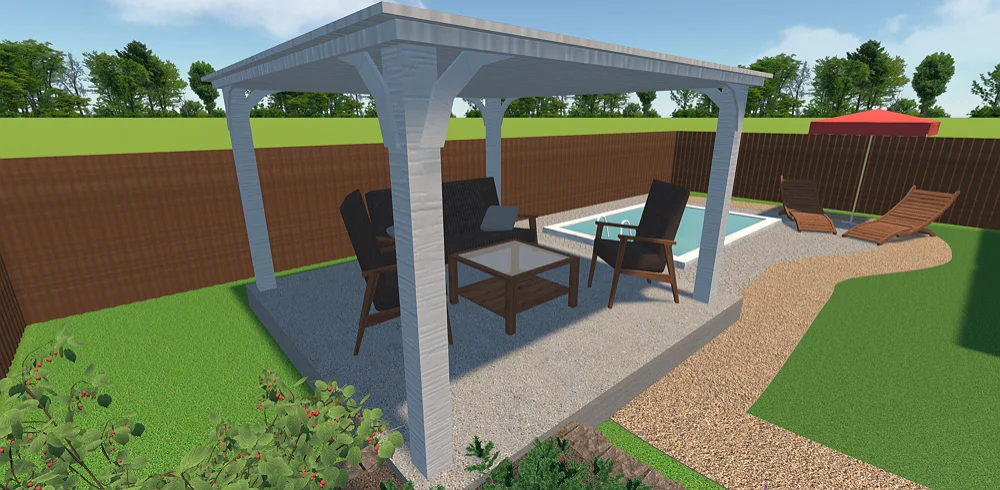
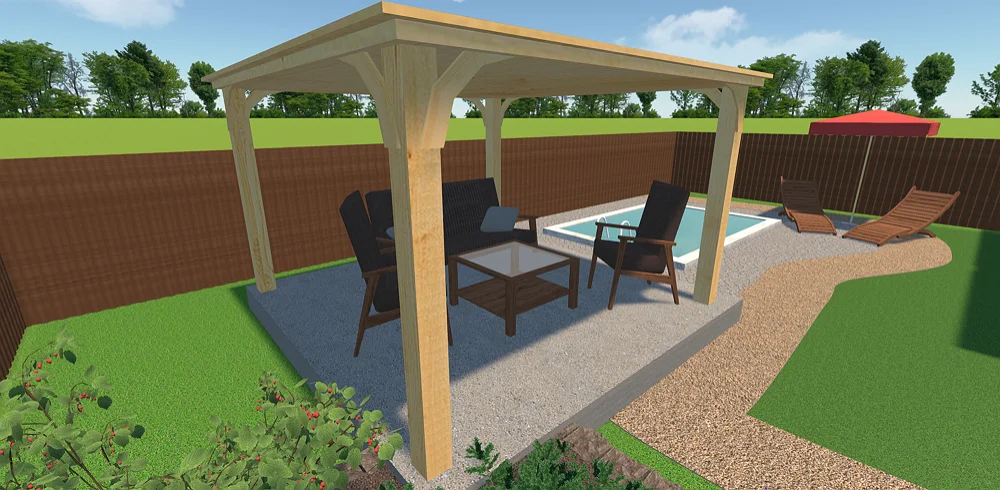
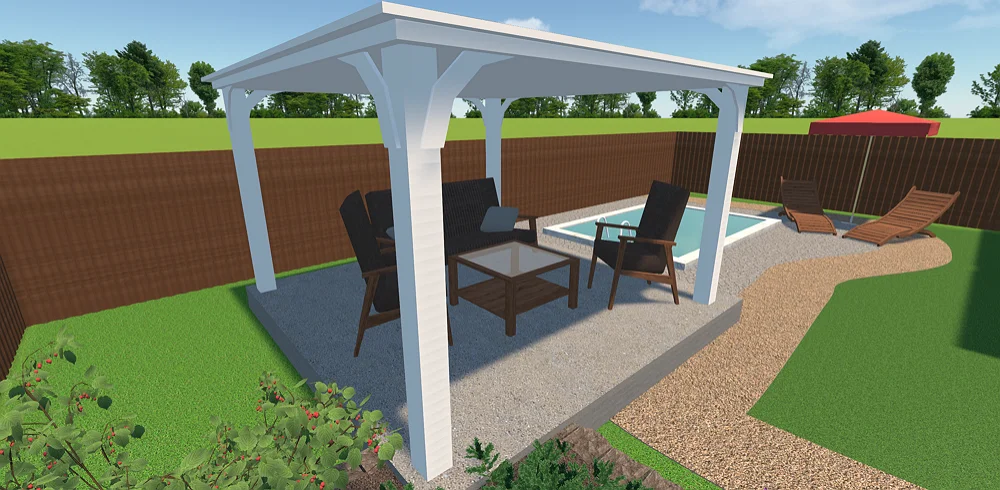
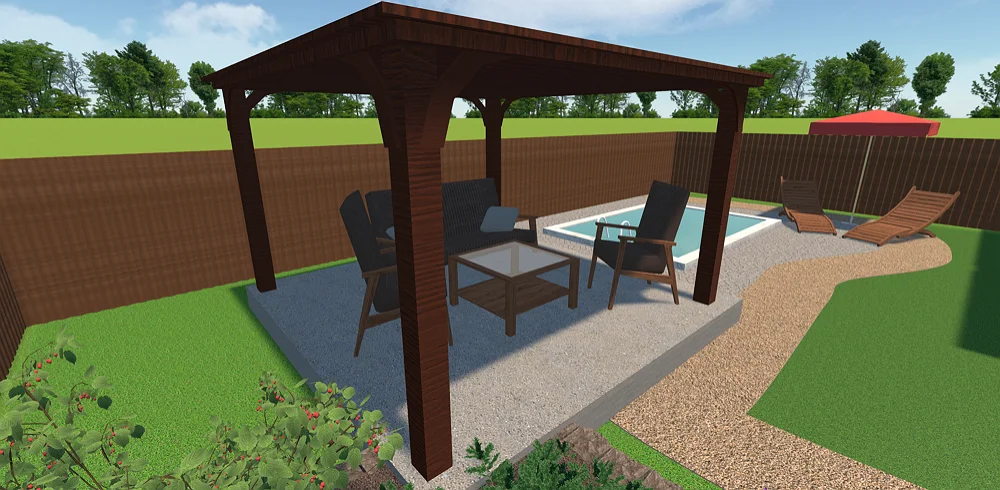
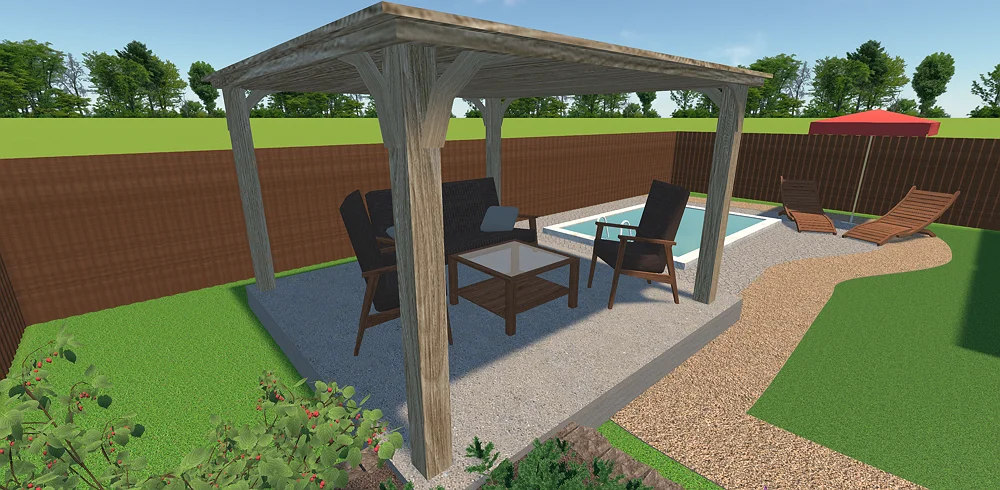


see the result
Easy-to-Use Features for Professionals and Homeowners
Our software is packed with useful yet intuitive tools that let you create and visualize your complete landscape plot designs with minimum effort. Let’s take a look at some of them:
Bring any design ideas to life
- Upload your own objects or choose items
from the built-in catalog - Try different surfaces and adjust their textures
- Experiment with various illumination options
- Combine living elements, such as plants and grass, with hardscapes like pathways, stone, and wood
Plan a backyard with precision
- Recreate your terrain, including elevations, depressions, and slopes
- Calculate measurements using feet and inches or metric system
- Resize objects to meet the actual dimensions
- Download your plans as images or pdf files to send them to a contractor or client
Our Clients
GardenBox 3D is a great asset to the toolkit of landscape designers, contractors, and renovation experts. This design software helps top-tier brands to create professional landscape projects all around the globe: in the US, France, Germany, and other countries.





















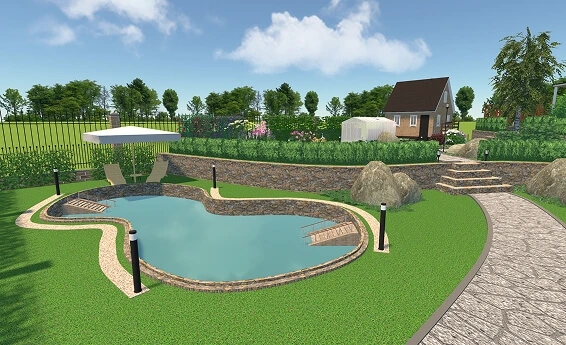
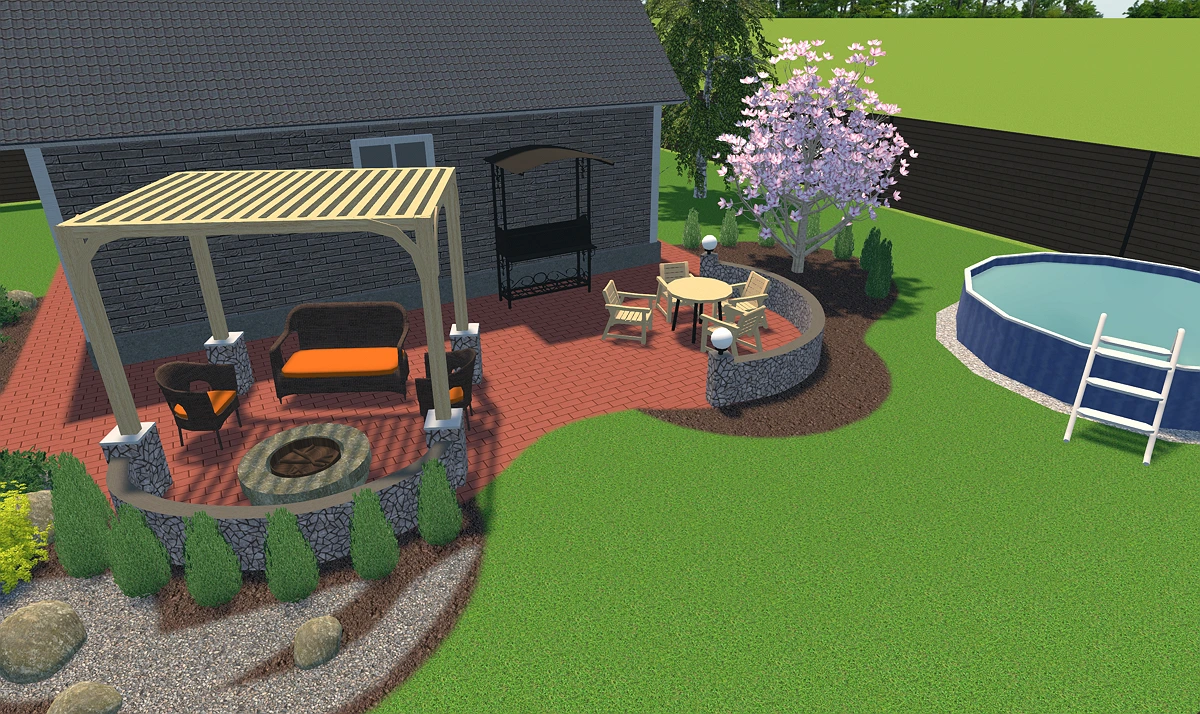
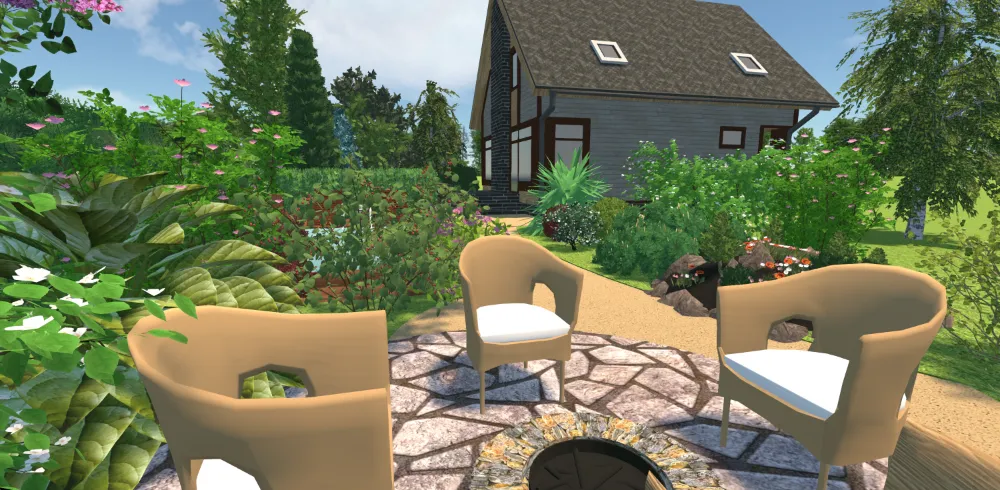
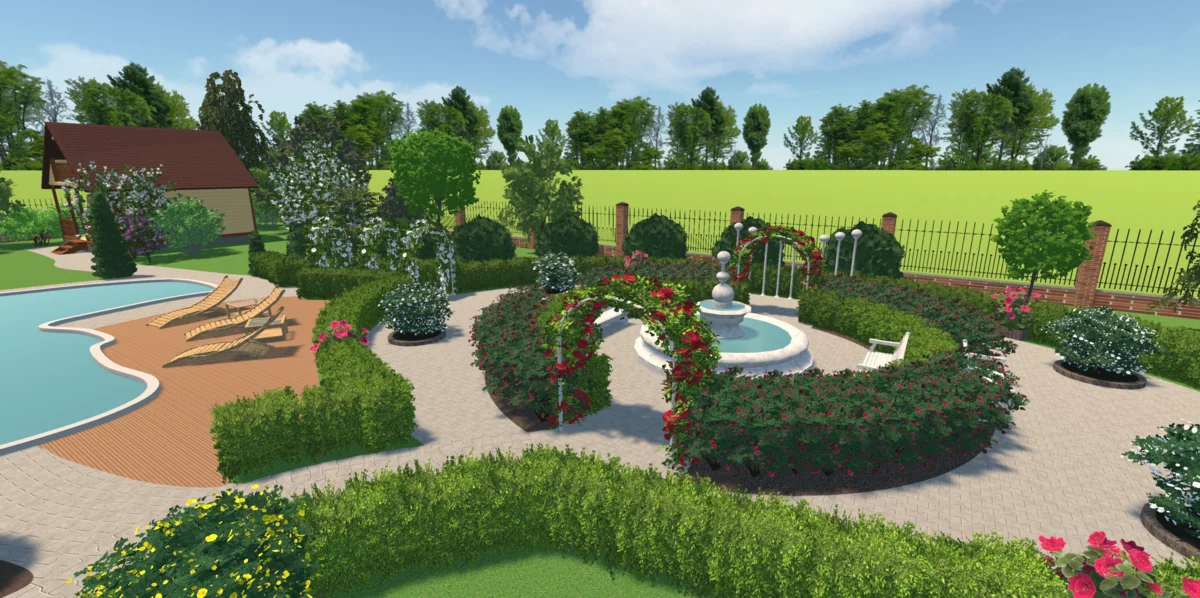
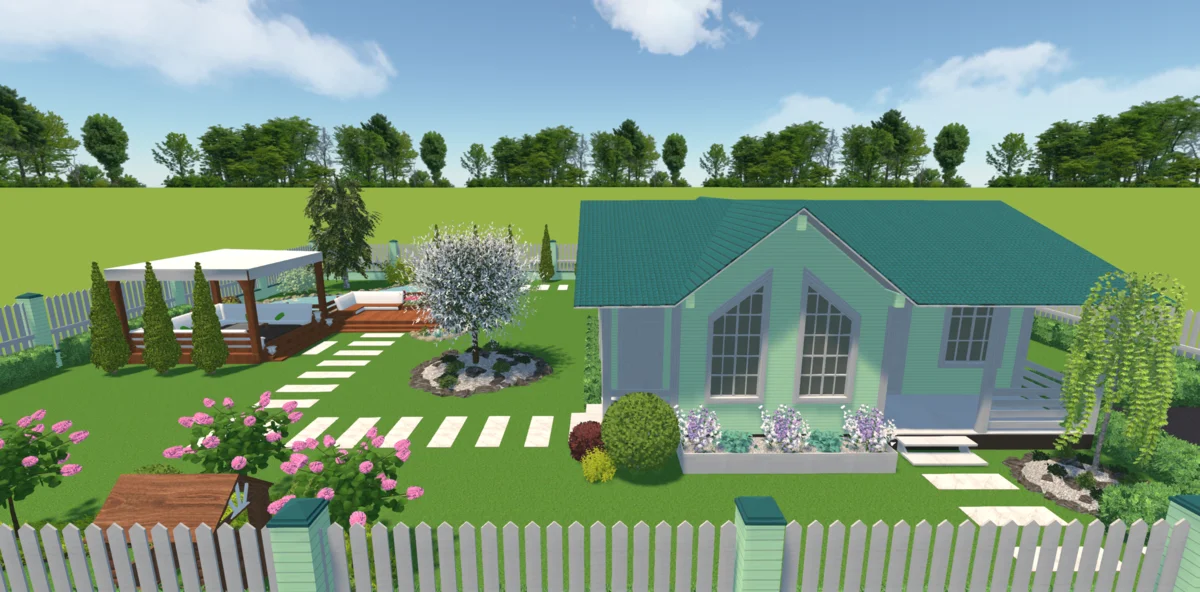
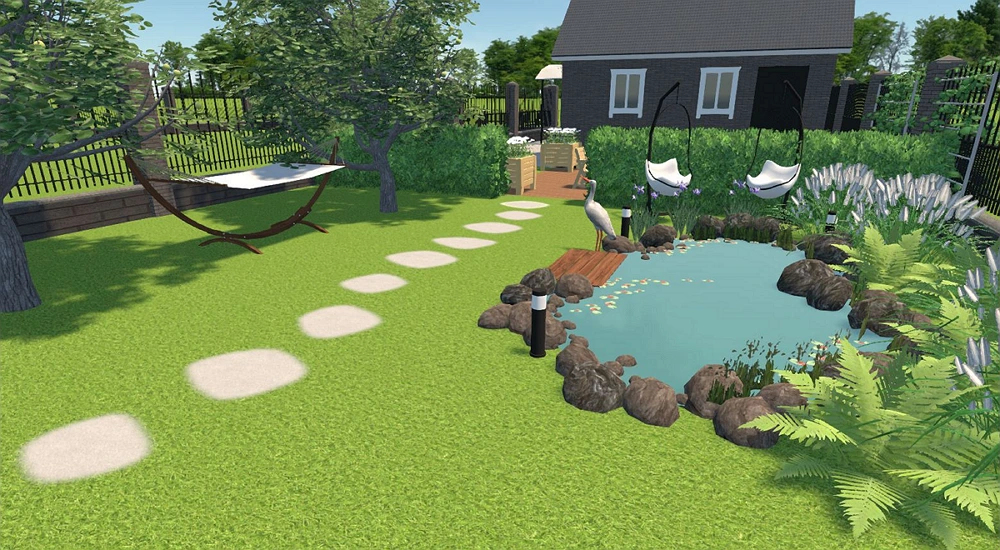
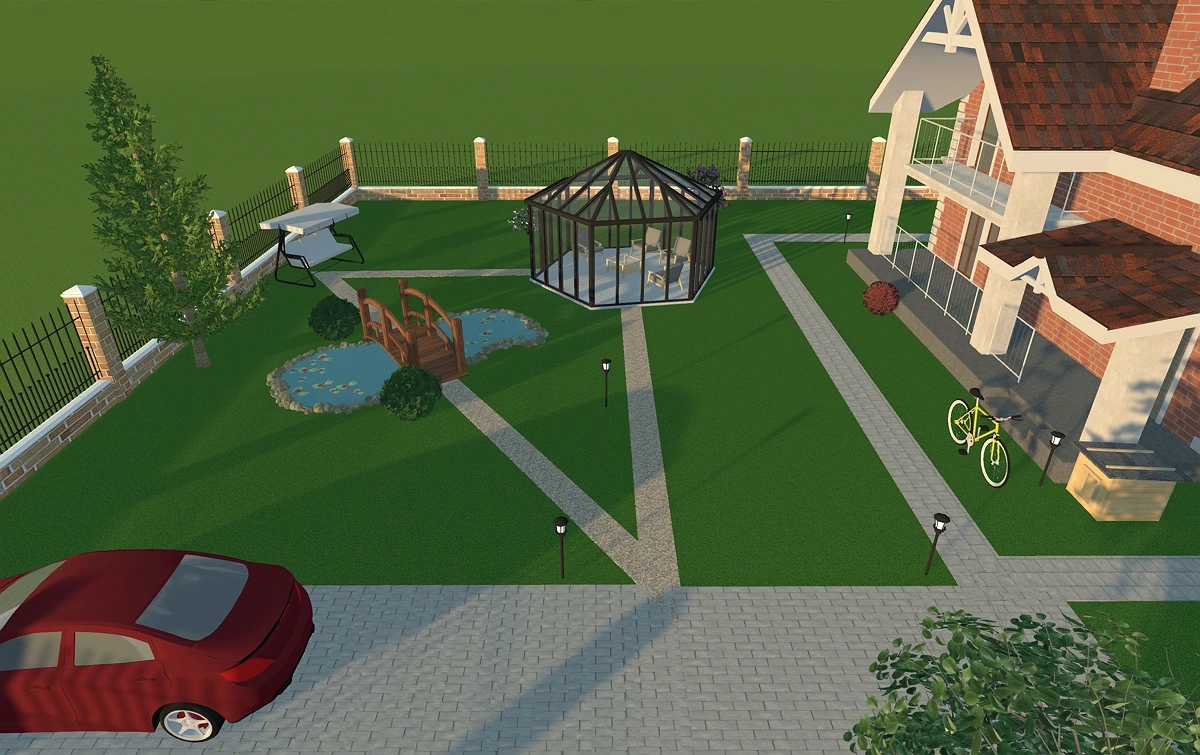
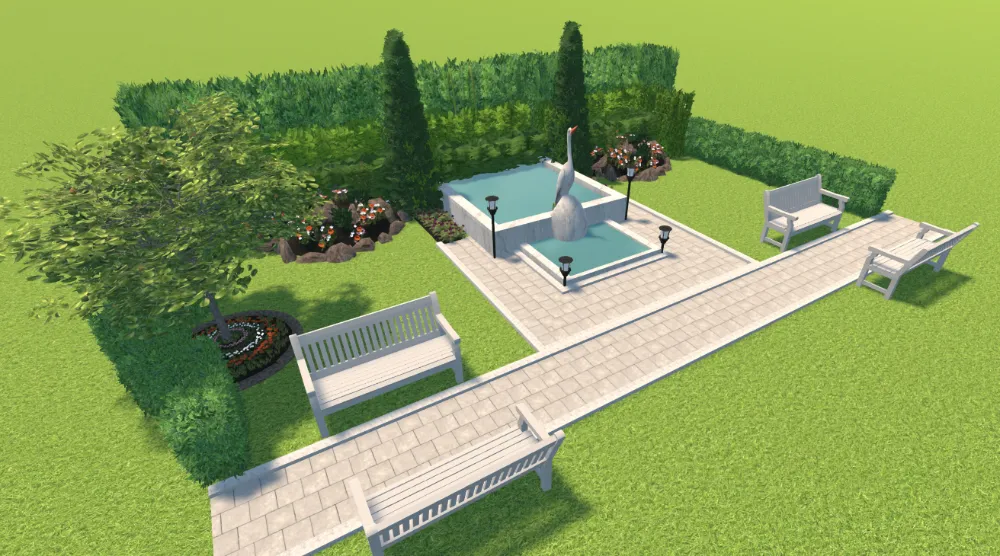
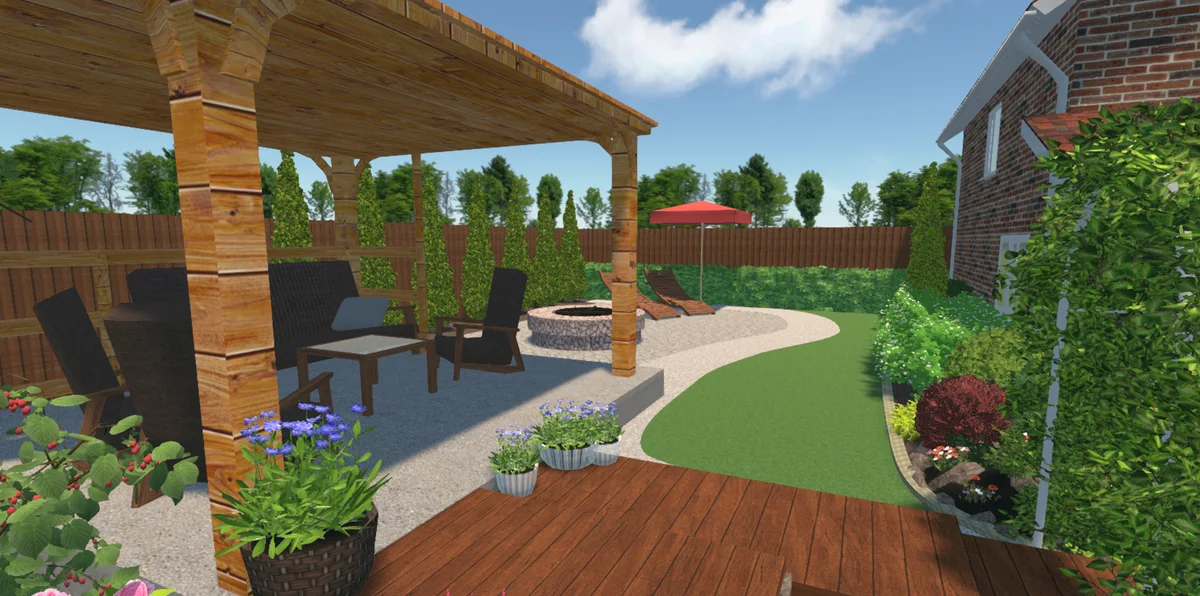
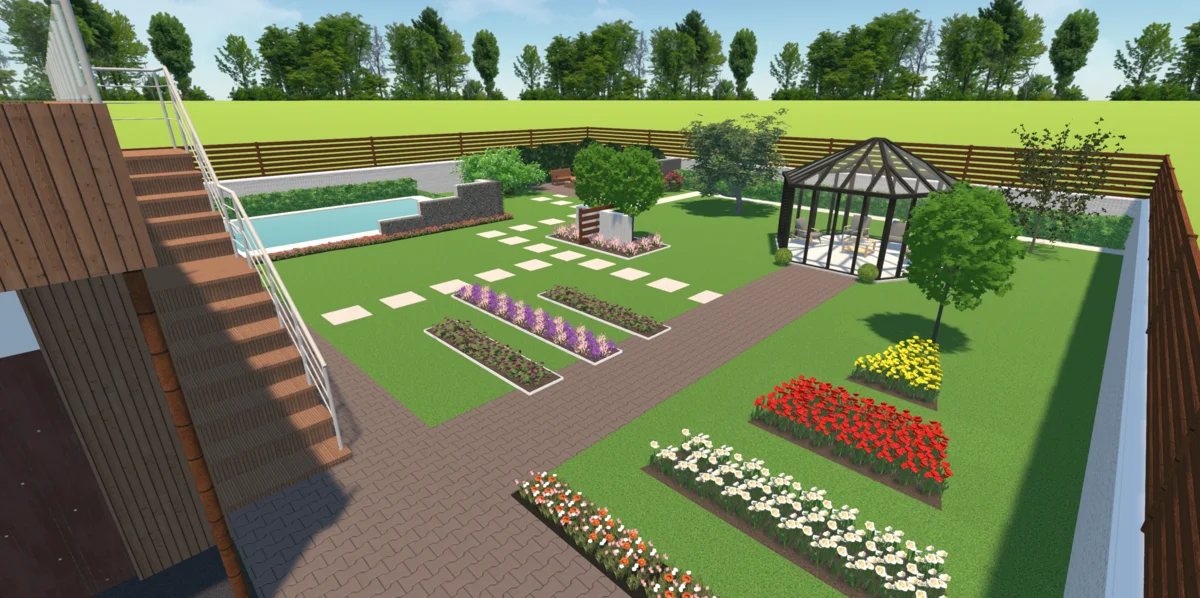
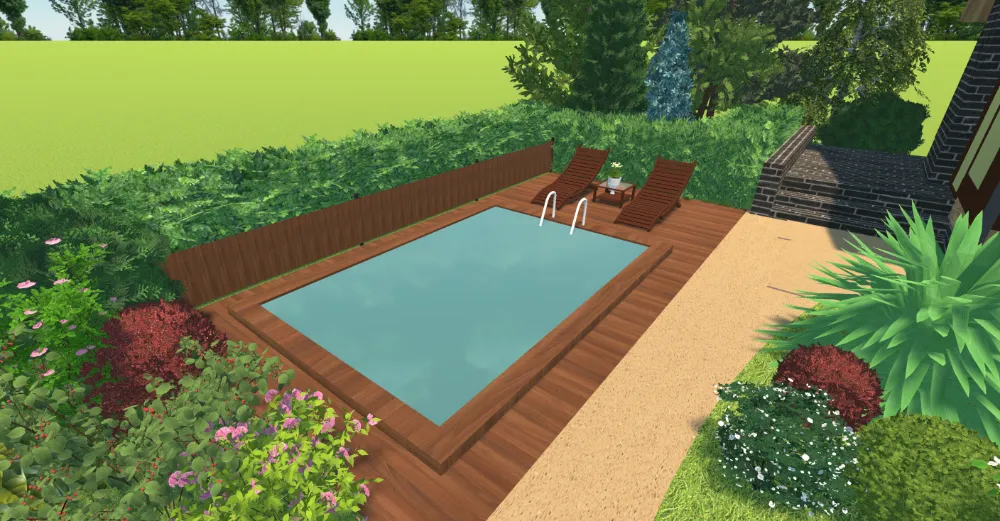
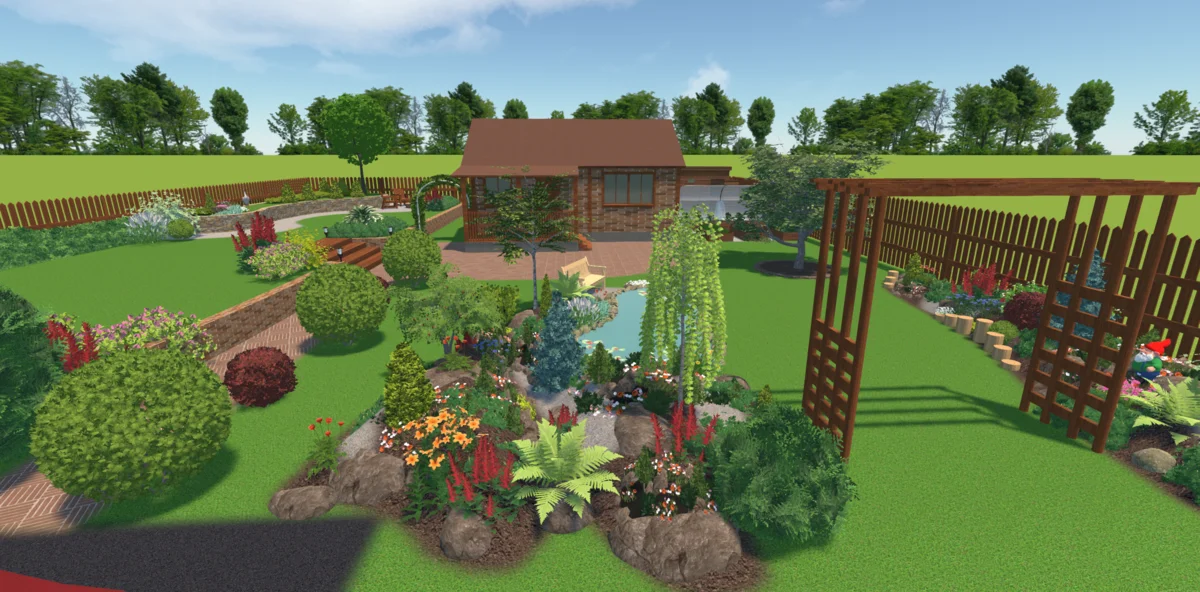
Landscape Design Examples Made with Our Software
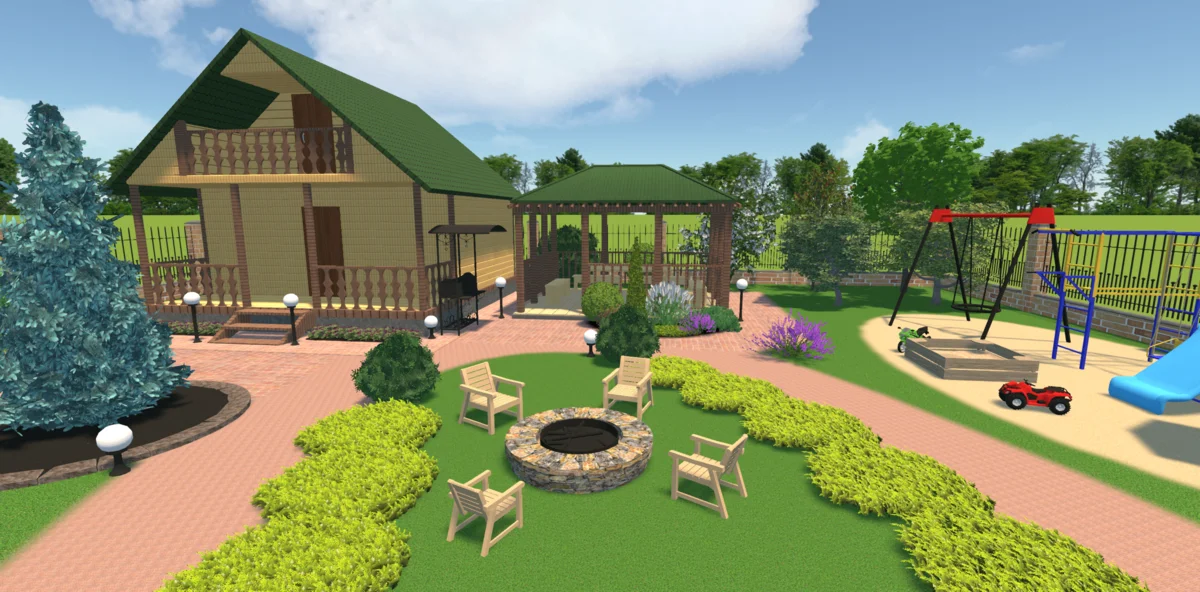
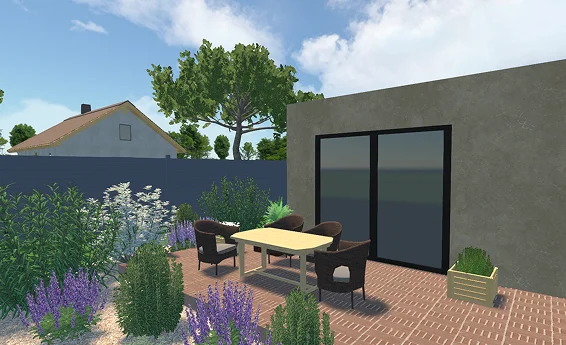
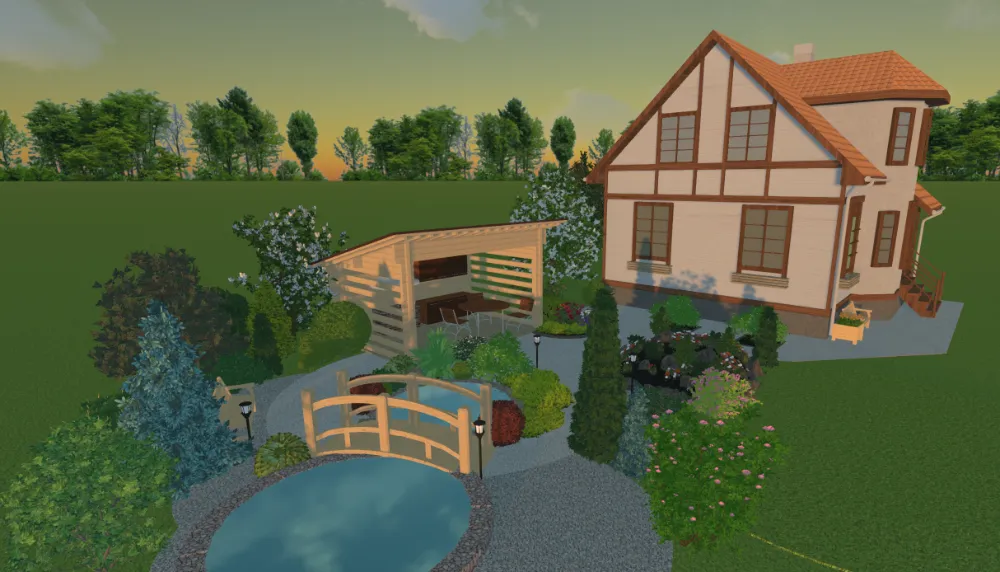
(the “Time of day” feature)
For Windows 11, 10, 8, 7
What Our Users Say About GadrenBox 3D


Visualize Landscape Plans with a User-Friendly Design Tool
You don’t need powerful hardware to create a detailed design of your outdoor space. GardenBox 3D works even on basic laptops and doesn’t rely on an Internet connection. The combination of low technical requirements and robust features makes it
an excellent tool for beginners.
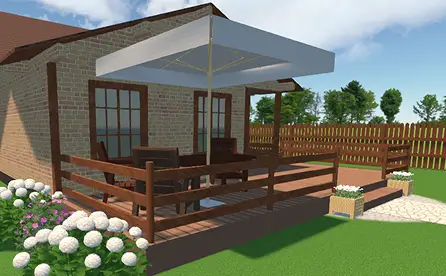
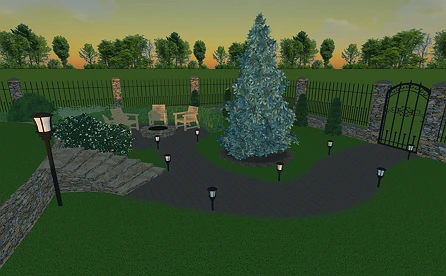
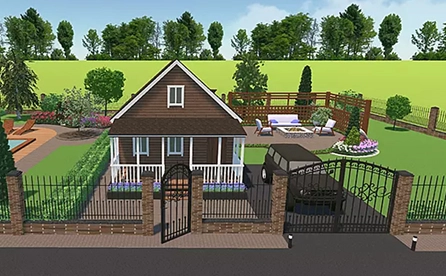
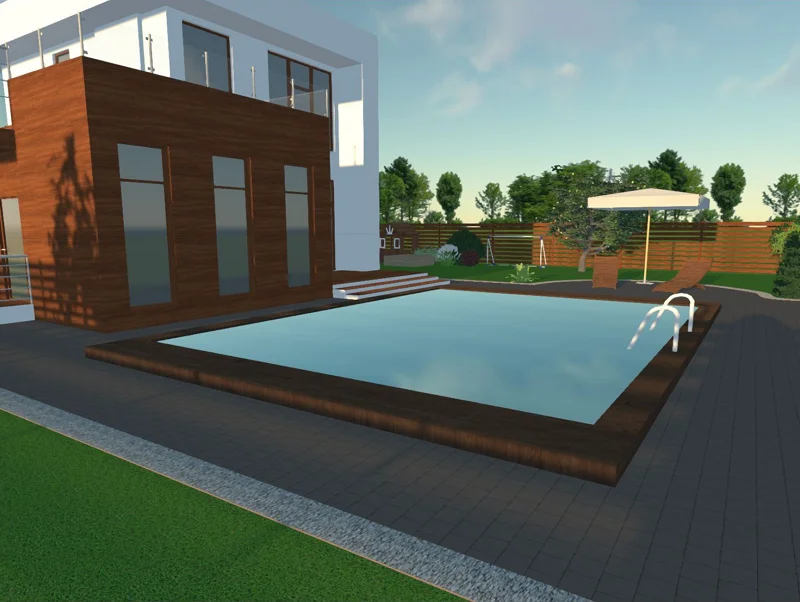
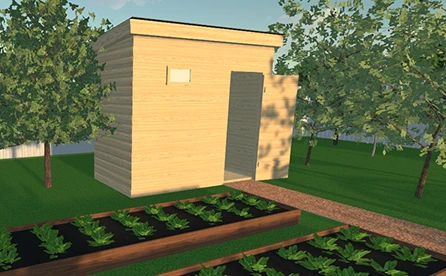
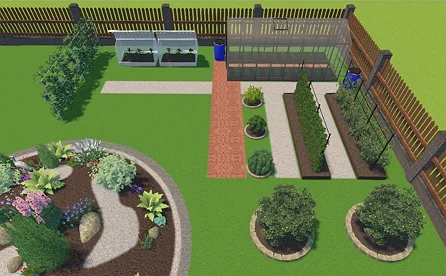
With this software, you can easily divide your property into functional zones: living area, garden, playground, and others. Make your projects complete by personalizing every element of your 2D or 3D backyard designs, from buildings to lights. Need some inspiration? Here are some go-to ideas for you to try:
For Windows 11, 10, 8, 7
FAQ
To make quick sketches, you can download an app on a phone or tablet. There are also free landscape tools working online. But they lack professional-grade features like virtual walkthroughs and normally have performative issues. For making high-quality designs even in remote areas, desktop software like GardenBox 3D works better.
To make side yards more inviting, try growing shade-loving plants. If you want a relaxing area, get a $70 to $140 swing. You can also hide unattractive parts of walls by growing fast-climbing vines on old ladders or around $50 wooden lattice panels.
Get started with GardenBox 3D today!
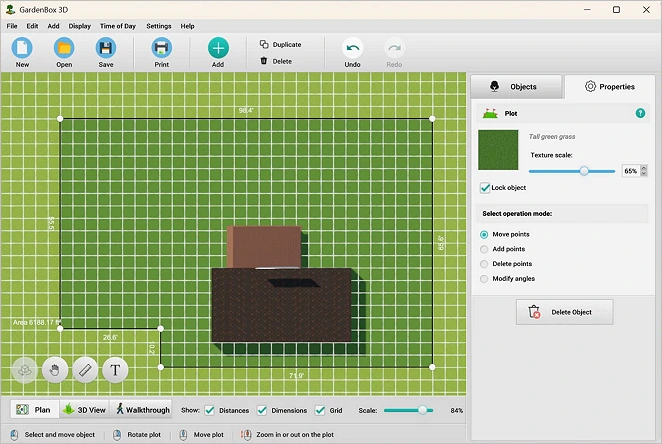
- Draw land plots, recreating actual shape & size
- Arrange buildings, plants, and furniture items
- Customize textures and colors of any surface
- Visualize your garden at any time of day
- Take a virtual walkthrough of your property