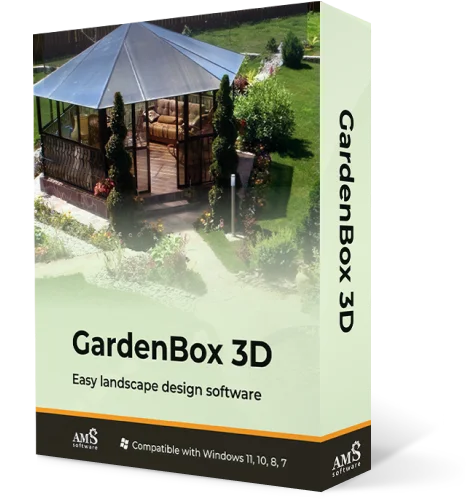
Powerful and Easy
Landscape Design
Software
Create backyard designs
with GardenBox 3D
For Windows 11, 10, 8, 7
Design a garden you’ll love with GardenBox 3D,
user-friendly landscape design software
Draw desired plots and plan your garden with precision. Design a stunning outdoor space with buildings, plants, pathways, and more! Try different lighting options and customize models to your liking.
 Garden
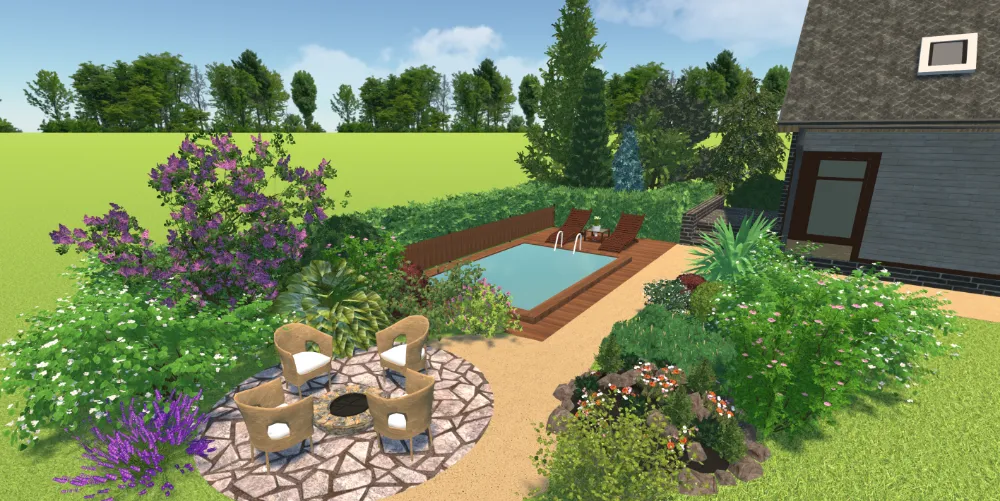
Want to make a beautiful garden? Wow your guests with aesthetically designed space, plants, flower beds, greenhouse, and outdoor decor. From trees and bushes to berries and rare flowers, you can virtually plant anything you like.
Garden
Want to make a beautiful garden? Wow your guests with aesthetically designed space, plants, flower beds, greenhouse, and outdoor decor. From trees and bushes to berries and rare flowers, you can virtually plant anything you like.
 Backyard
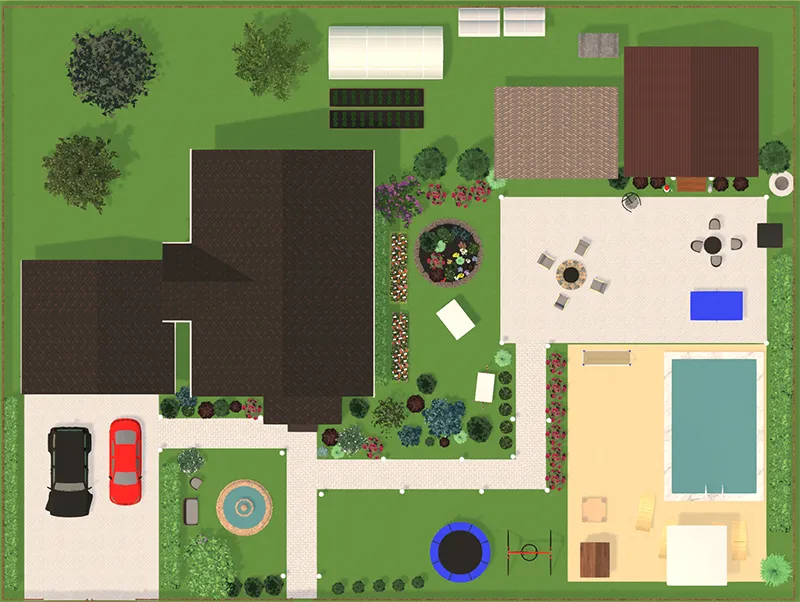
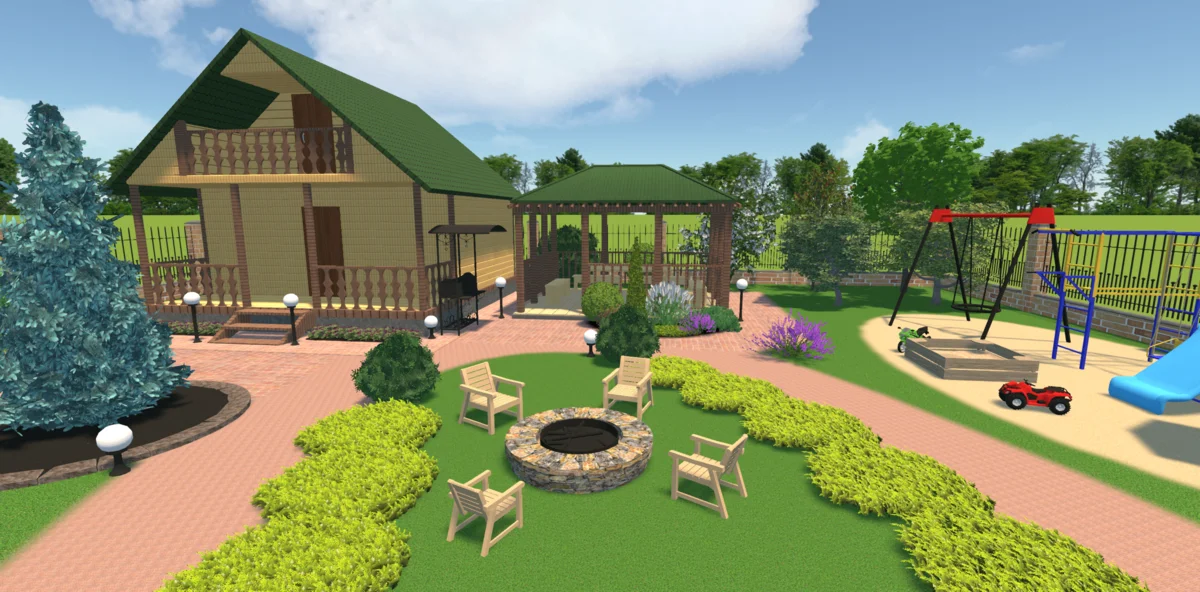
Create a perfect space to enjoy the warm atmosphere with your loved ones. You can spend some quality time on the swing, in the swimming pool, or by a firepit. Don’t forget to add a playground for the kids and an area to park a car.
Backyard
Create a perfect space to enjoy the warm atmosphere with your loved ones. You can spend some quality time on the swing, in the swimming pool, or by a firepit. Don’t forget to add a playground for the kids and an area to park a car.
 House
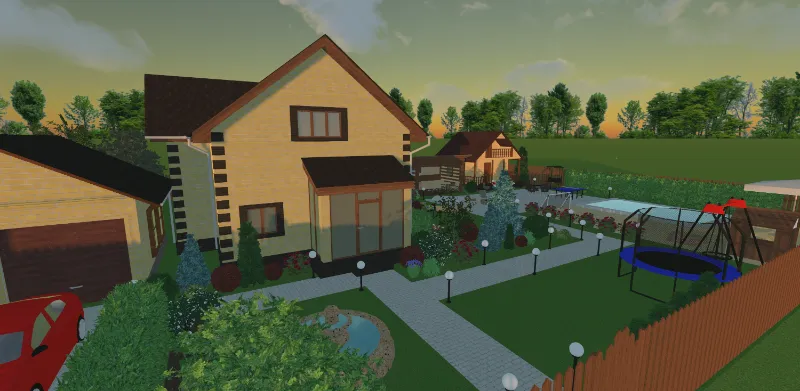
Make your plot stand out by adding a stylish house to your plan. Choose from the built-in models, change the size, and try different colors and materials. Insert additional buildings like an outdoor kitchen or pergola.
House
Make your plot stand out by adding a stylish house to your plan. Choose from the built-in models, change the size, and try different colors and materials. Insert additional buildings like an outdoor kitchen or pergola.
For Windows 11, 10, 8, 7
How to Create a 3D Garden Plan Design?
GardenBox 3D is developed with beginners in mind - you don’t need any experience in landscape design to create a cool project. Here’s how you can design your garden and backyard with this software:
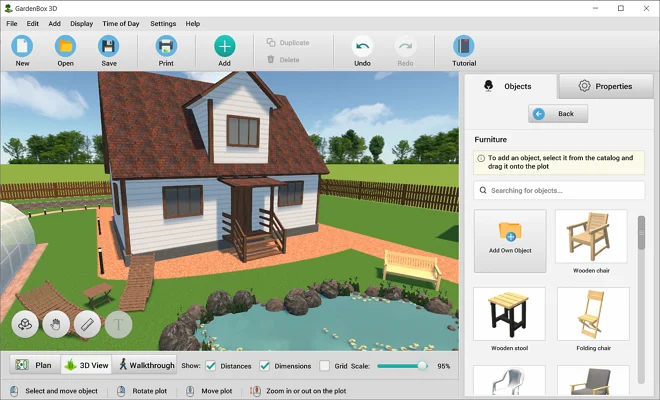
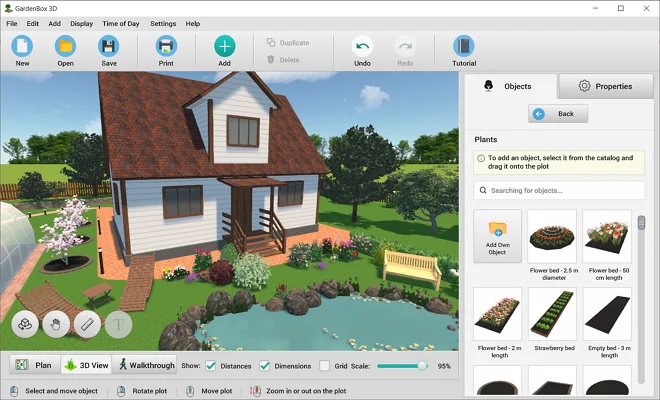
Explore 300+ Furnishing Items
Consider each detail to create a lifelike landscape plan.
From garden gnomes to ping pong tables, you’ve got all the essentials at your fingertips!

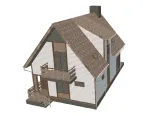
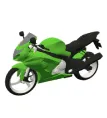
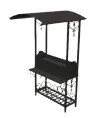

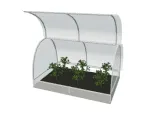
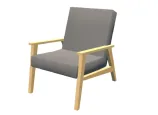
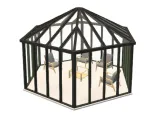
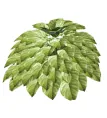
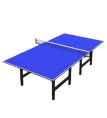
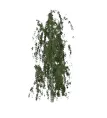
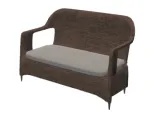
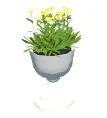


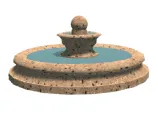
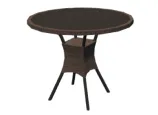
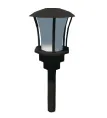
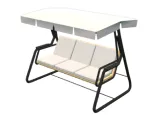
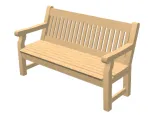

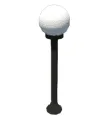
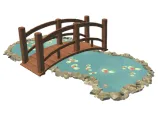
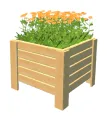
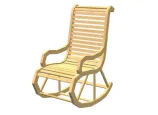
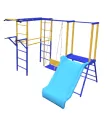
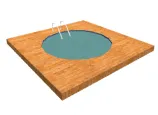
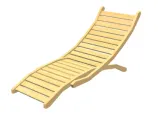

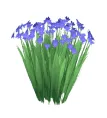
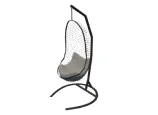
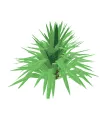
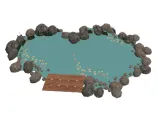

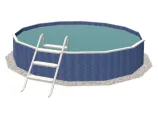
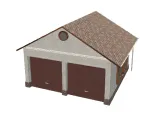
scroll through the landscape
design items
For Windows 11, 10, 8, 7
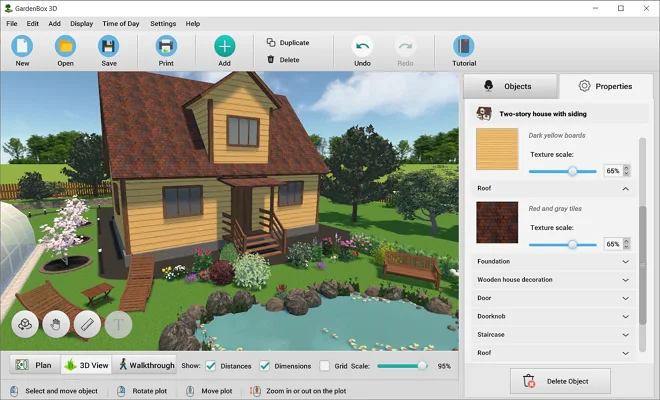
Experiment with Different Exterior Finishes
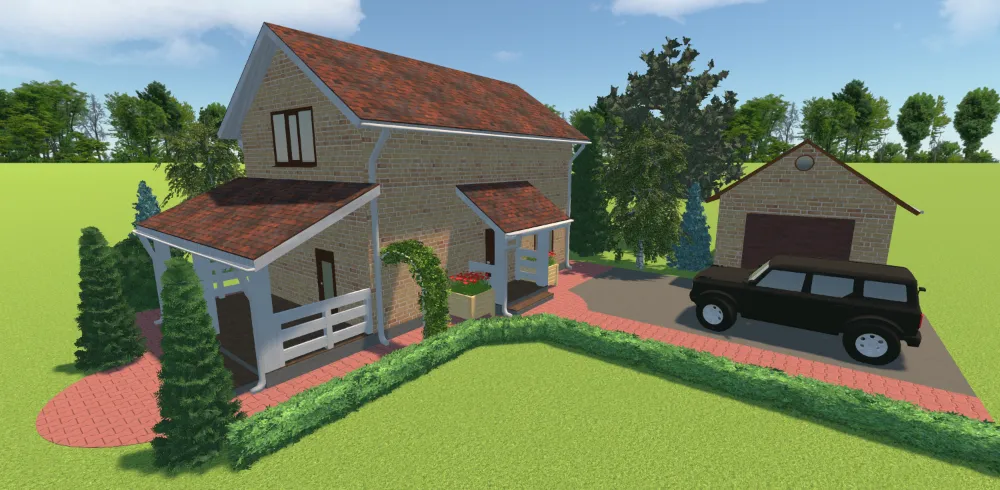
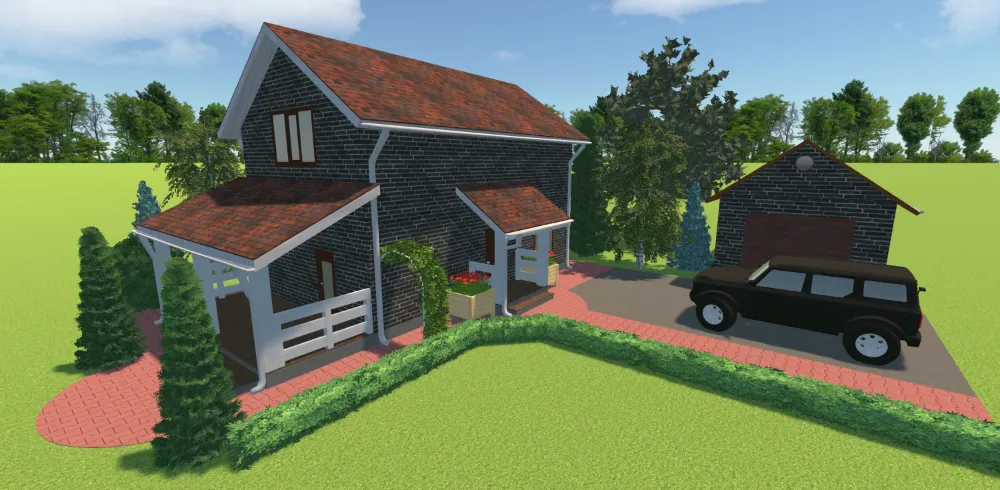
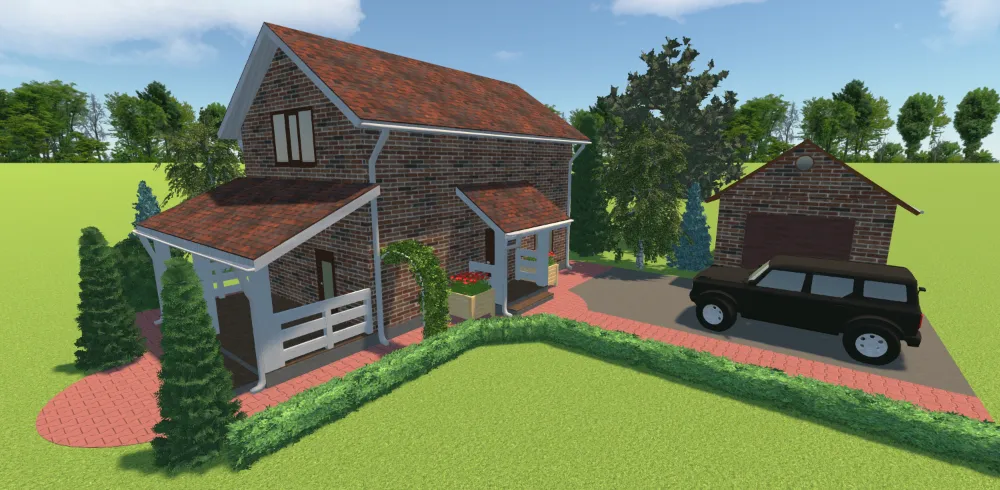
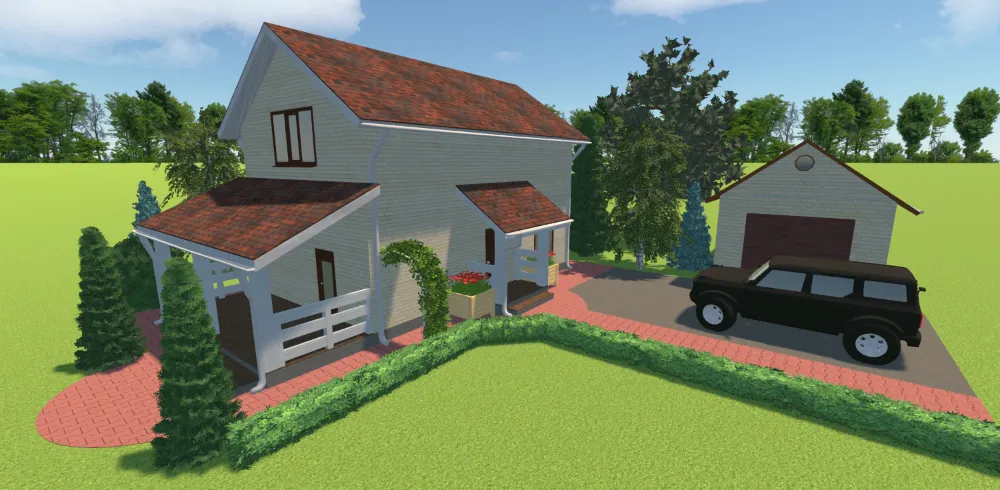
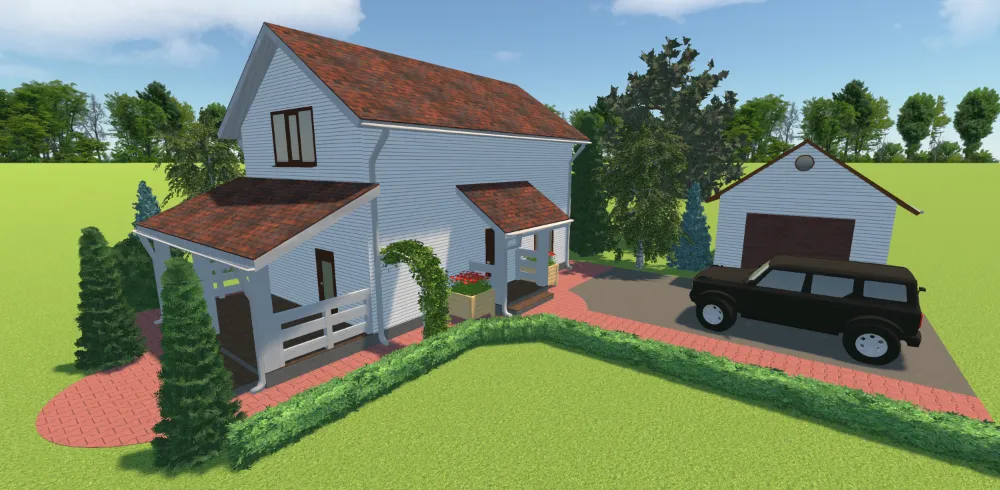
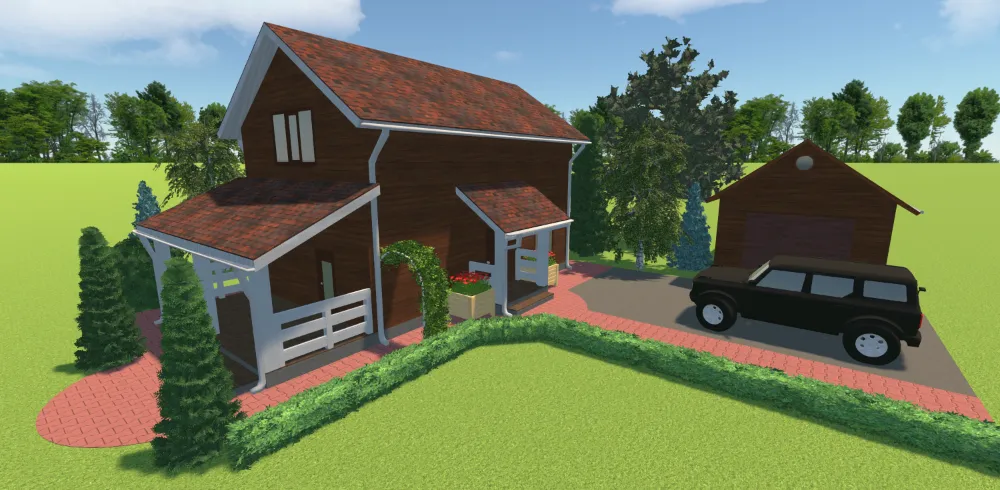
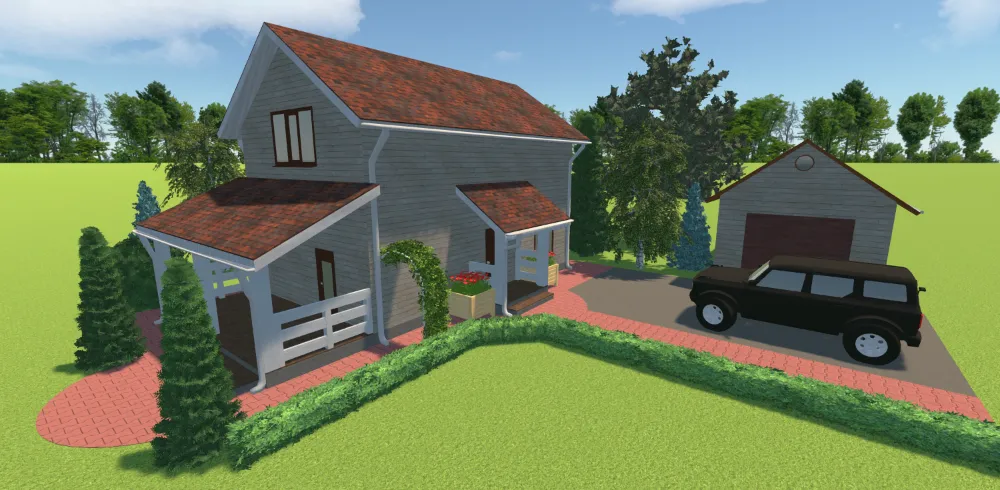
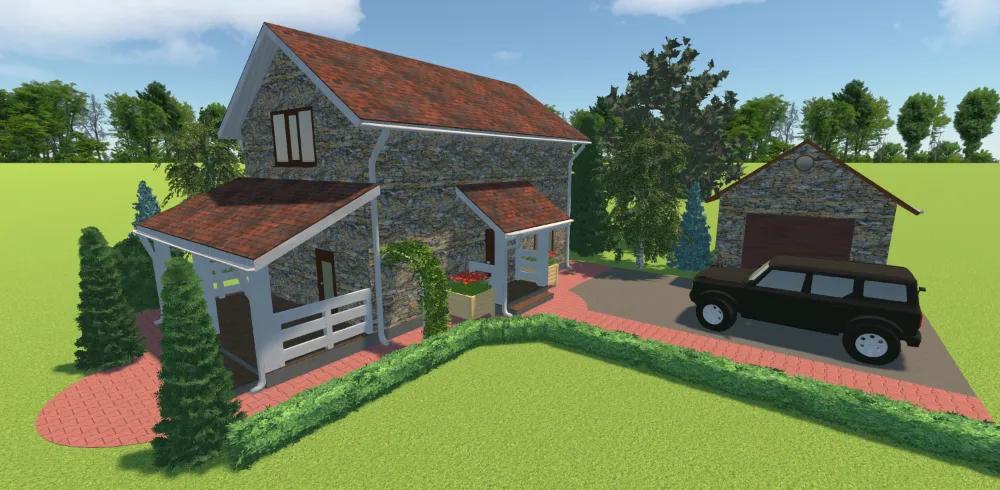


see the result
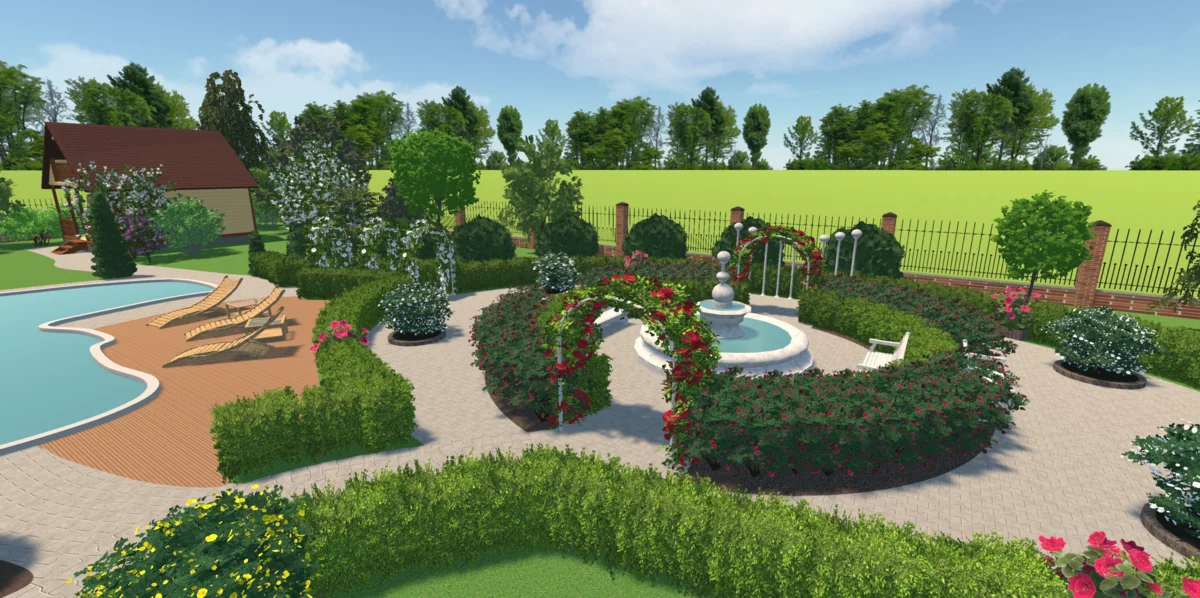
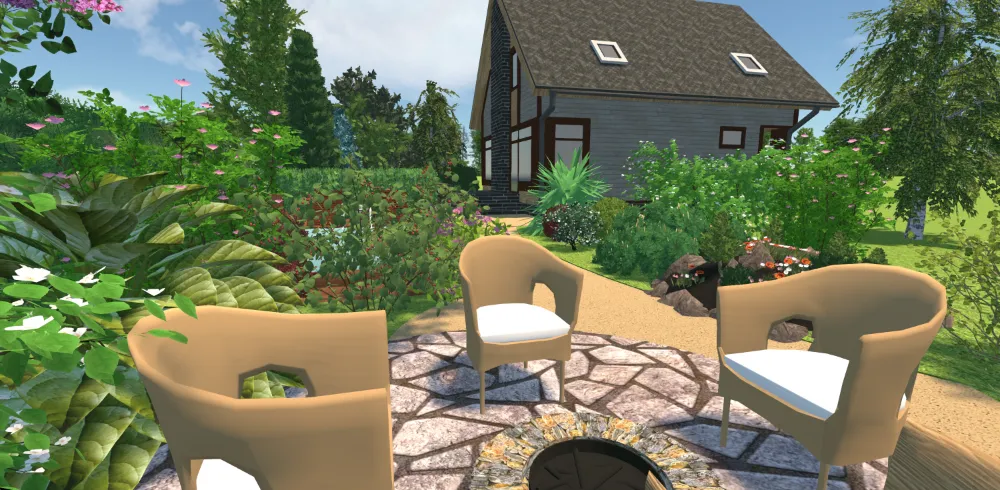
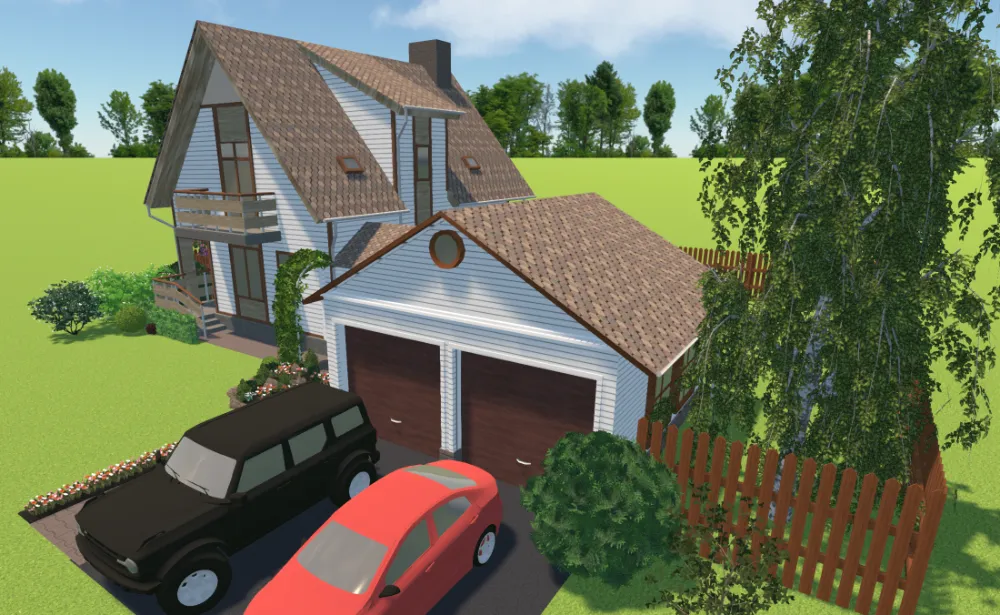
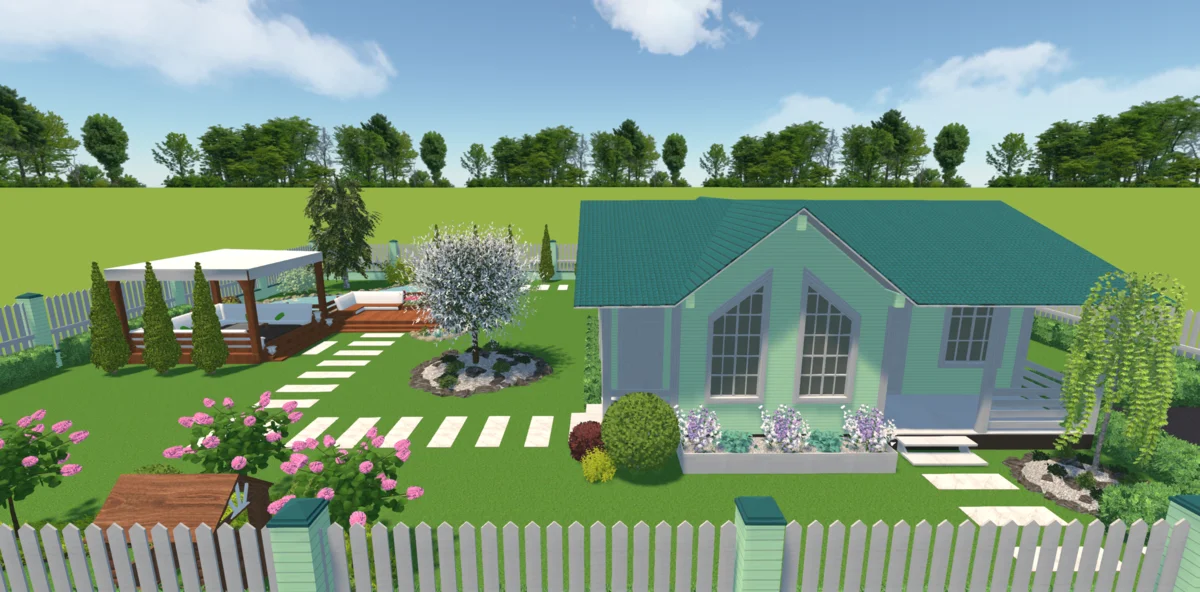
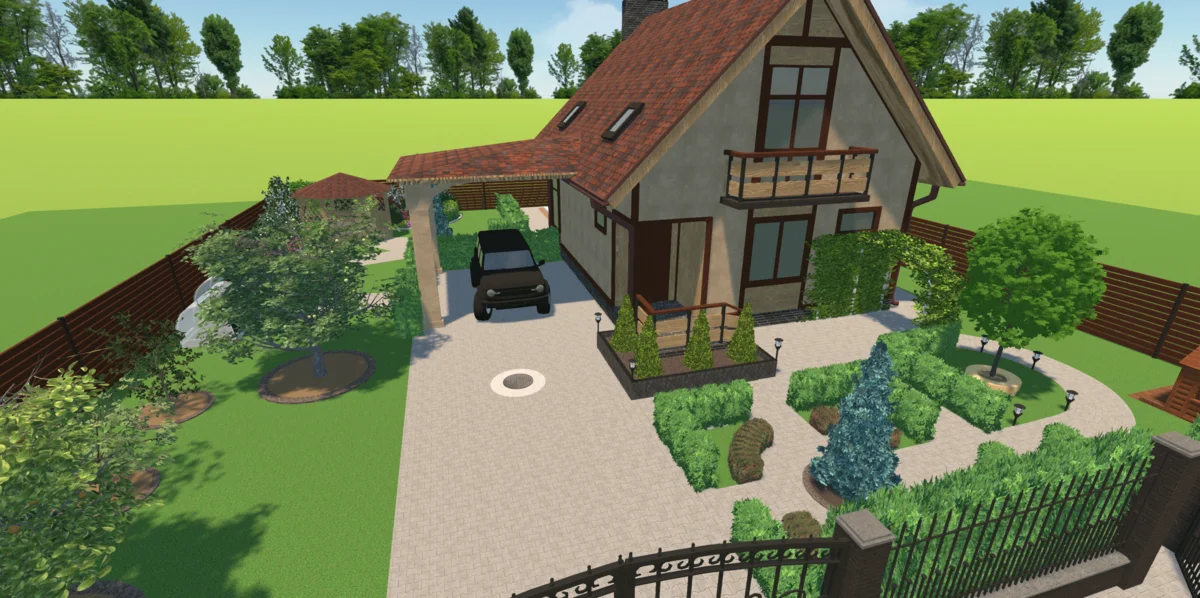
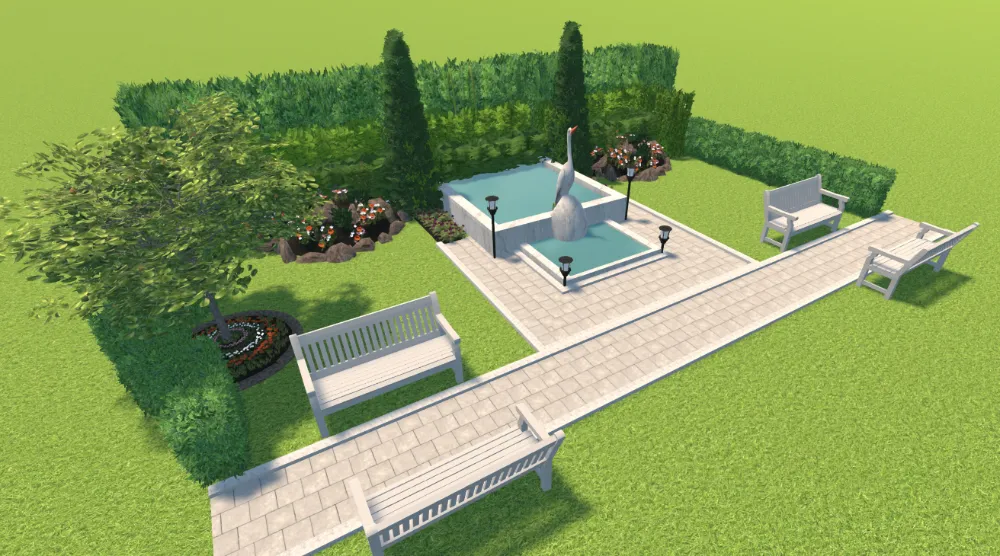
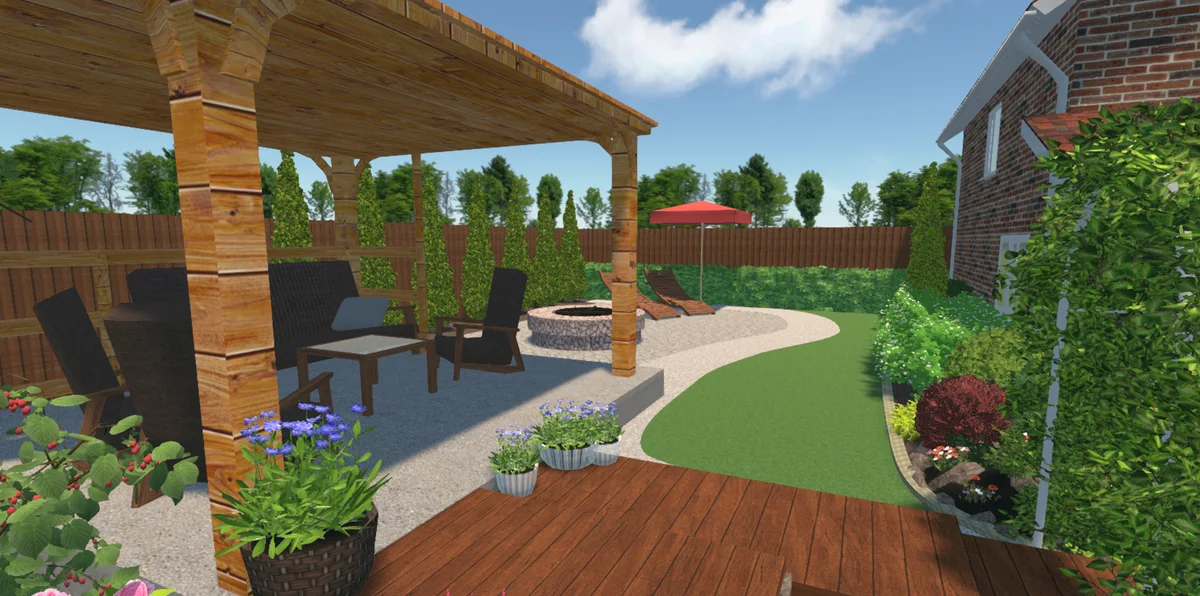
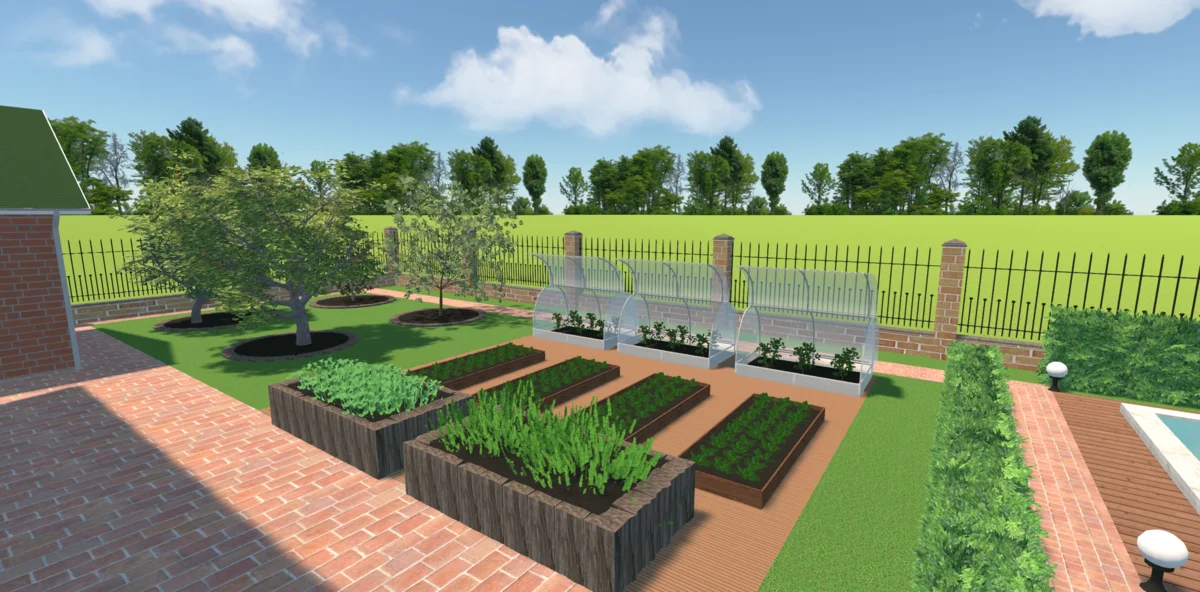
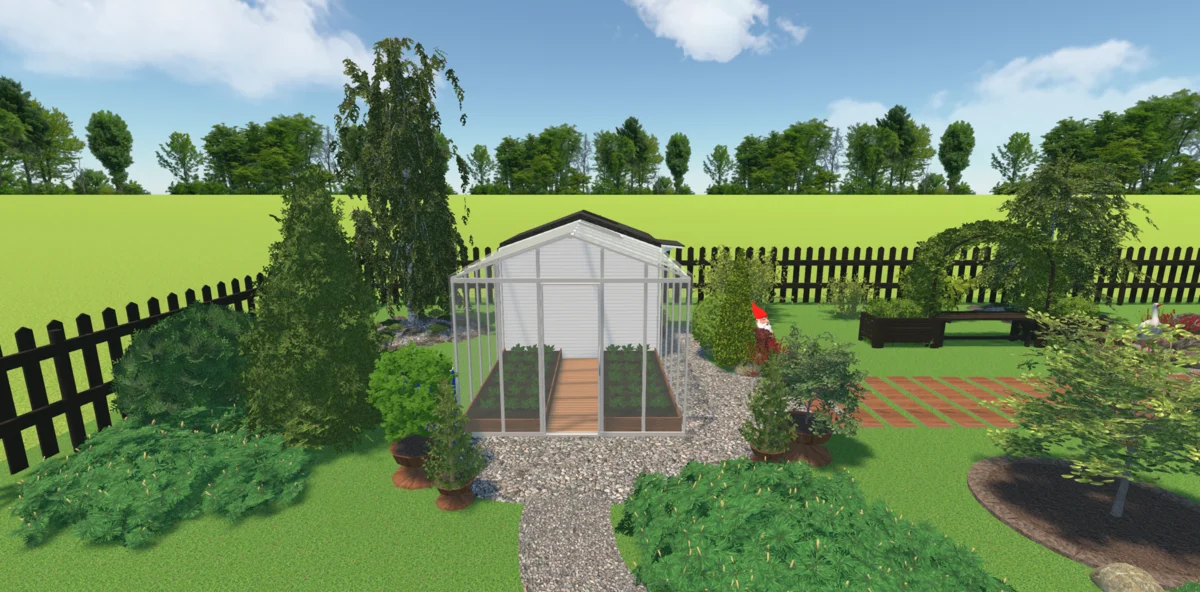
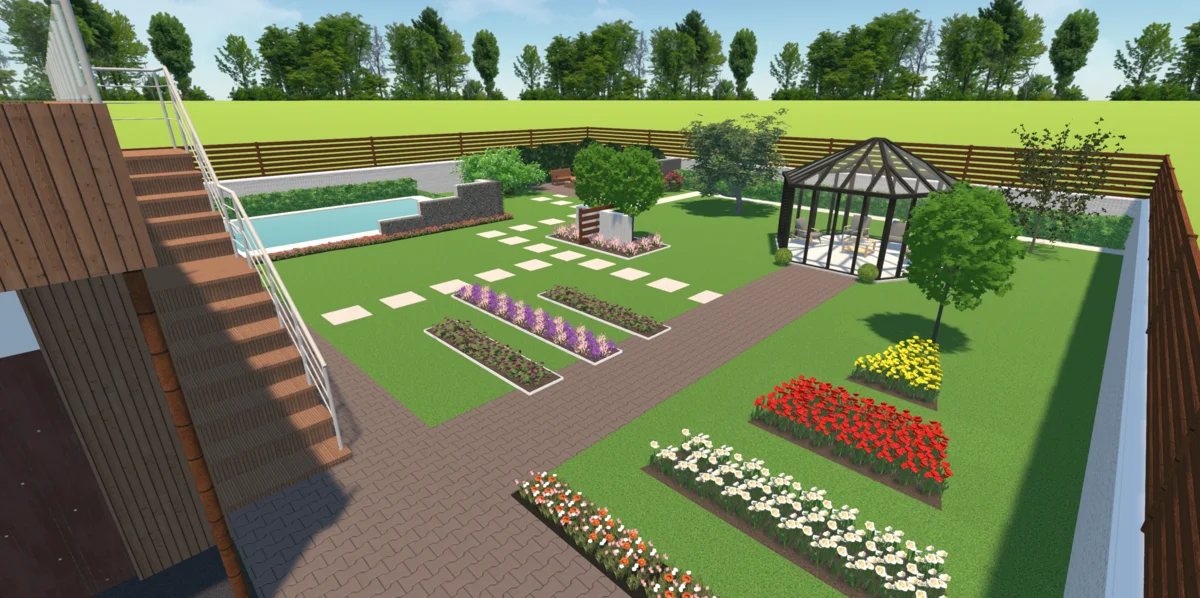
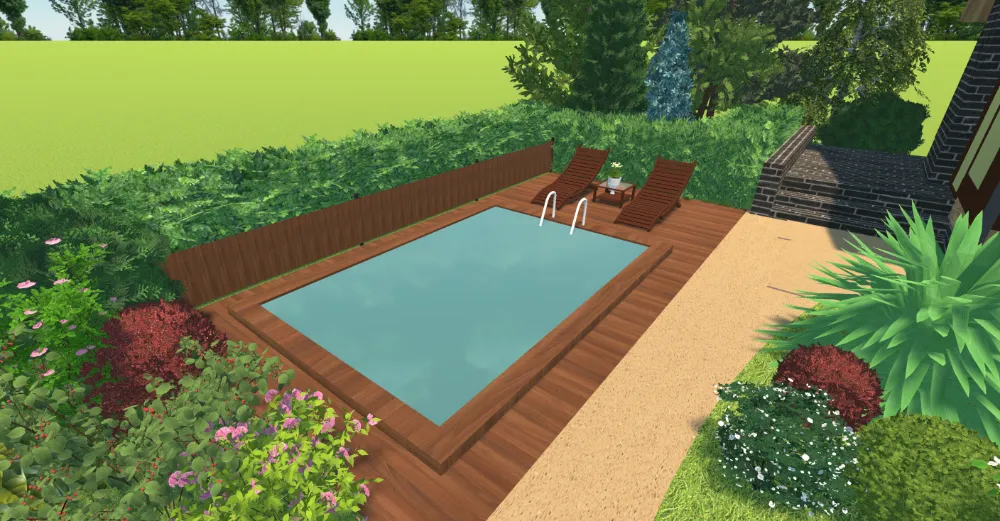
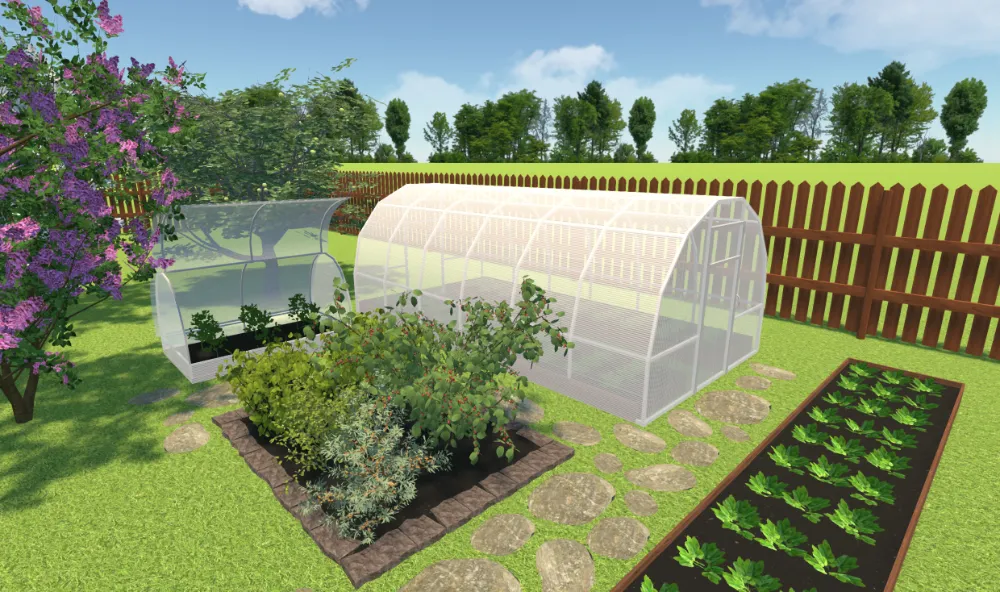
Landscape Design Examples Made with Our Software
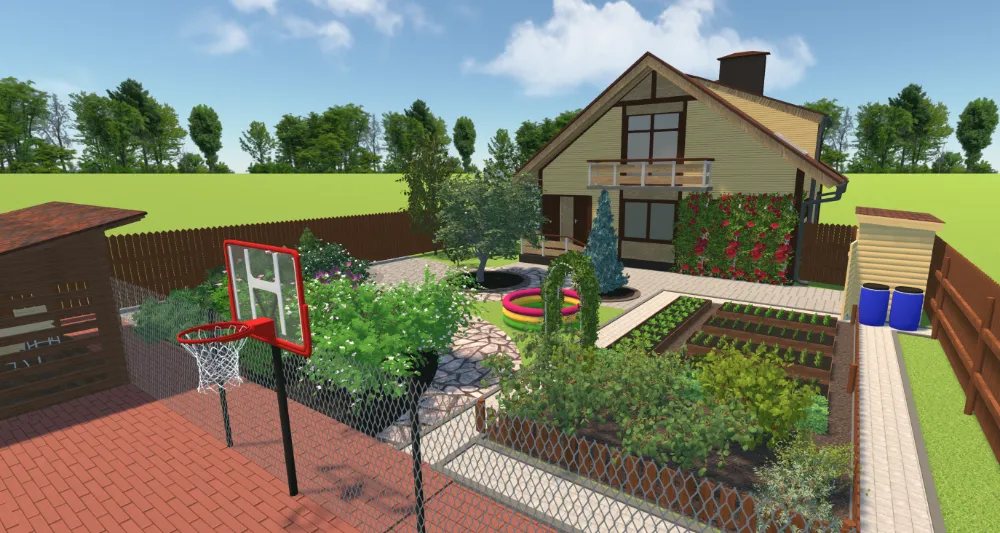
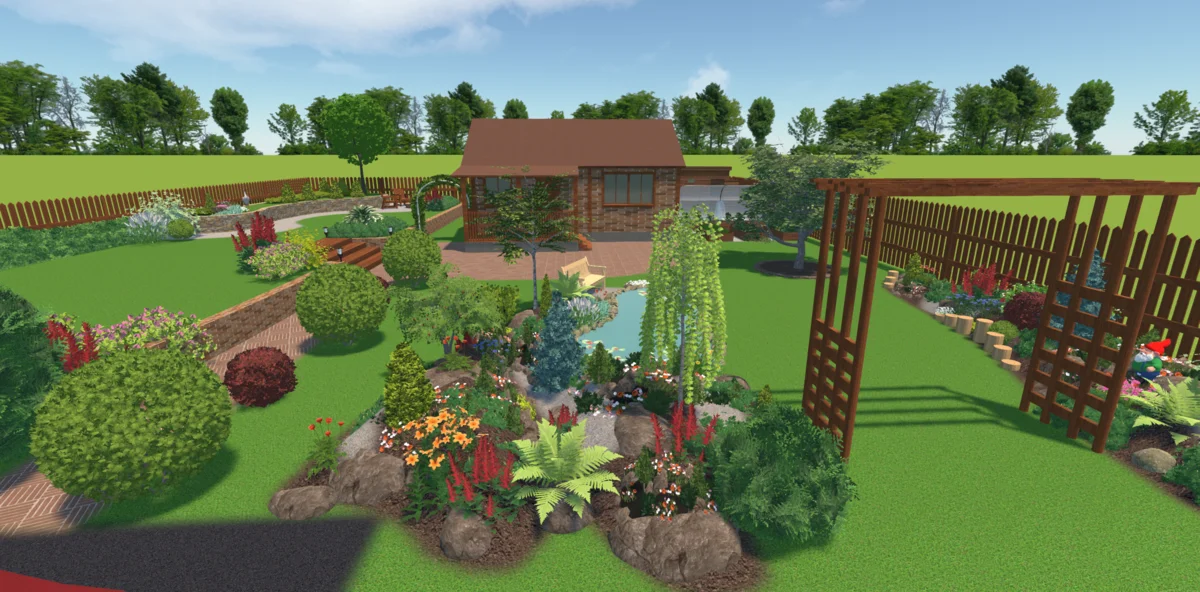
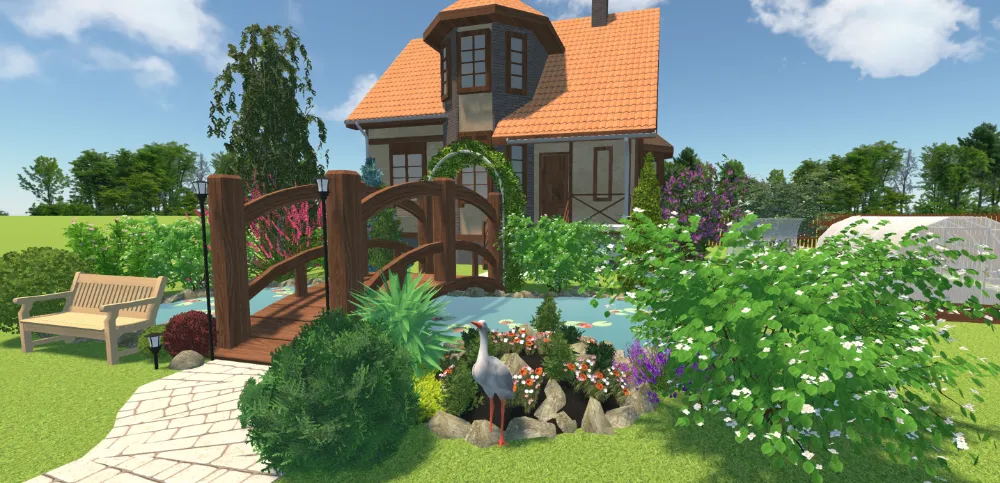
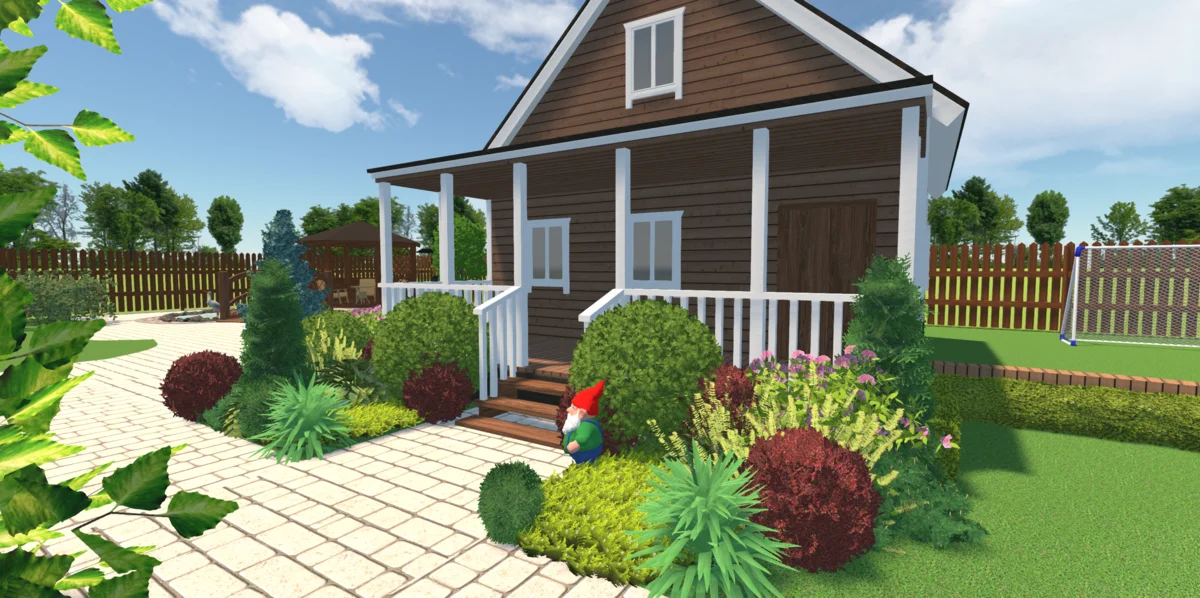
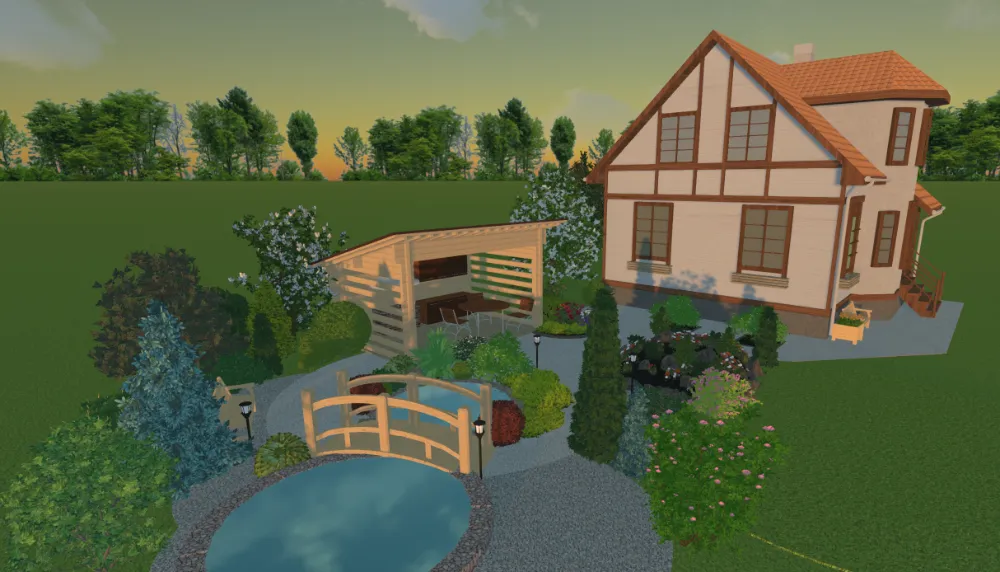
(the “Time of day” feature)
For Windows 11, 10, 8, 7
See What Our Users Say


FAQ
A garden design planner is software that features landscape creation, customization, and rendering. Design programs usually come with a pre-installed collection of templates and a library of objects like plants and buildings. Landscape software allows you to create accurate plans with the use of exact measurements and dimensions. You definitely need to try such software if you want to plan your yard with precision or personalize it to your taste.
If you prefer online garden rendering tools, make sure the design service does not put your privacy at risk. As for desktop landscape software and mobile apps, they should be suitable for your device to perform well. You should also look up the list of features the design software offers: measurement tools, library of plants, etc. Another important aspect to consider is the price - there are free and paid design planners to choose from. Some require a monthly subscription while others have a lifelong licence - opt for the option that meets your budget.
Most garden design programs are developed for professional architects, designers, and gardeners. But if you’re one of the non-designer homeowners who want to easily plan landscape designs, it’s best to try GardenBox 3D. There’s an intuitive interface, handy tools, and built-in prompts to guide you through the process. Also, this design software offers realistic project rendering so you can see your ideas come to life right before your eyes.
In GardenBox 3D, you can easily import your file and design your garden or backyard on top of the landscape blueprint. It helps you stick to the needed sizes and dimensions.
If you need a simple design maker to experiment with the arrangement of plants and buildings, online garden planners are the best choice for you. But you should use a desktop program to design your property with more advanced features, customization options, and professional precision. Some gardeners also prefer drawing blueprints by hand to avoid digital tools. However, this might take you a long time. Besides, it’s harder to achieve the same level of accuracy as with a desktop landscape maker.
Users often prefer mobile apps to work on their projects wherever they go. But despite their simplicity and convenience, they are normally not as powerful as landscape software for a PC. What’s more, there’re easy-to-use programs such as GardenBox 3D that let you make professional-looking designs without a steep learning curve. So, both ways are quite easy, you just need to find the program that suits you best.
With garden planner software like GardenBox 3D, you can easily design a plot with an uneven surface. There are different kinds of elevation shapes available: rectangular, oval, custom, etc. You can add depressions to your backyard or garden project as well. After you add or draw the elements in 2D, adjust them in 3D to achieve better results. For instance, the program lets you change the height of the uplands or lowlands and tweak the width of retaining walls.
While planning a backyard or garden, it’s essential to use exact measurements. Both 2D and 3D programs allow you to make precise plans. But three-dimensional software helps you visualize your landscape in an easier and clearer way. This is especially useful for amateur designers and average homeowners who need a realistic garden design. What’s more, 3D software lets you see your project at different times of day and even rotate the compass to change the orientation of shadows.
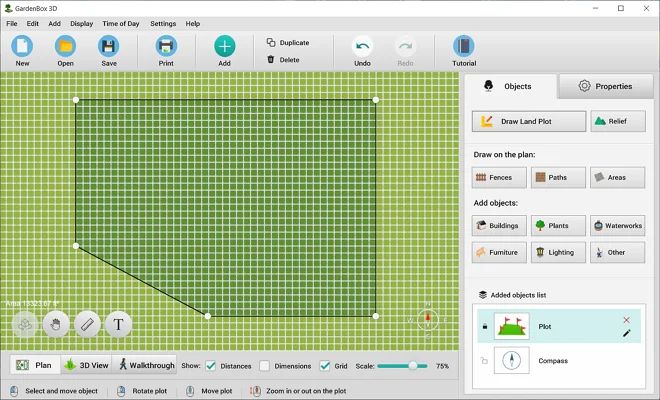
The first step is to draw your plot. After that, you need to sketch out your garden layout. It’ll be easier if you draw several areas. Create distinct zones like an area with flowerbeds, a child-friendly area, a cozy fire pit area, and a reading corner. Once your areas are ready, add buildings and pathways to your plan. The final step is to organize the plants in your garden design. Use the Time of Day feature and rotate the compass to see which zones have more sunlight and shadows. It lets you find the best spot for each plant. Switch to 3D to see your landscape design in action.
Yes, GardenBox 3D features an easy tool for adding text to a design plan. It lets you quickly type your notes and put the captions where you want. The text tool also comes in handy when you need to label different areas on your plot.
Get started with GardenBox 3D today!
- Recreate actual shapes and sizes in your garden plan
- Plan the arrangement of buildings, plants, and furniture
- Select the desired textures, material, colors, and surfaces
- Take a look at your backyard or garden at any time of day
- Visualize ideas in 3D and walk around your virtual garden