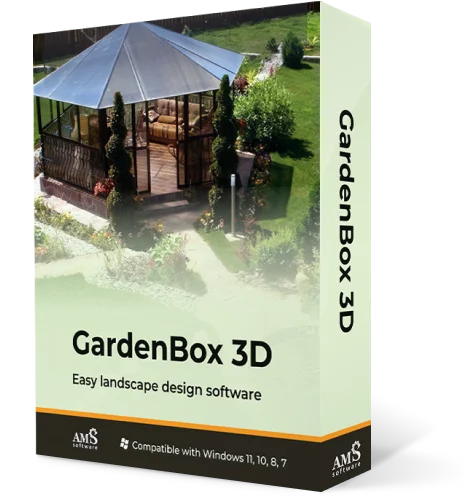
All-in-one
Landscape Design Software
Plan your outdoor space with GardenBox 3D
For Windows 11, 10, 8, 7
Design a garden you’ll love with GardenBox 3D,
easy-to-use landscape design software
GardenBox 3D lets property owners and landscape designers plan any kinds of spaces: patios, gardens, outdoor kitchens, and more! Add 350+ models to your plot, including buildings, plants, and lawn furniture items. Try useful features like measuring distances, material customization, and 3D walkthroughs.
The software works offline and can be used hassle-free even in remote rural places. Compared to apps for tablets and smartphones, this desktop software allows for full-scale plans with accurate measurements, flexibility, and outstanding quality. Whether you’re designing your dream garden or making a project for a client, it’s got you covered.
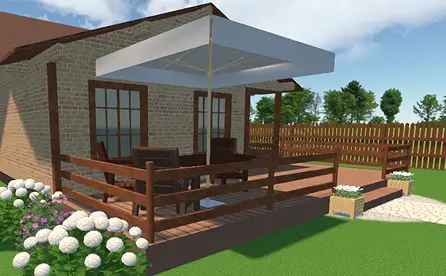 House & patio builder
Plan the exterior of your house and
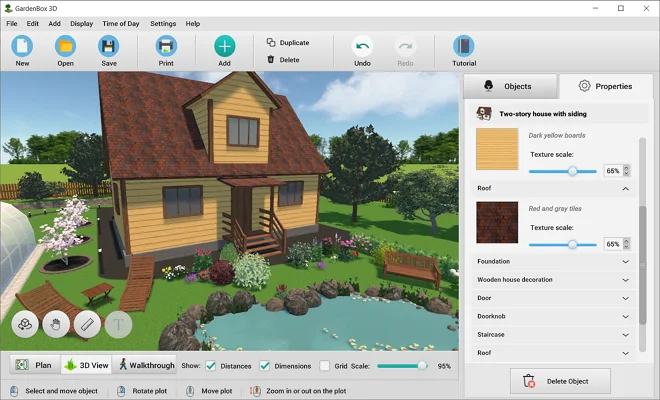
add a porch, patio, pergola, and other additional buildings. Try different materials for walls, fences, roofs, etc.
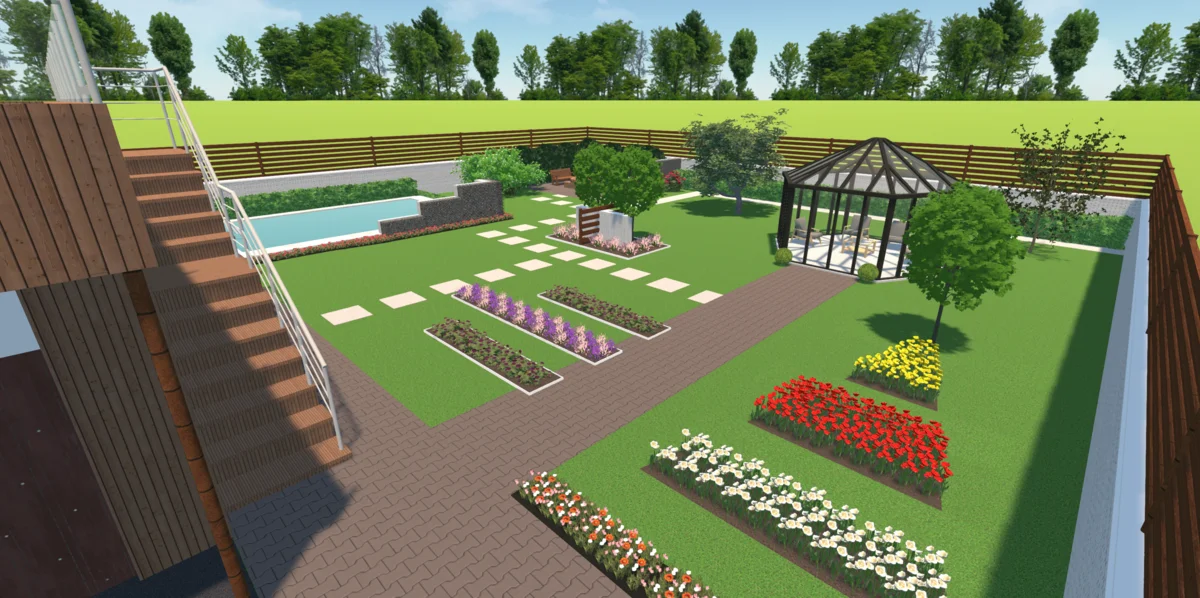
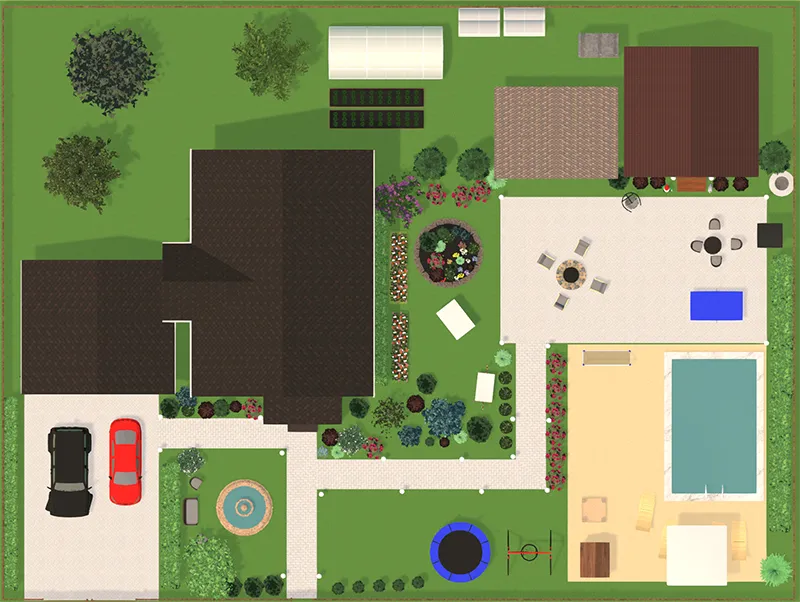 Garden planner
Arrange the trees, berry bushes, and flower beds. Play with the trees' height and thickness to see your garden in a few years from now.
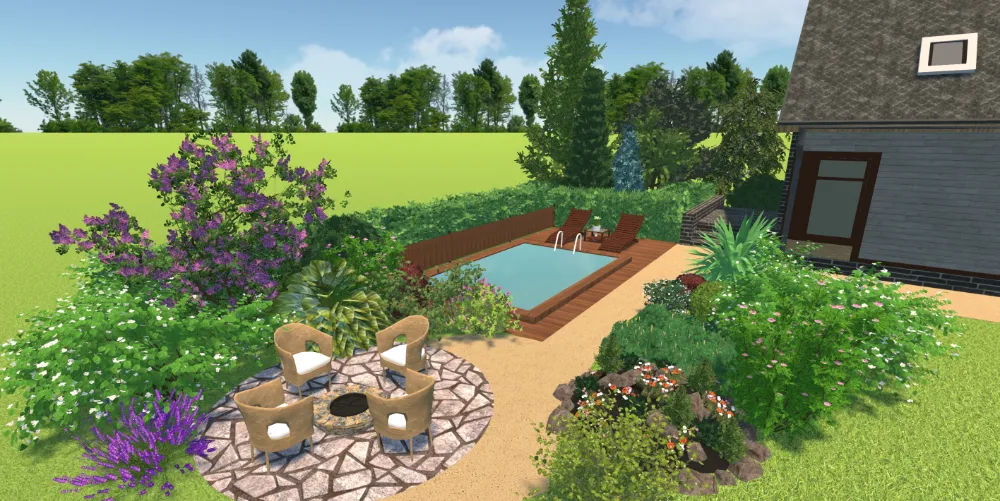 Backyard designer
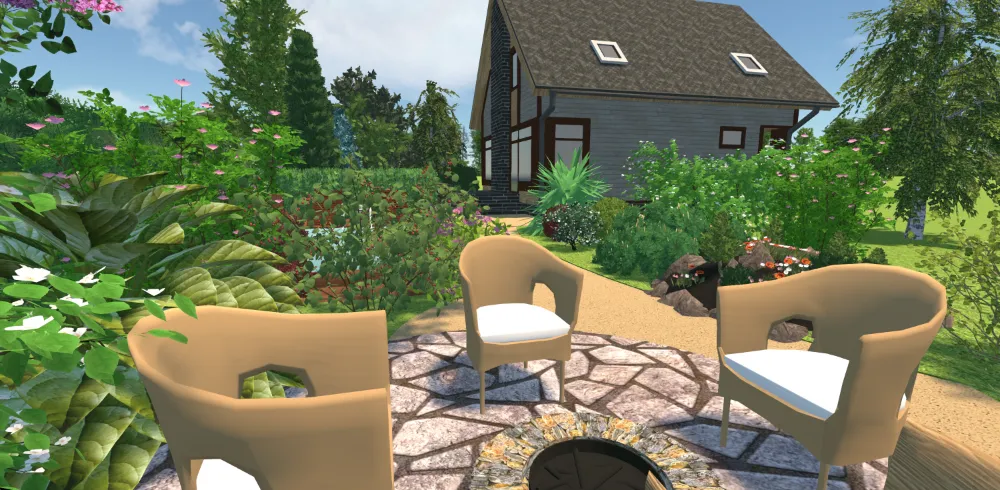
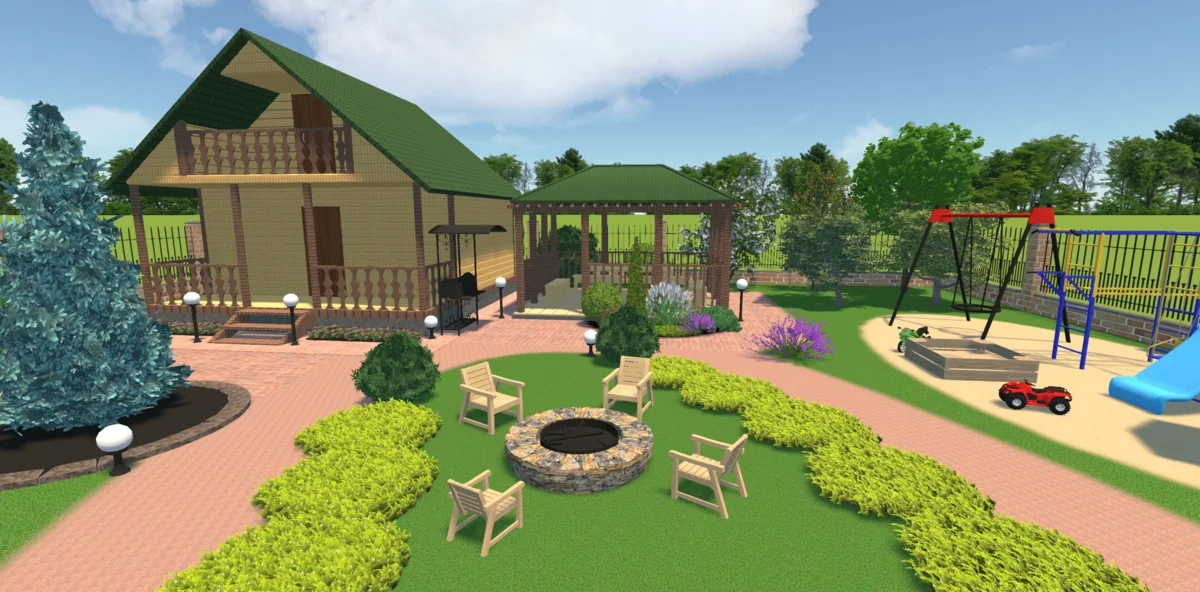
Create a cozy area where you can relax with family or friends. Set up a table with chairs, add hammocks, benches, and other lawn furniture.
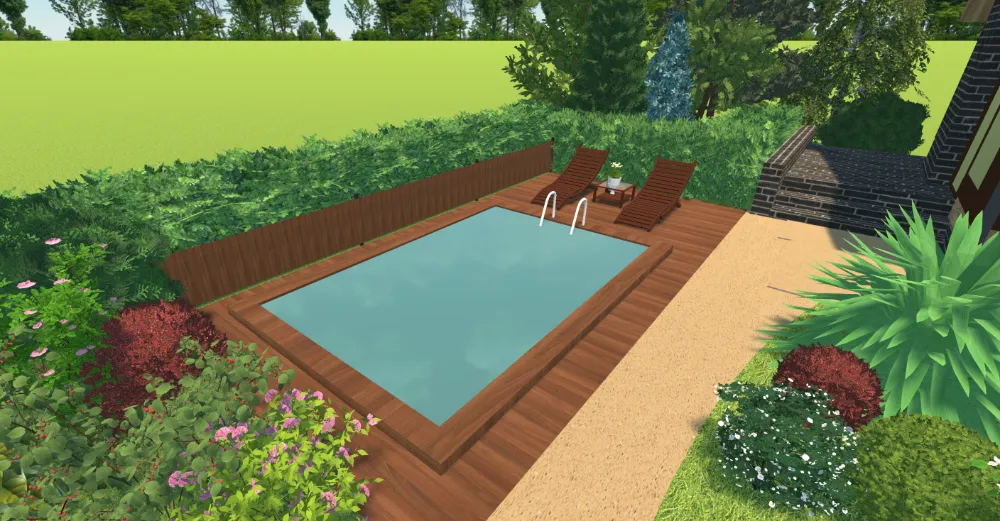
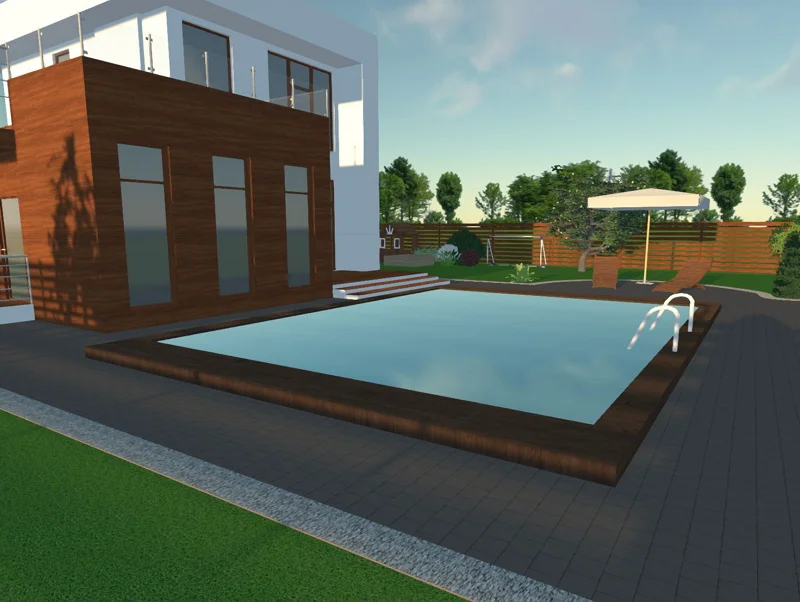 Pools and waterworks
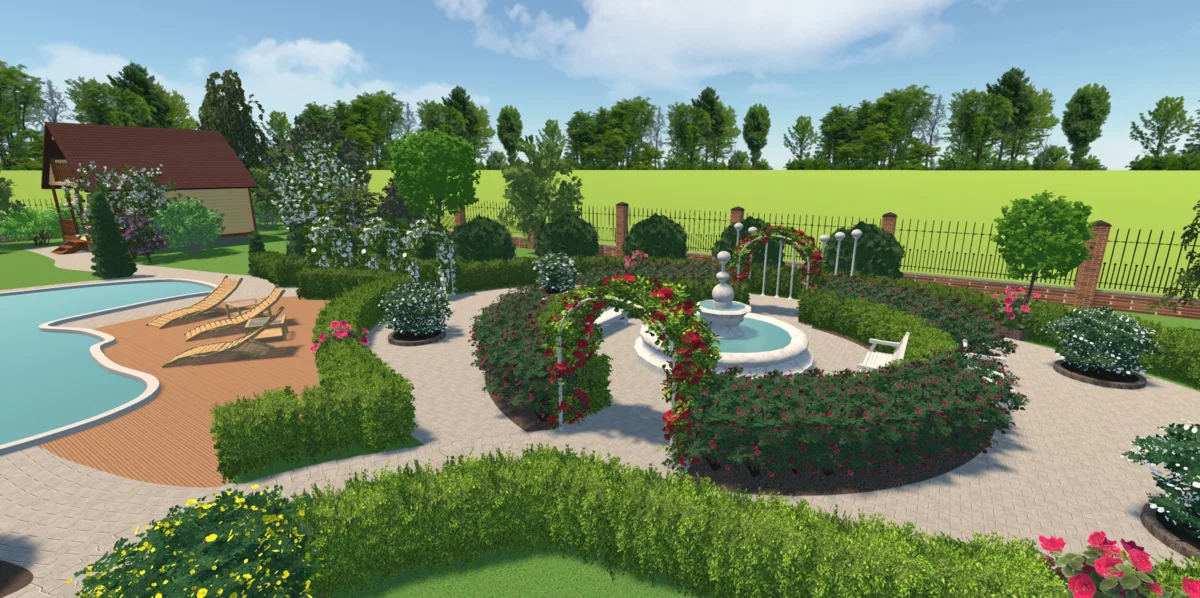
There are all kinds of water features in this software, from pools to fountains.
It even helps you visualize the sky reflection on the water. Your landscape just couldn't look more realistic!
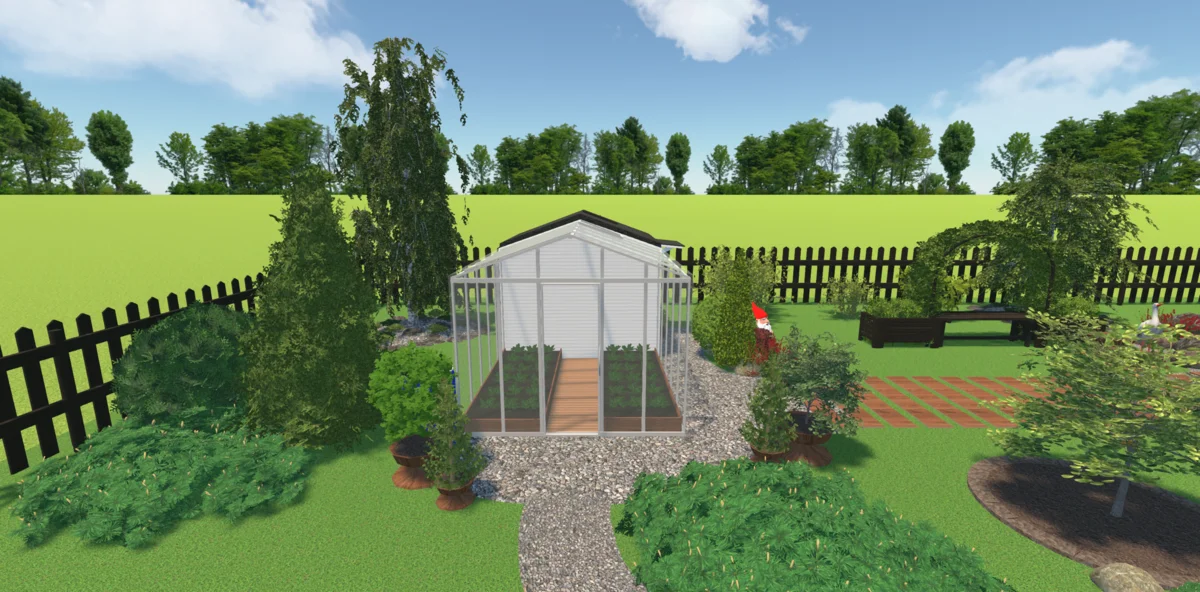
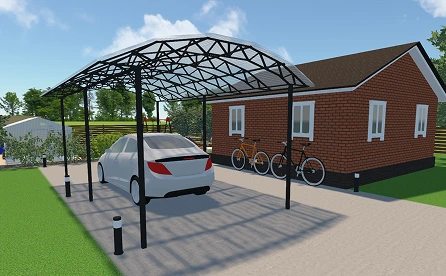 Sheds and carports
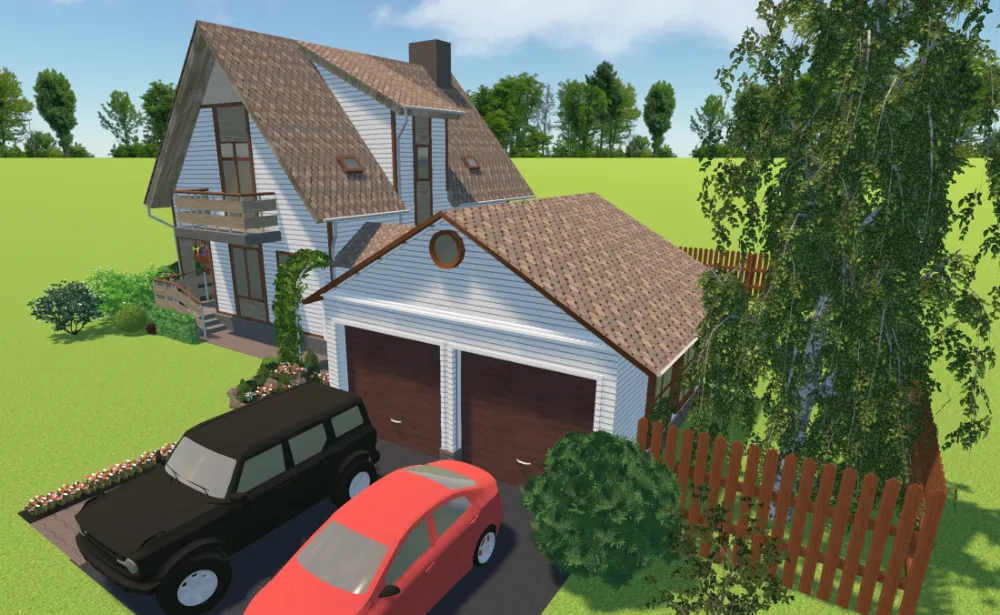
Add a shed to your plan for storing lawnmowers and other garden tools. Make a parking zone with a carport
and a vehicle. Define the area
by adding a hedge.
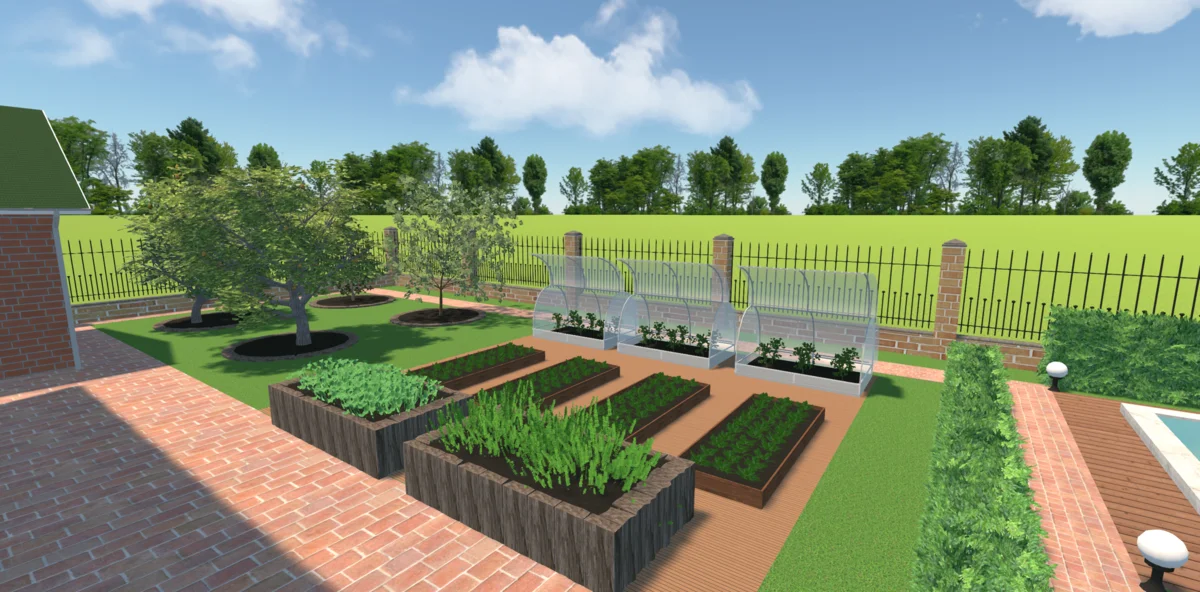
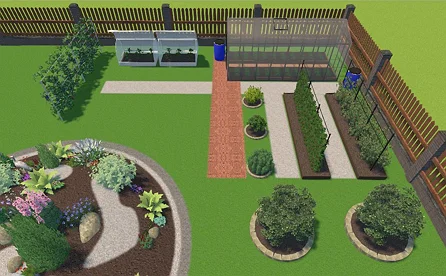 Vegetable garden
Plan what you want to plant and
how much. Decide how to arrange
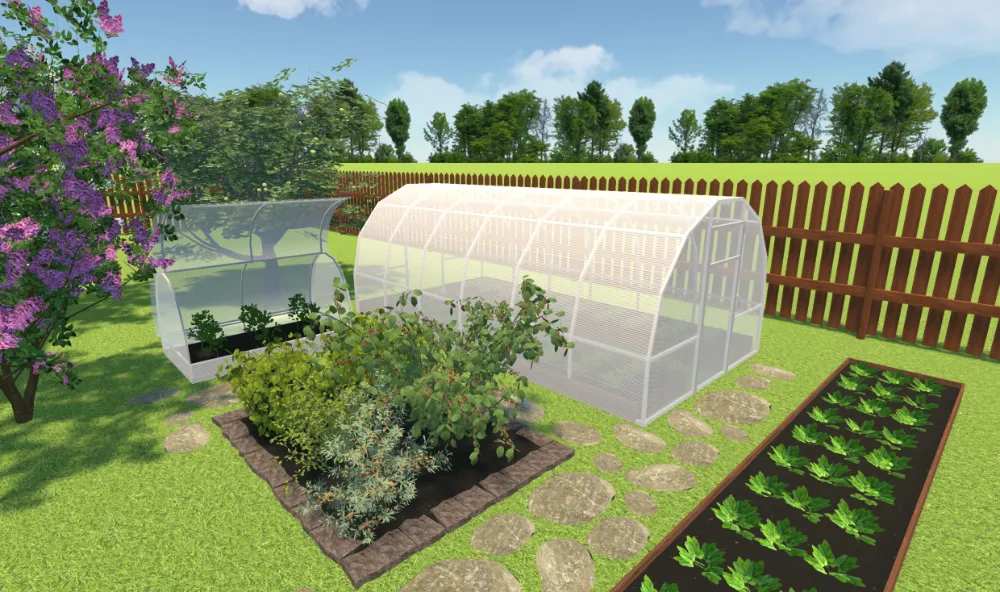
vegetable beds and greenhouses on your plot considering the irrigation, lighting, and other conditions.
View prices
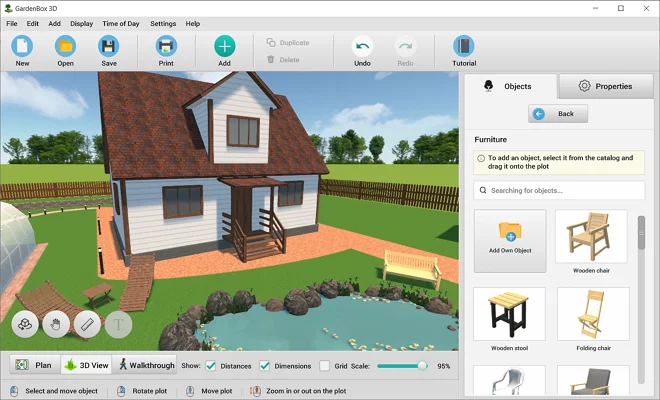
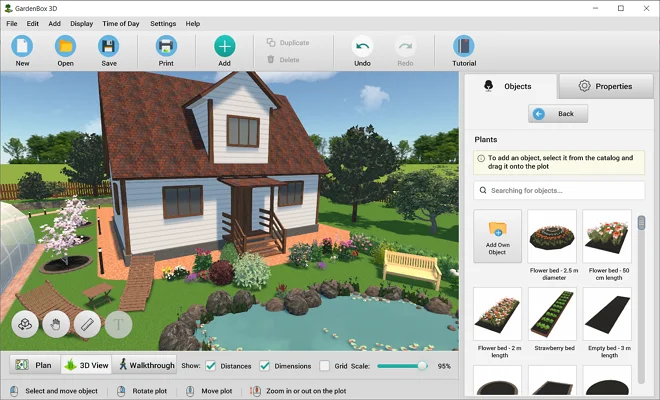
Explore 300+ Furnishing Items
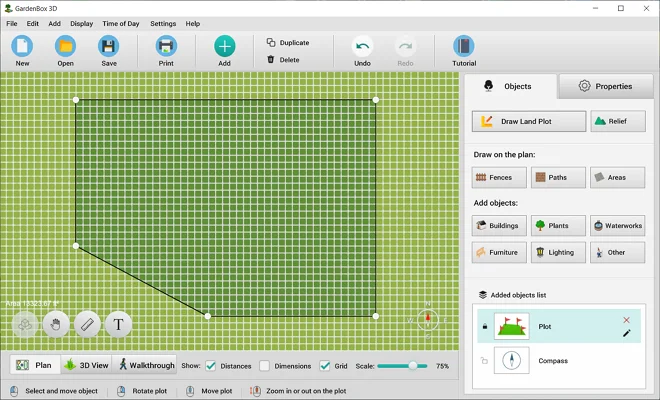
Use hundreds of ready-made models to make your landscape designs more realistic and create detailed, full-scale projects. Plan spaces with any outdoor objects you need: create a lounge area, select lawn decor, make a playground area with porch swings, etc.
Change the models’ size and position, rotate the objects, adjust their height and width separately, and set their level above the ground. When you’re done, “lock” the object so you don’t move it on your landscape plan by accident.

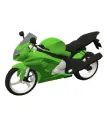
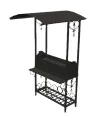

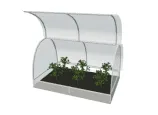
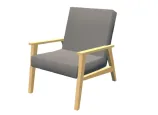
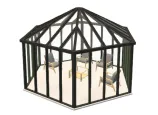
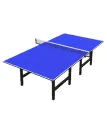
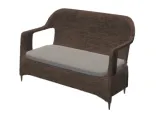
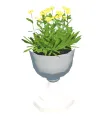


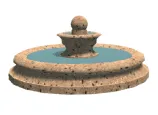
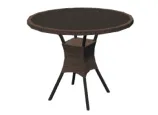
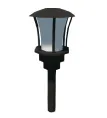
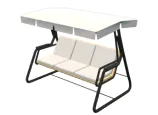
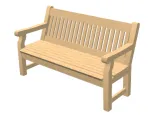

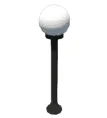
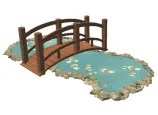
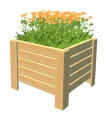
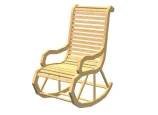
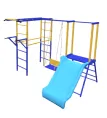



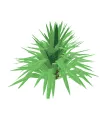
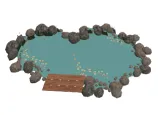

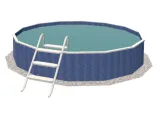
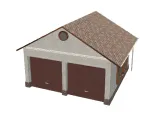
scroll through the landscape
design items
A year of free updates
Experiment with Different Exterior Finishes
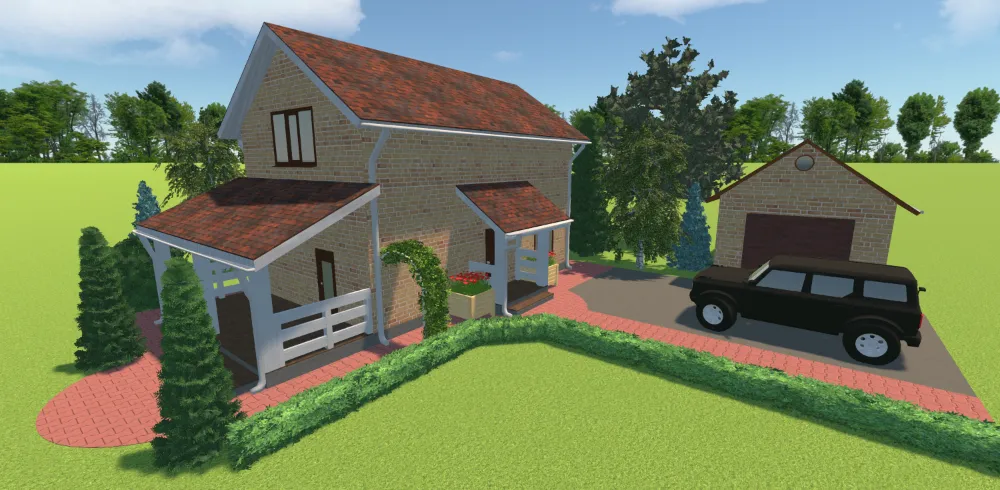
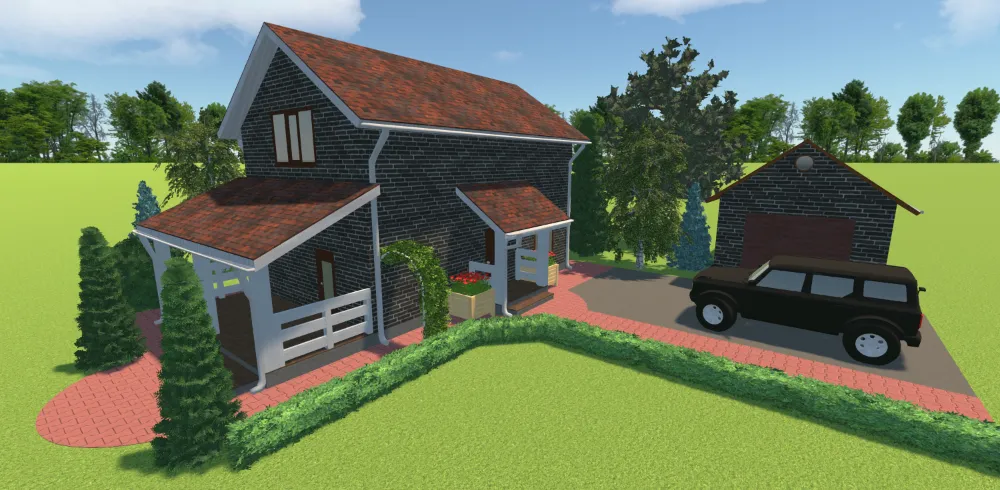
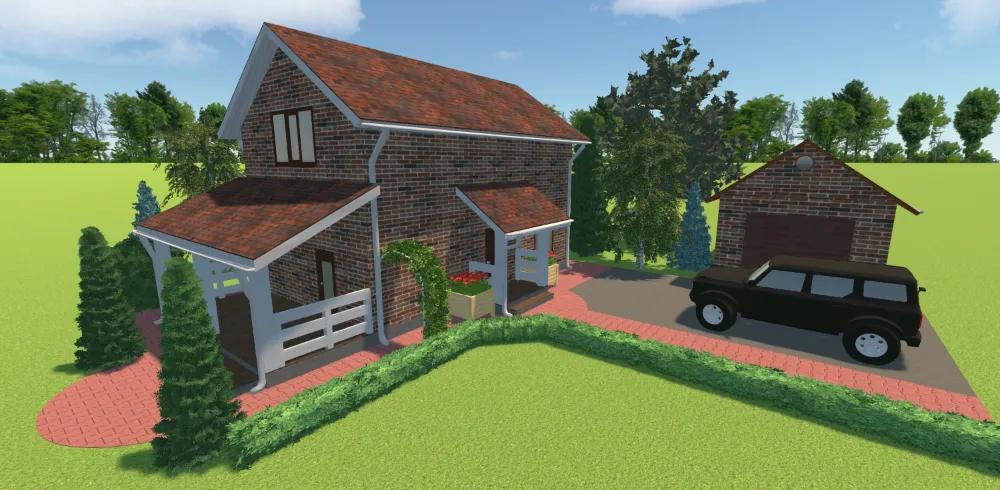
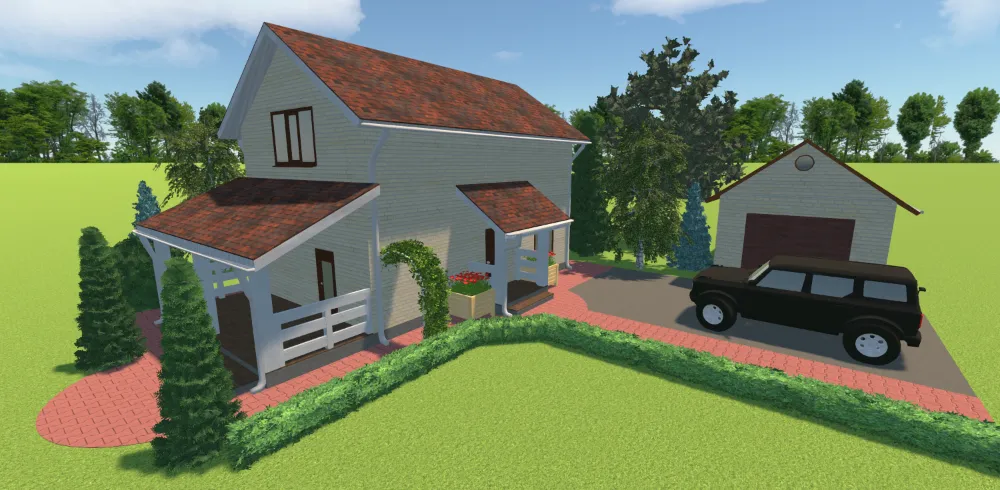
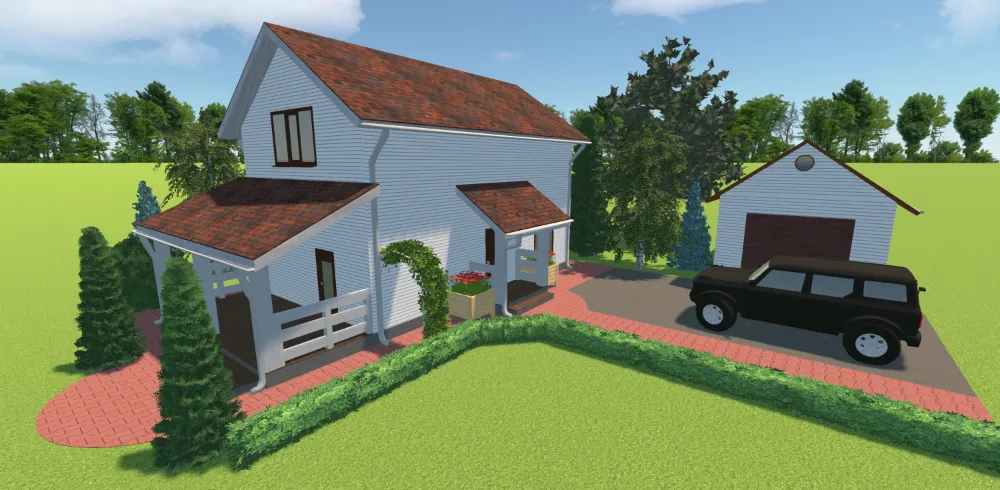
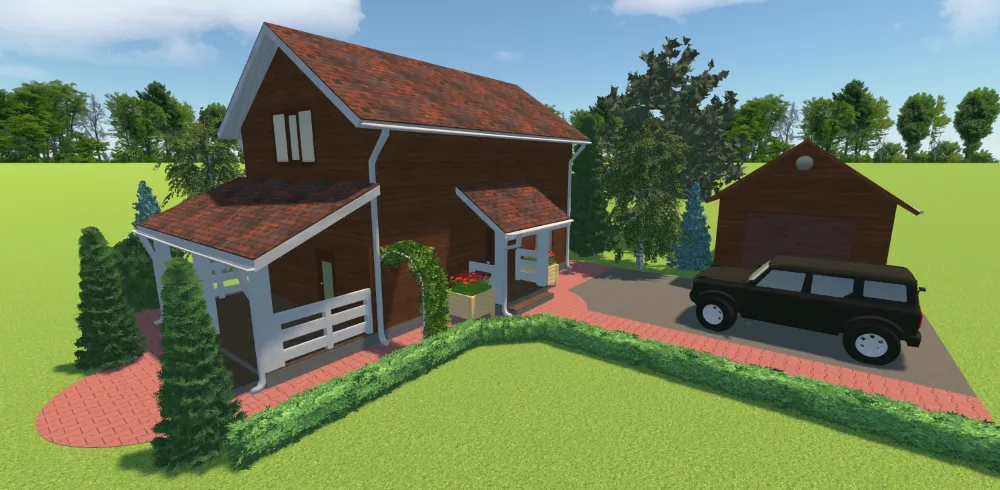
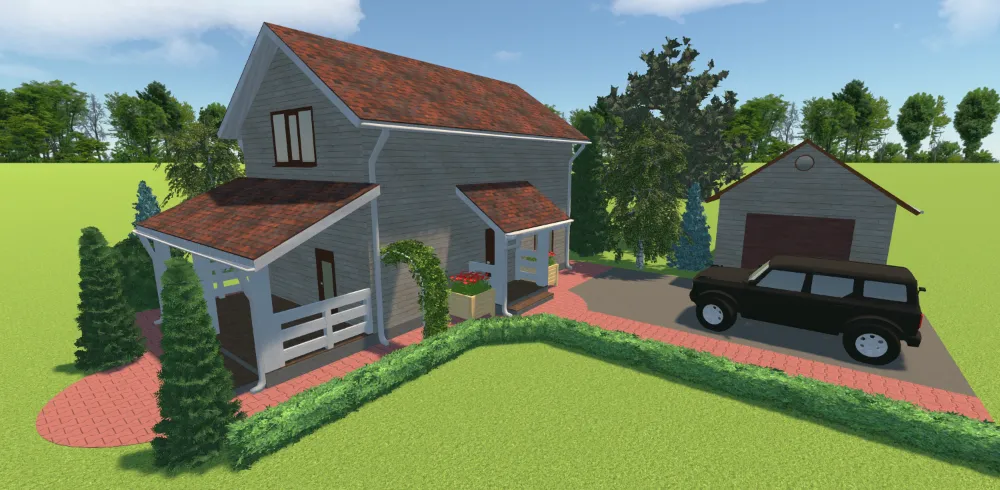
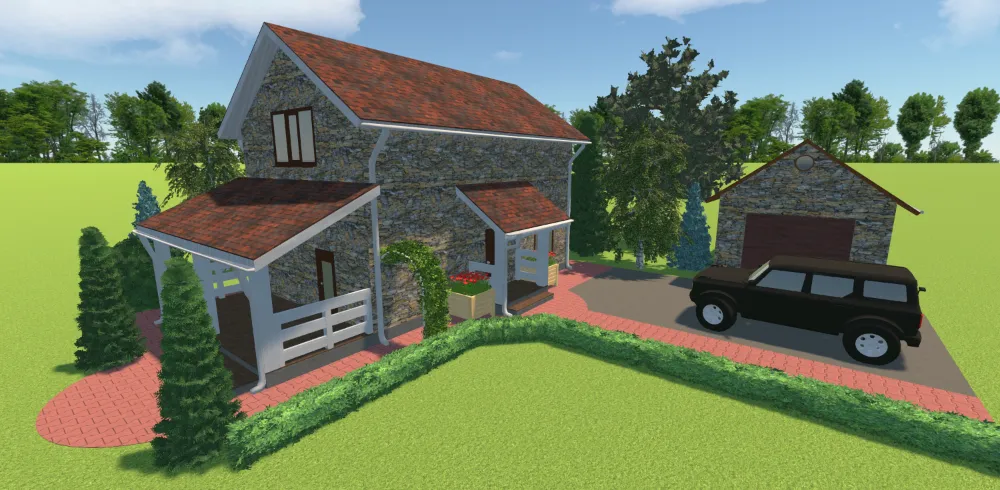


see the result
Handy Features for Professional Landscape Design
Let’s see what this professional landscape software has to offer:
Precise garden plans
- Import your own landscape plan for accurate drawing
- Recreate the real terrain, including slopes and elevations
- Measure distances with a digital ruler
- Feet, inches, and metric system available
Attractive landscape designs
- View landscape plans in the morning, afternoon, and evening lighting conditions
- Upload your own 3D models and create landscape designs with buildings, plants, and other objects
- Customize the colors and surfaces
- Rotate the compass to visualize the sunlight's path and the shadows
Easy-to-use tools
- Find the objects you need through the search bar
- Change the scale and rotate the plan easily
- Label areas with text captions
- Follow built-in tips and prompts
- Save plans as images or PDF files to share complete landscape projects or collaborate with clients
Our Clients from All Over the World
Trusted by renovation, architecture, and park maintenance experts, GardenBox 3D helps brands to create professional projects all around the globe: in the US, France, Germany, and other countries.





















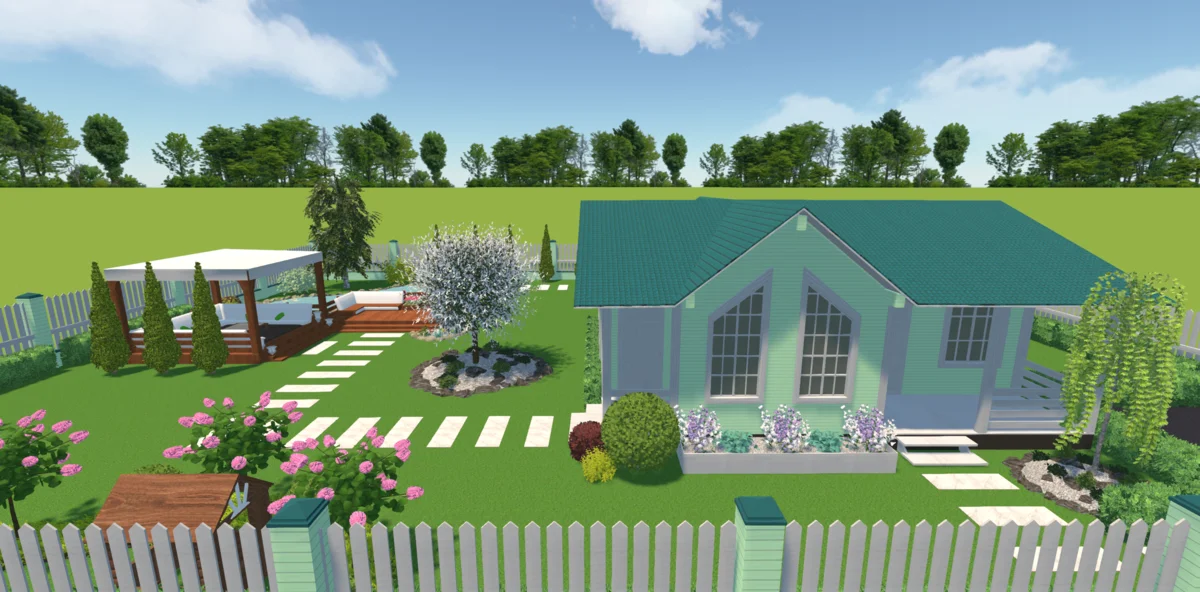
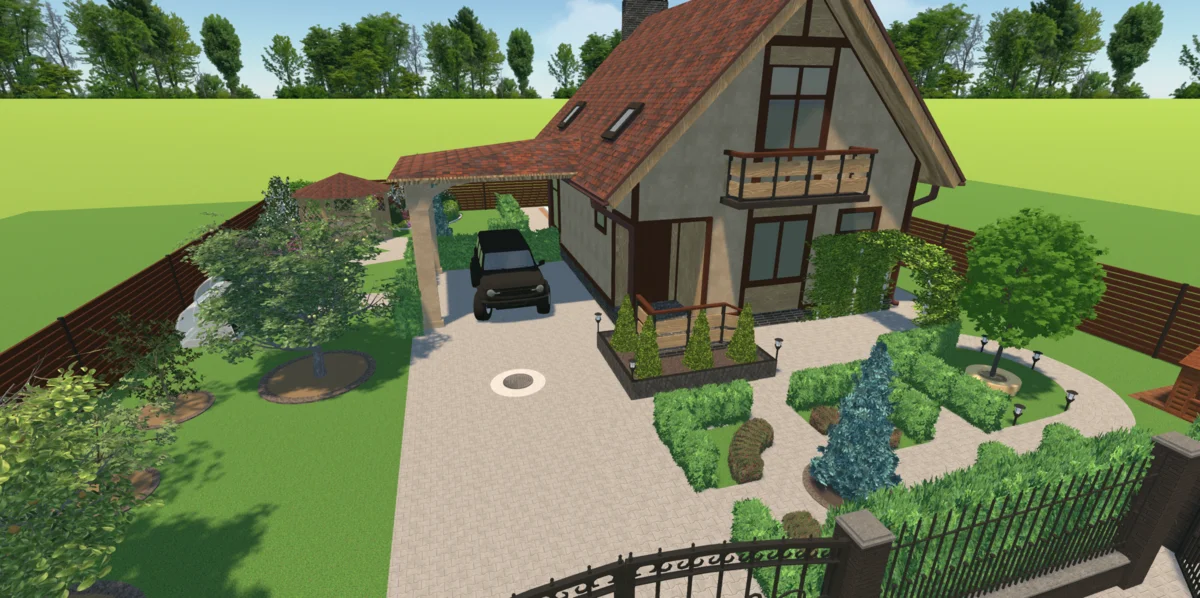
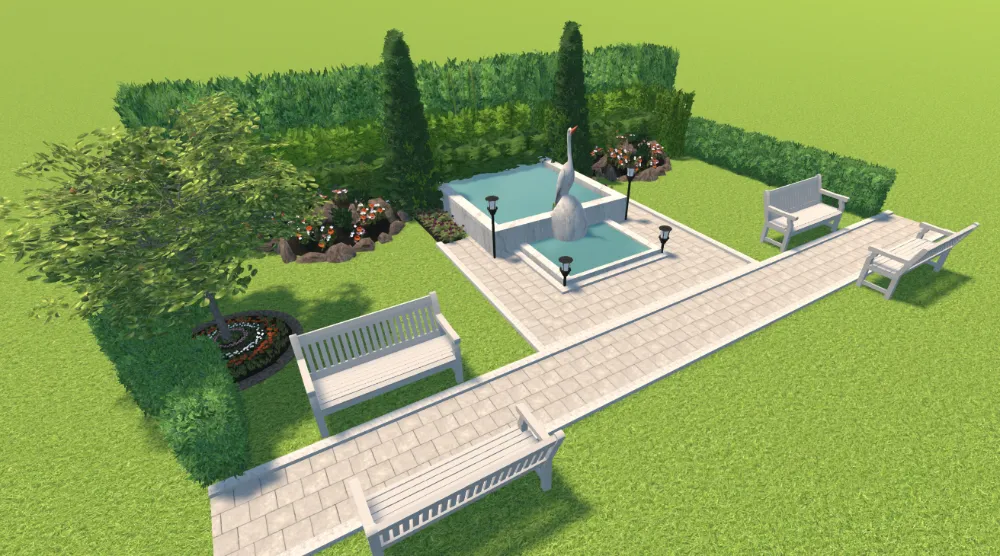
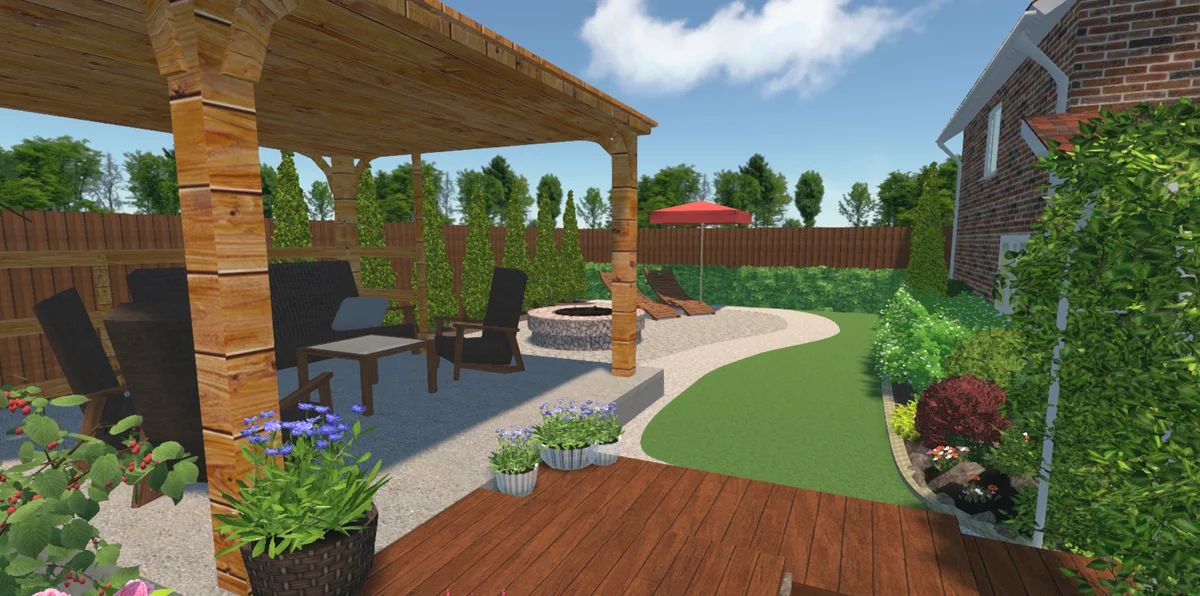
Garden Design Examples Made with Our Software
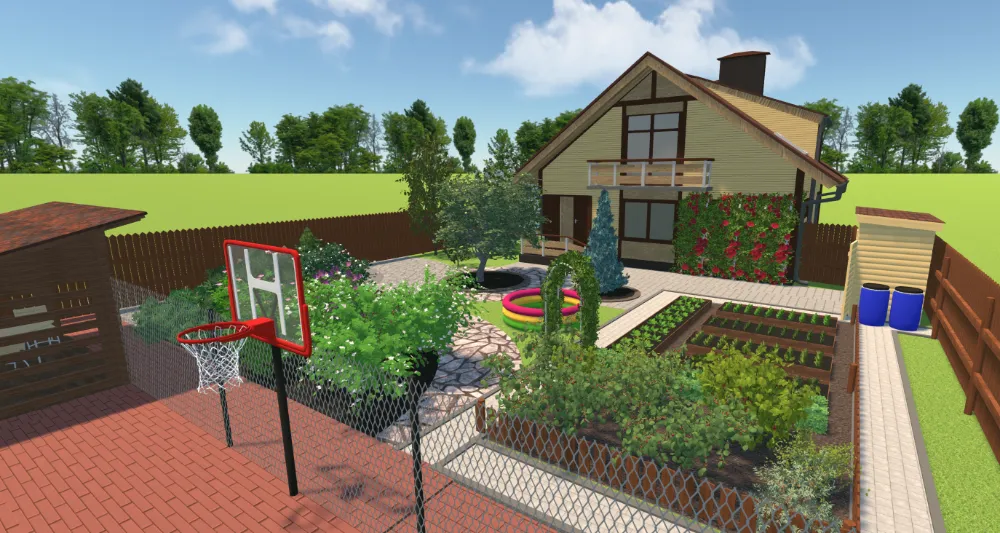
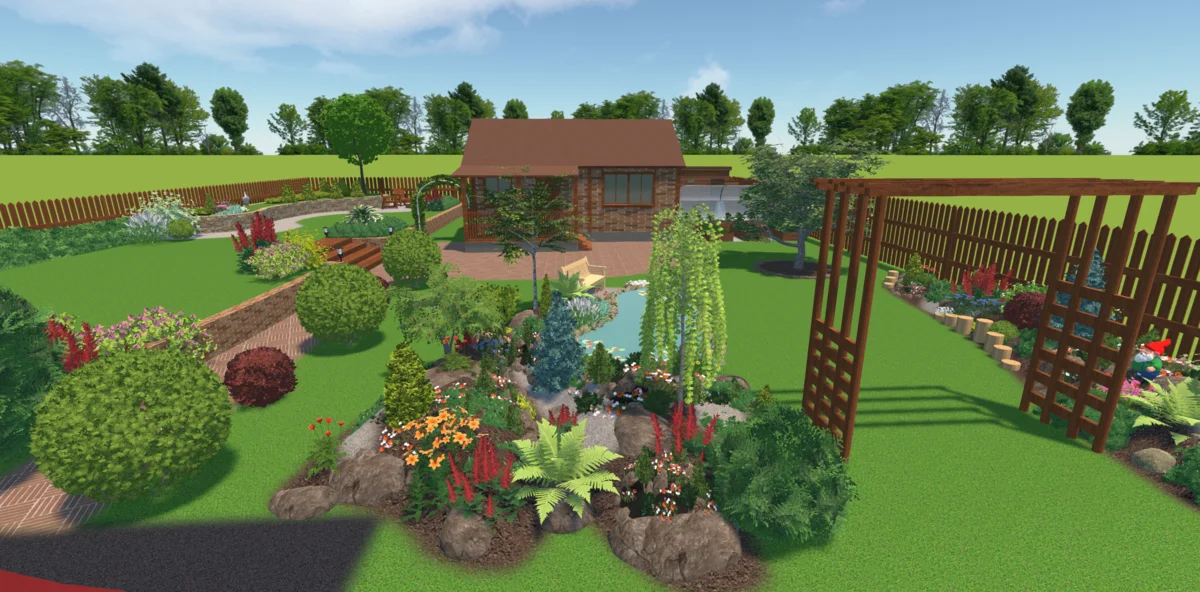
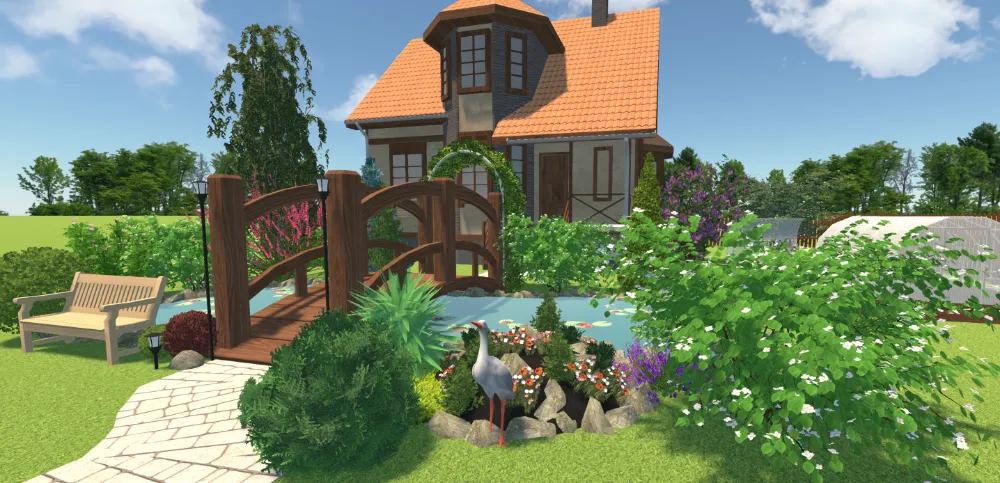
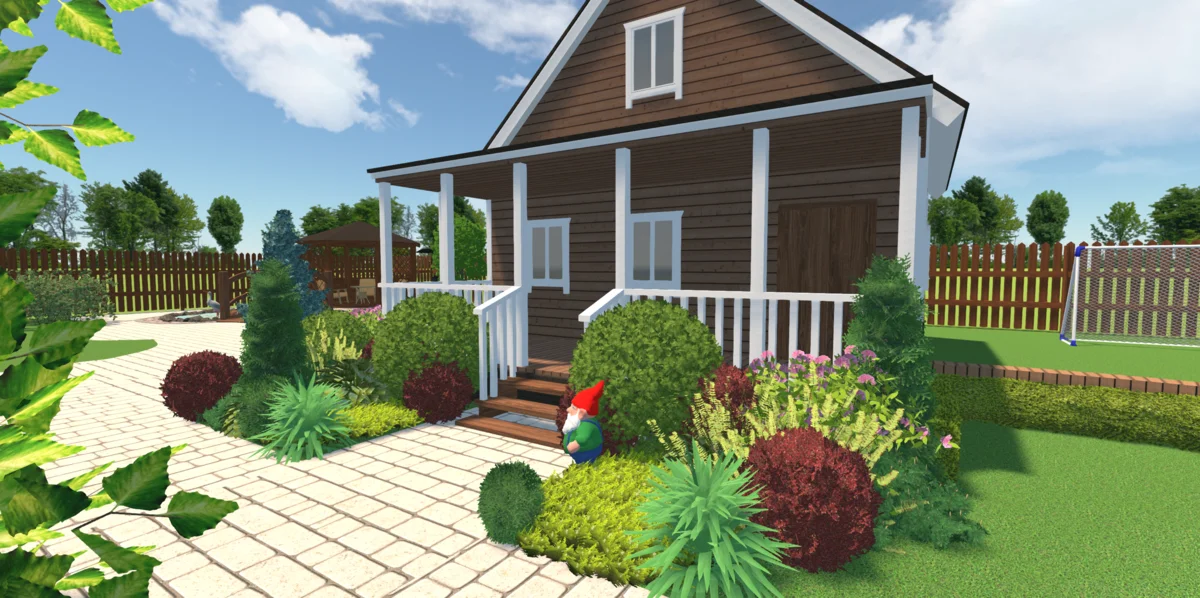
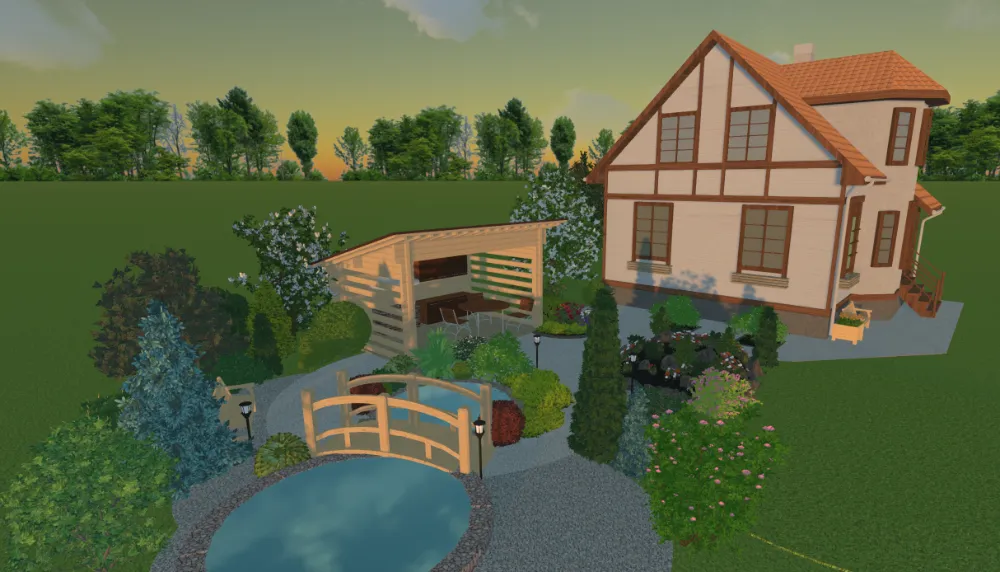
(the “Time of day” feature)
Limited time offer! Get 50% OFF until November 20, 2026!
- Preview your project in 3D mode
- Add buildings, plants, fences, paths and decorations
- Change color and texture of objects: roof, walls, pathways
- Access 100+ models of plants, flowerbeds, vegetable beds

- Enjoy all the advantages of the STANDARD edition
- Add fountains and ponds
- Arrange garden furniture
- Change the lighting depending on the time of day
- Access 150+ models of high-quality flowers, shrubs, and trees
- Take a realistic 3D landscape tour in full-screen mode
- Add winding pathways, curved lawns and flowerbeds
- Enjoy all the advantages of the STANDARD edition
- Add fountains, ponds and various types of swimming pools
- Arrange garden furniture and lamp posts on your plot
- Change the lighting depending on the time of day
- Access 200+ models of high-quality flowers, shrubs and trees
- Take a realistic 3D landscape tour in full-screen mode
- Create height differences and build retaining walls
- Draw slopes, uplands and lowlands
See What Our Users Say About GardenBox 3D


Get started with GardenBox 3D today!
- Draw land plots, recreating actual shape & size
- Arrange buildings, plants, and furniture items
- Customize textures and colors of any surface
- Visualize your garden at any time of day
- Take a virtual walkthrough of your property
50% OFF today!